




This guide shares the working APK download link for One Punch Man World and steps on how you can install it.

While we already have quite a few One Punch Man games across different platforms, One Punch Man World is a rather unique take on the franchise which will satisfy the hunger of many players as it offers very fast-paced combat that is on par with some of the top brawler games, a gacha system similar to that of Genshin Impact and Honkai Star Rail, a semi-open world that will bring you closer to the world of One Punch Man, a variety of playable heroes and their different variants.
These are just a few things of many that can easily get any player hyped about One Punch Man World. While many in the community are eager to play the game, unfortunately, the game is released only in the US, Canada, UK, Ireland, Australia, New Zealand, Latin America, and the Nordics.
So, if your region is not among the ones listed, you will be able to open One Punch Man World's listing page. But, the download option will not be present for you.
Moreover, since Google doesn't like you using VPNs to alter your location and access the App Store as it violates their policy, the only way to install and play One Punch Man World on your Android device is via an external APK download link.
So, keep reading our guide as we share the working APK download link for One Punch Man World while sharing steps on installing it.
One Punch Man World APK & OBB Files Download Links
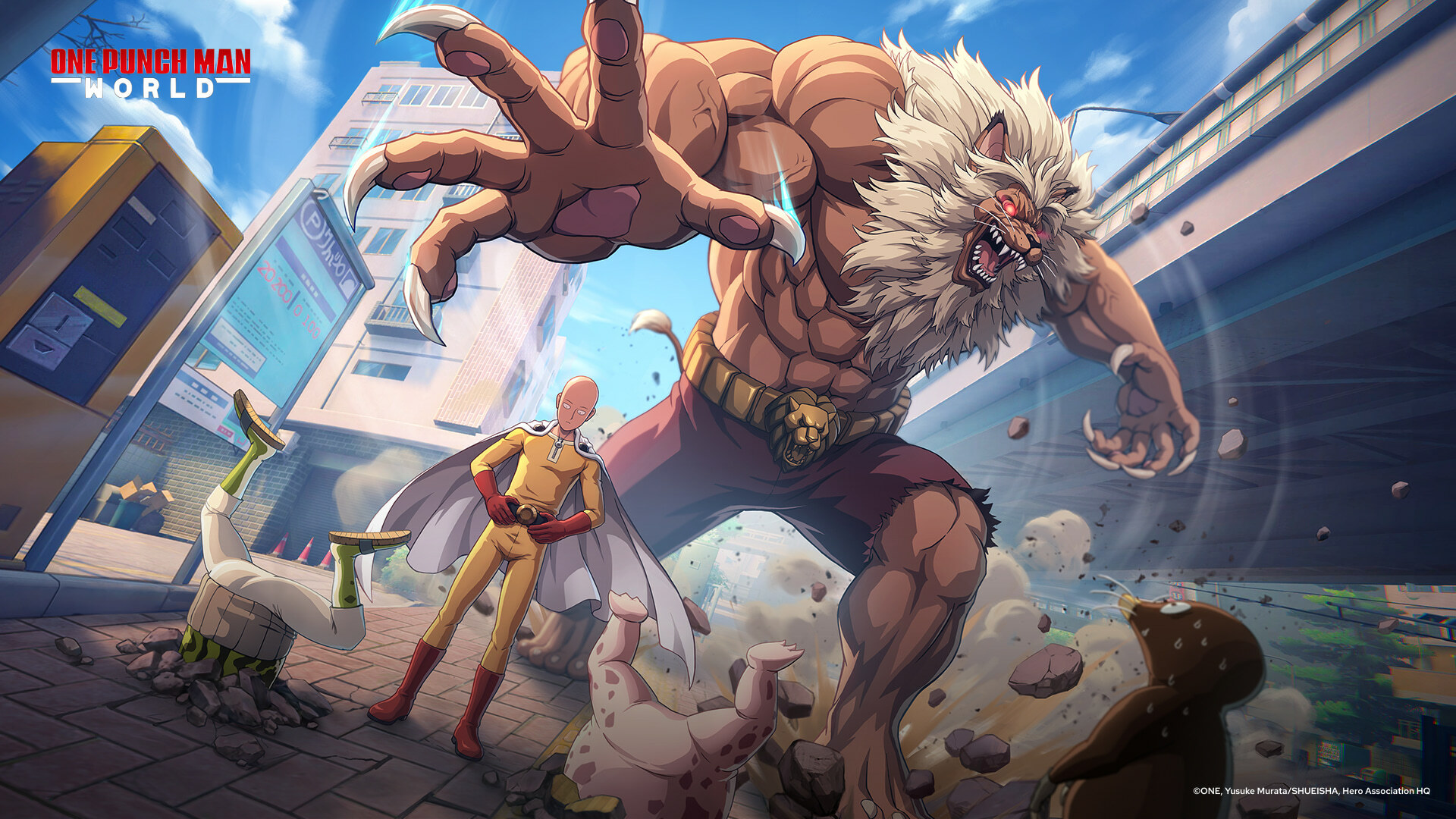
One Punch Man World APK file is not yet available at the time of writing. We will add the download link as soon as the APK file becomes available.
One Punch Man World APK Download Link
How To Install One Punch Man World APK
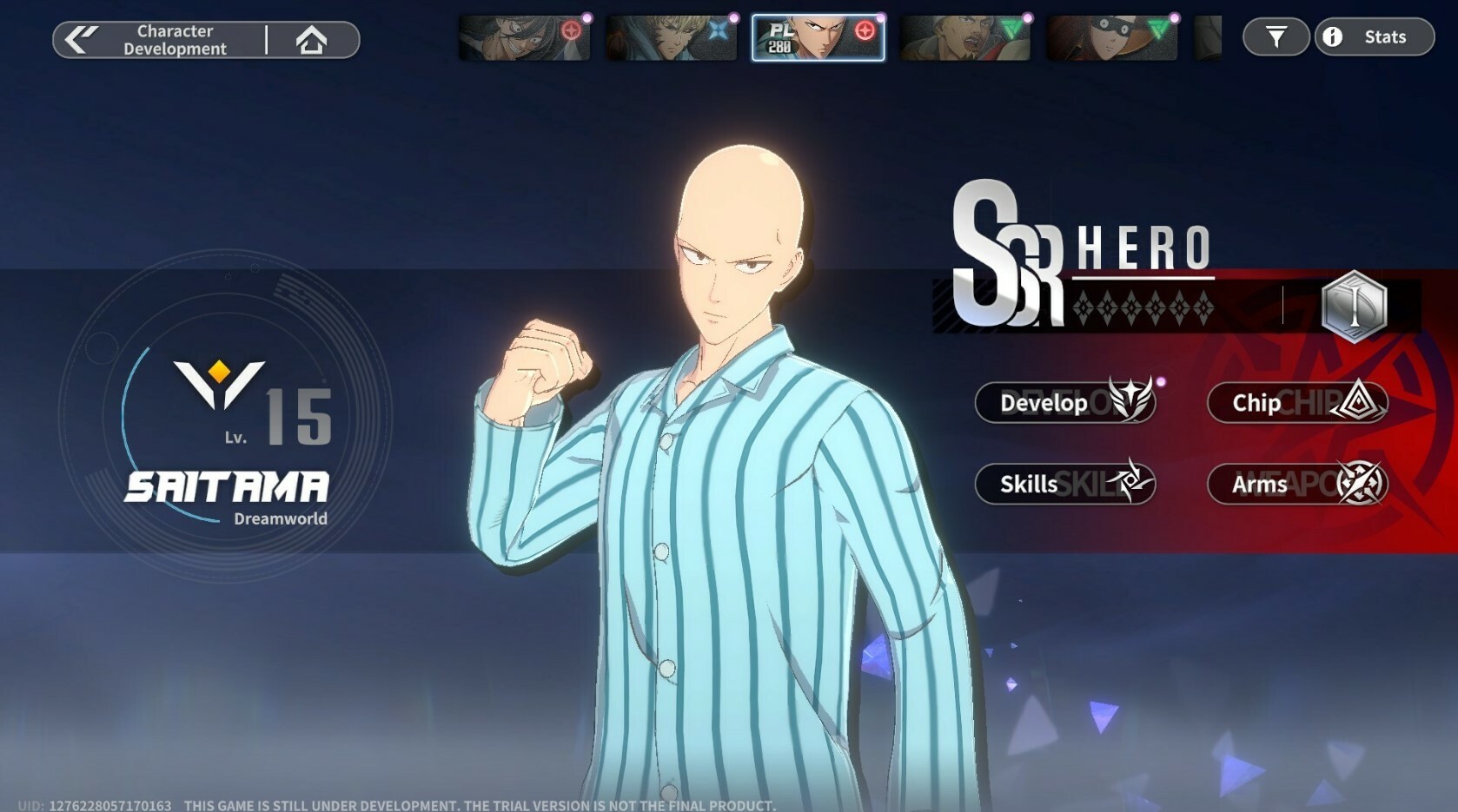
You can follow the below steps to install One Punch Man World on your Android device:
- Locate One Punch Man World APK on your Android device. [Downloaded files are stored in the file manager]
- Tap on the APK file to begin the installation.
- Once the One Punch Man World is installed, open it and let the additional files download.
If your device blocks applications from unknown sources, you can the following steps to allow the installation: Navigate to Settings > Safety, then Privacy > Install Apps from Unknown Sources.
For more on One Punch Man World, check out: