





In this guide, we share the default controls and keybindings for Roblox Bizarre Lineage.
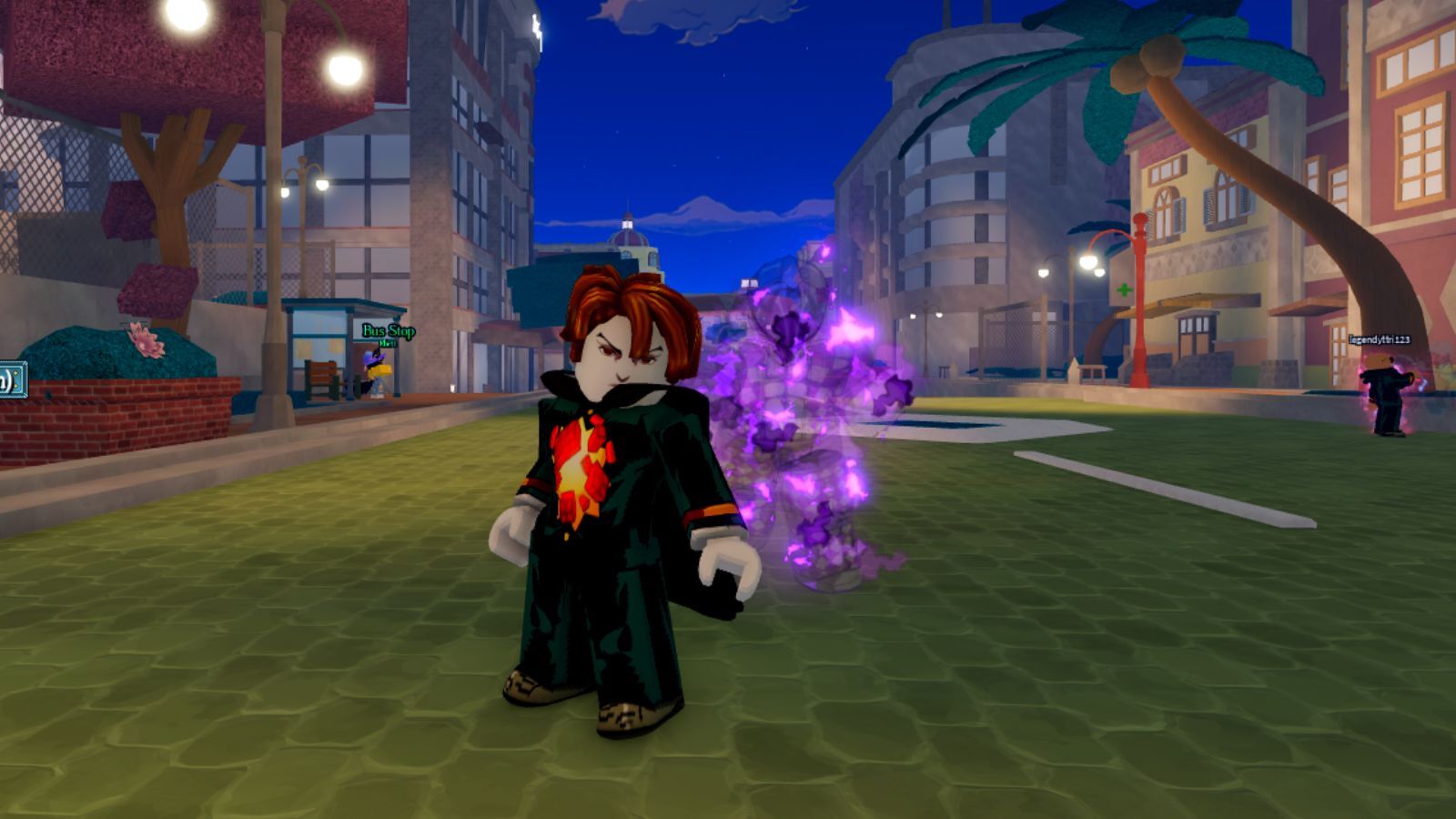
Bizarre Lineage is a action focused RPG experience where the core combat involves using Stands, weapons and such things and mixing them to form combo moves.
As many power-up options are there in the game, so are the controls and keys to use them. In fact, most players don't even know how to summon and use Stands and their abilities.
In the wake of all this, we prepared this handy guide sharing the default keybindings for all actions in Bizarre Lineage while going over a few other things.
Default Keybindings and Controls in Bizarre Lineage
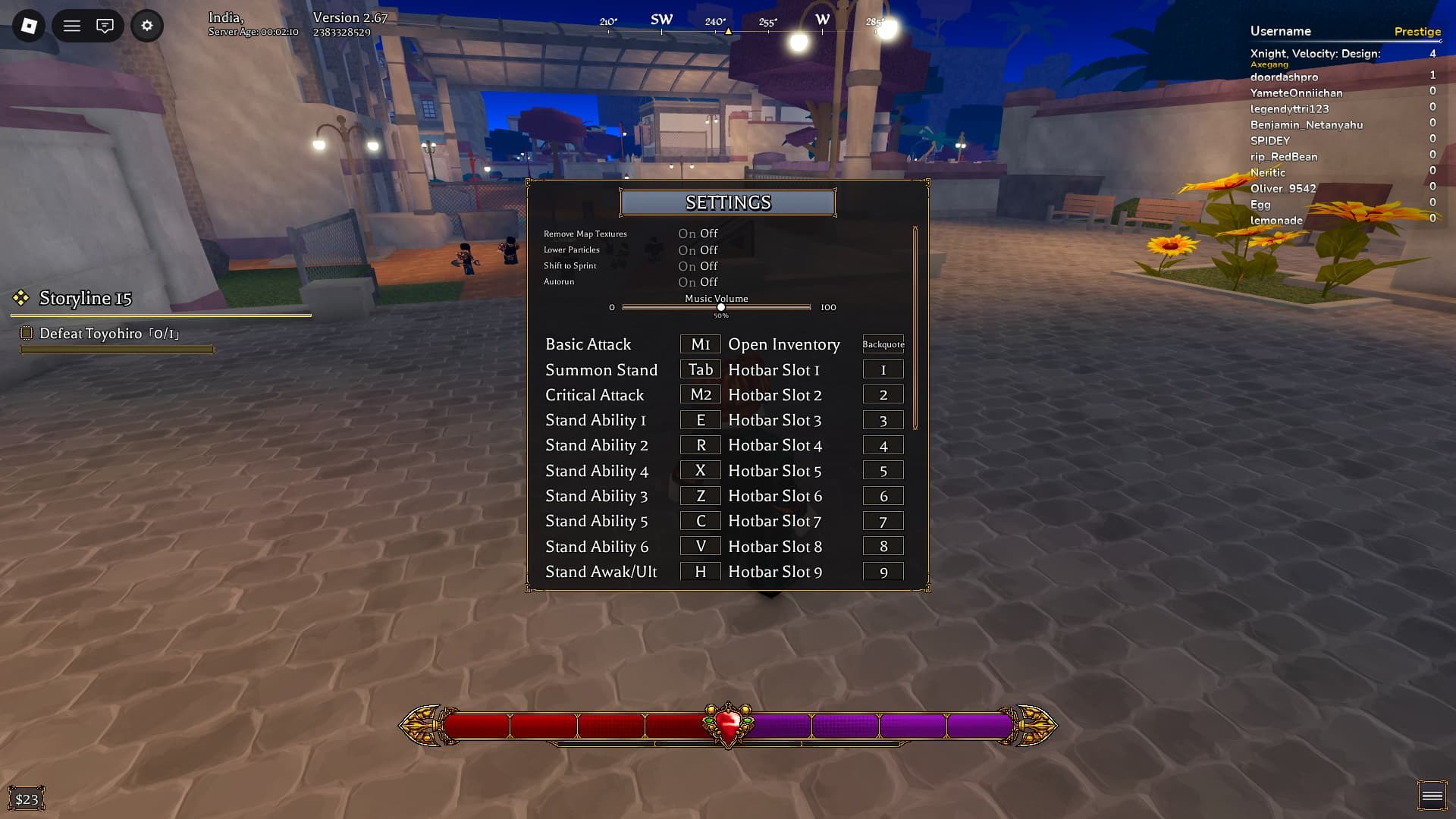
Here are the default controls and keybindings:
- M - Menu
- Tab - Summon Stand
- 2x W - Sprint
- Q - Dodge
- ` [Tilde] - Inventory
- Ctrl - Slide
- 1-9 - Hotbar Slot
- E - Stand Ability 1
- R - Stand Ability 2
- Z - Stand Ability 3
- X - Stand Ability 4
- C - Stand Ability 5
- V - Stand Ability 6
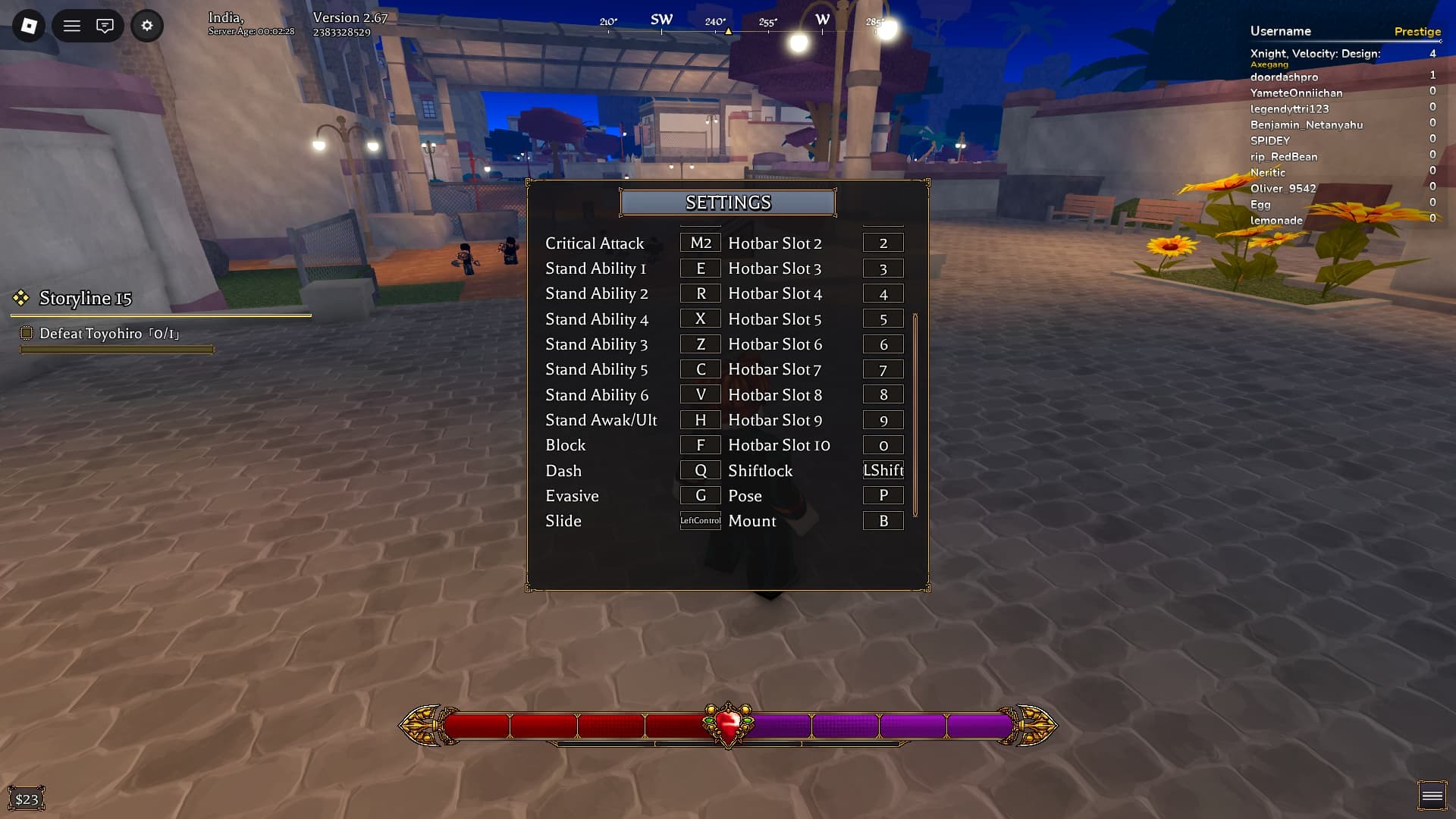
- B - Mount
- F - Block/Perfect Block
- Slide + Space - Slide Jump
- 2x W + M1 - Sprinting Attack
- T - Equip Weapon
- Right Click - Critical Attack
- N - Eagle Vision [Highlights]
How To Change Keybindings in Bizarre Lineage
To change keybindings, start the game and click on the ⚙️ icon to access the in-game 'Settings' option.
Now, scroll down to the respective action and click on it. Assign a new button, and you are good to go.
Best Settings for Bizarre Lineage
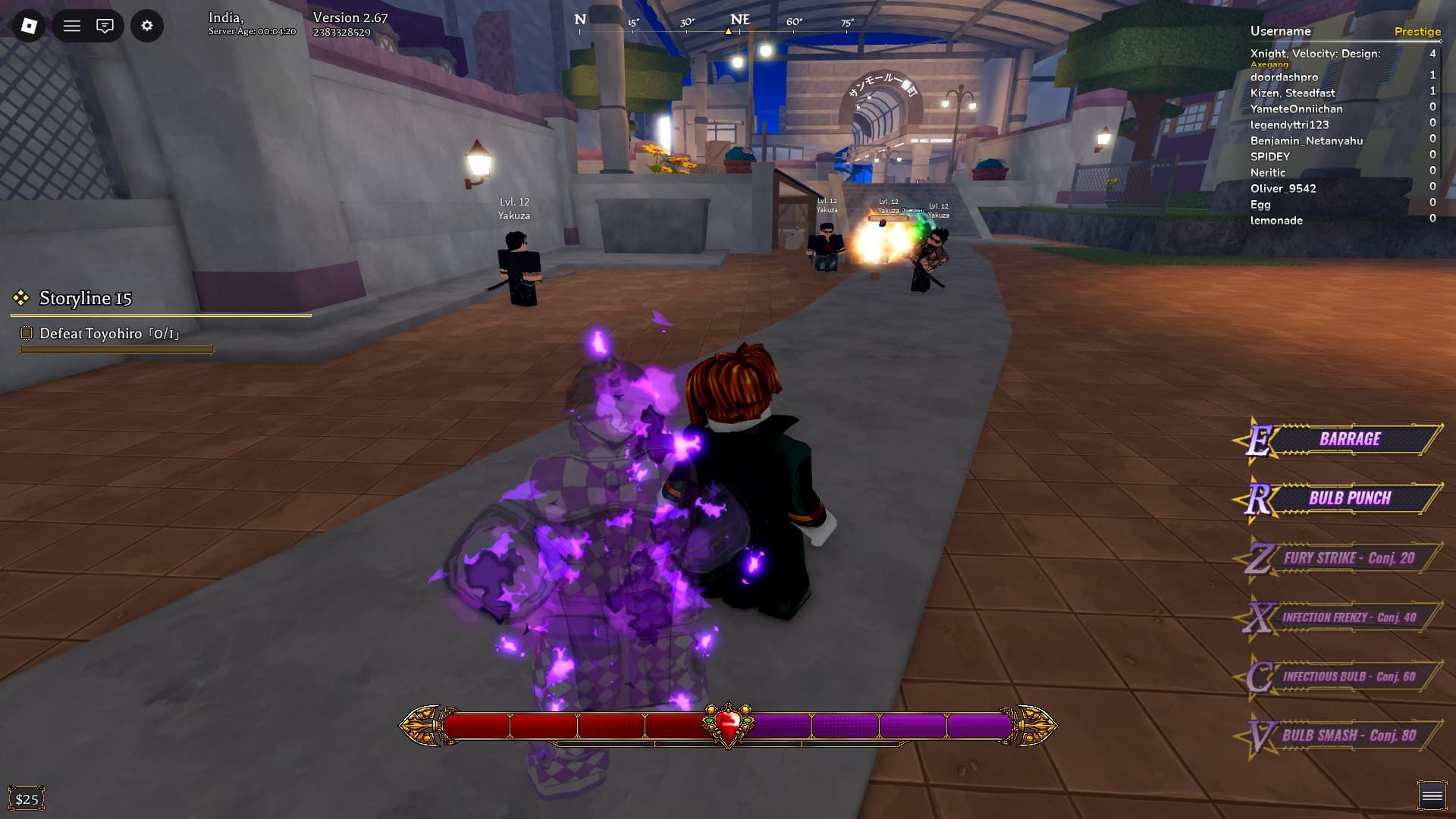
Based on what we have experienced so far, the best settings for Bizarre Lineage include enabling the 'Auto Run' toggle while binding the Stand abilities to 1-6, instead of them being used for the Hotbar.