






This guide shares Super League Soccer scripts and details on how you can use it to get auto goal, dribble, pass and other such features.

If you are looking for Super League Soccer scripts to help you win easily, you have come to the right place.
As you may know, Super League Soccer is a fast-paced, realistic soccer experience on the Roblox platform featuring 7v7 matches where you can play as a goalkeeper, midfield master, or star striker and lead your team to victory.
As simple as it sounds, scoring a goal in the game is hard and requires a lot of effort. This is where the Super League Soccer scripts come into play, as they allow you to automate certain actions in the game, making the experience much easier.
So keep reading as we list Super League Soccer scripts and details on how to execute them in-game to unlock different auto features.
All Working Scripts For Super League Soccer
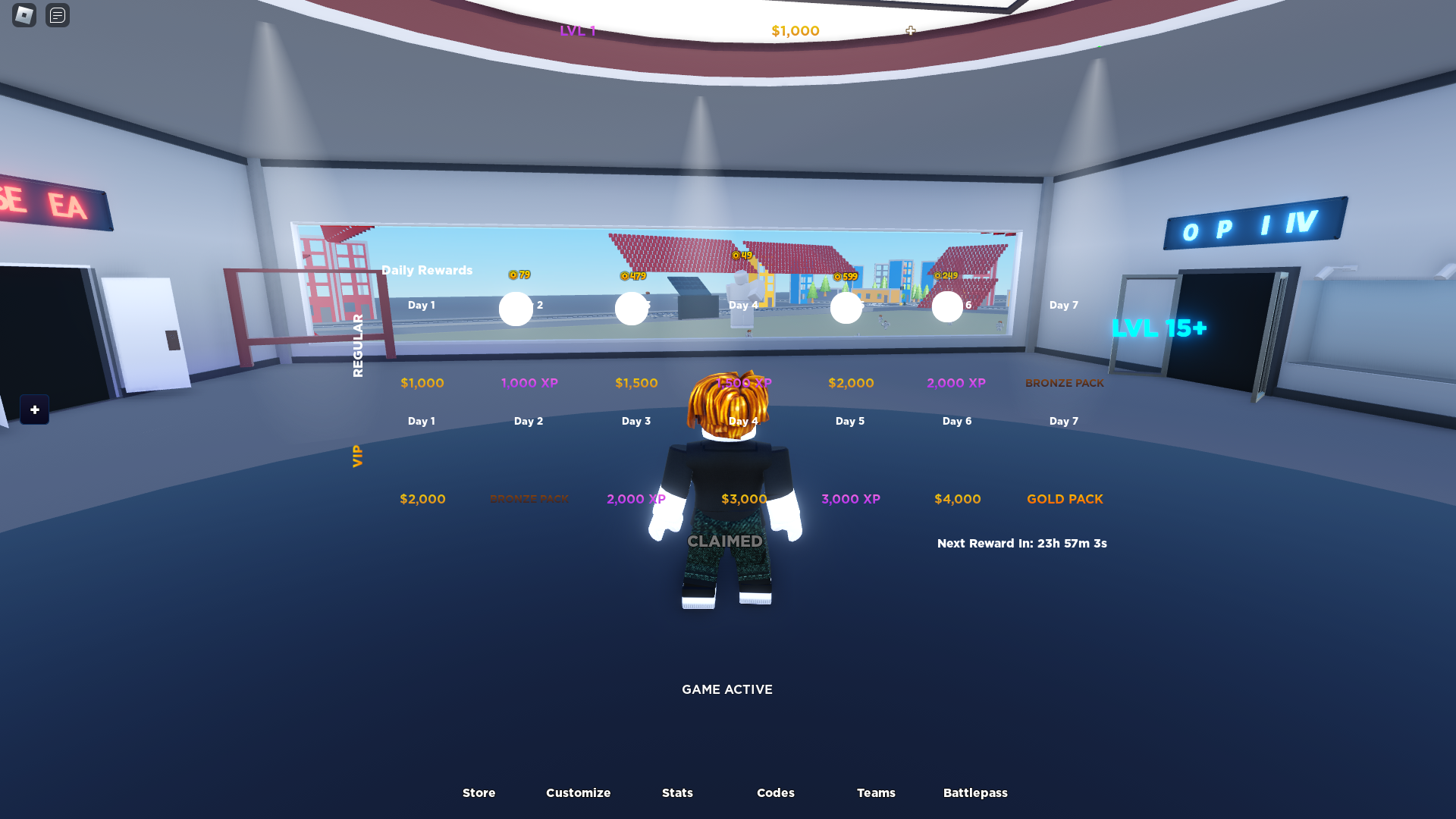
Here are all the working scripts for Super League Soccer
Disclaimer: Roblox scripts can get you banned in-game and on the platform. So please use them at your own risk. Also, it is best to use scripts on a new account rather than your regular ones.
Script 1
loadstring(game:HttpGet("https://raw.githubusercontent.com/1f0yt/community/main/SuperLeagueSoccer"))()
Script 2
loadstring(game:HttpGet('https://raw.githubusercontent.com/Iratethisname10/roblox/refs/heads/main/games/super%20league%20soccer/free%20ver.ob.lua'))()
How To Use Scripts
Here is how you can use Roblox Super League Soccer scripts to unlock different features in the game:
- Download Roblox Executor. (Arceus X or others)
- Some other executors include: krnl, Fluxus, Script-Ware, Script-Ware M, and Synapse
- Once the download is complete, install the Roblox Executor, then open it and log in with your Roblox account.
- Search and play Super League Soccer.
- Click on the executor icon. If required, copy the key.
- While playing Super League Soccer, open Script Hub.
- Copy and paste the working scripts above as needed.
- Execute the script.