






In this guide, we share some community-made scripts for Roblox's Survive the Apocalypse and the steps to use them.

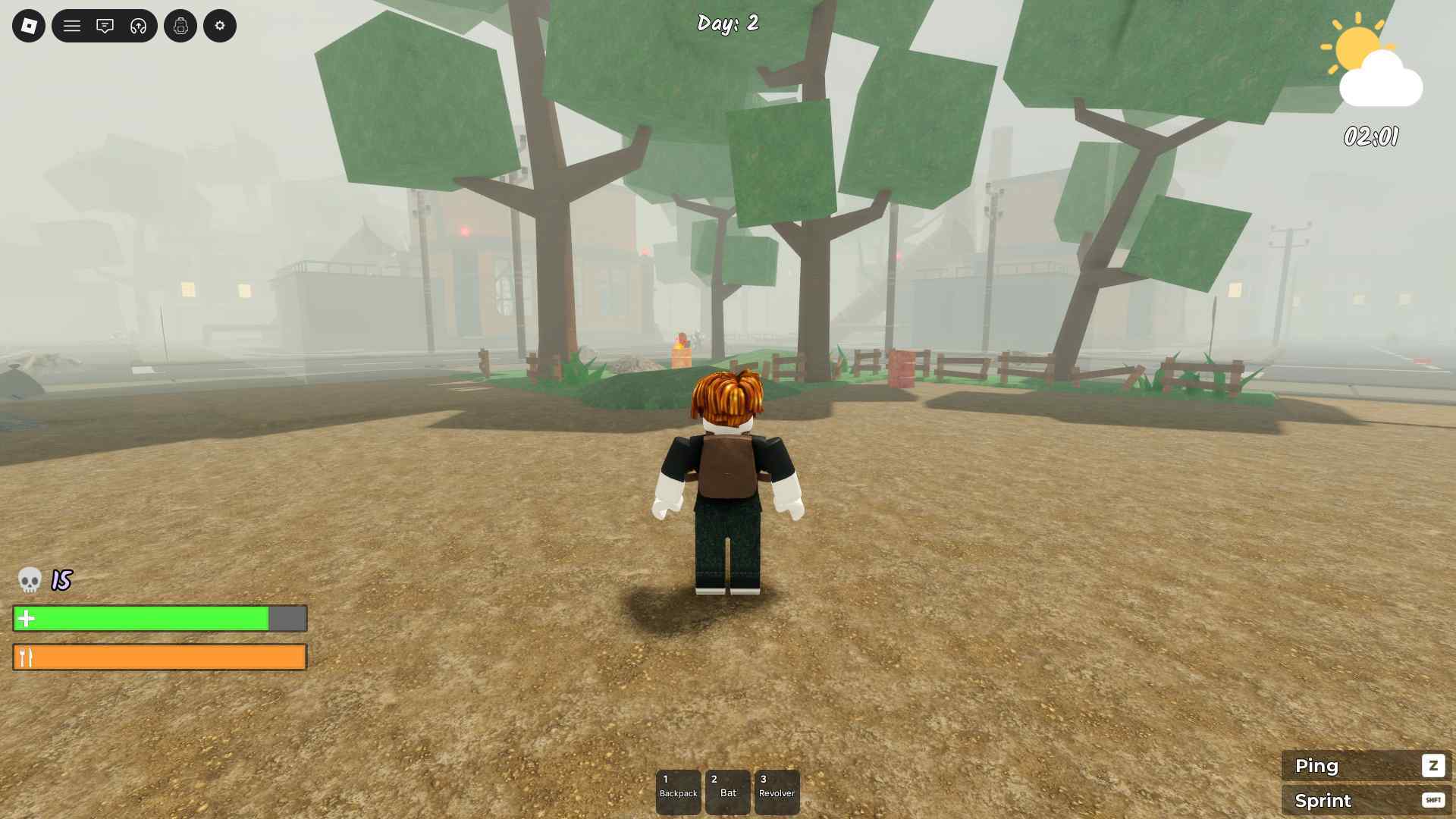
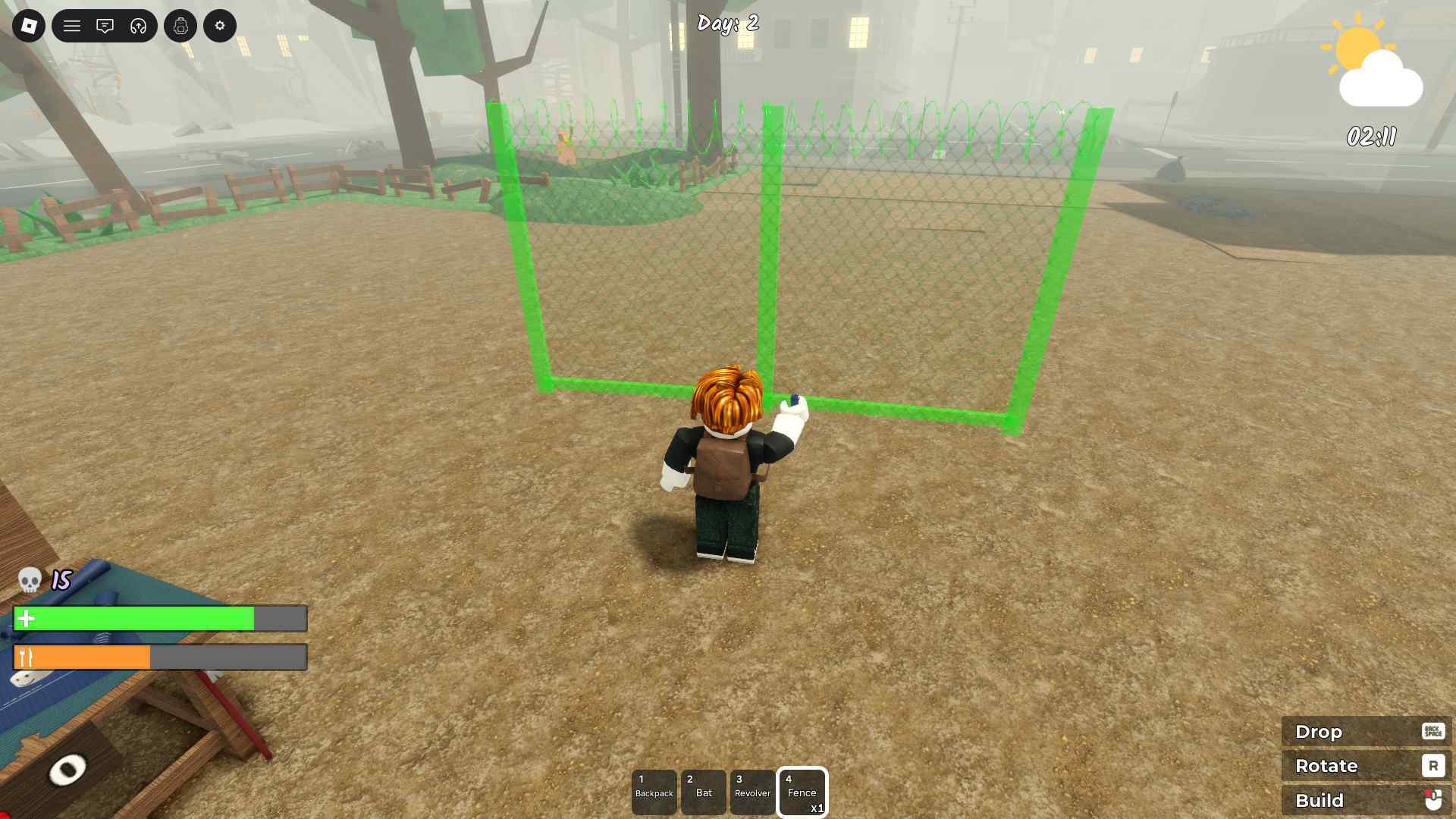
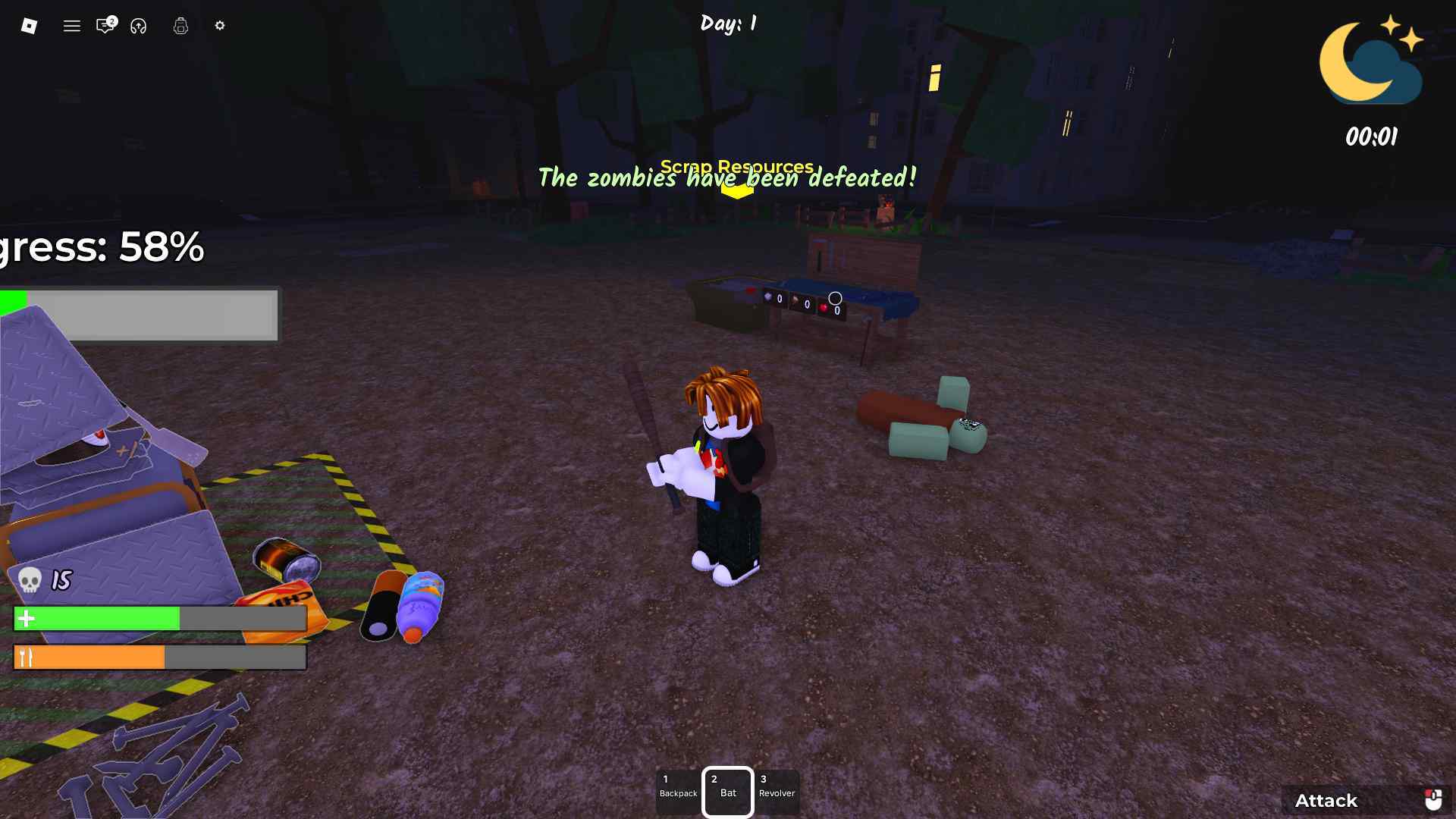
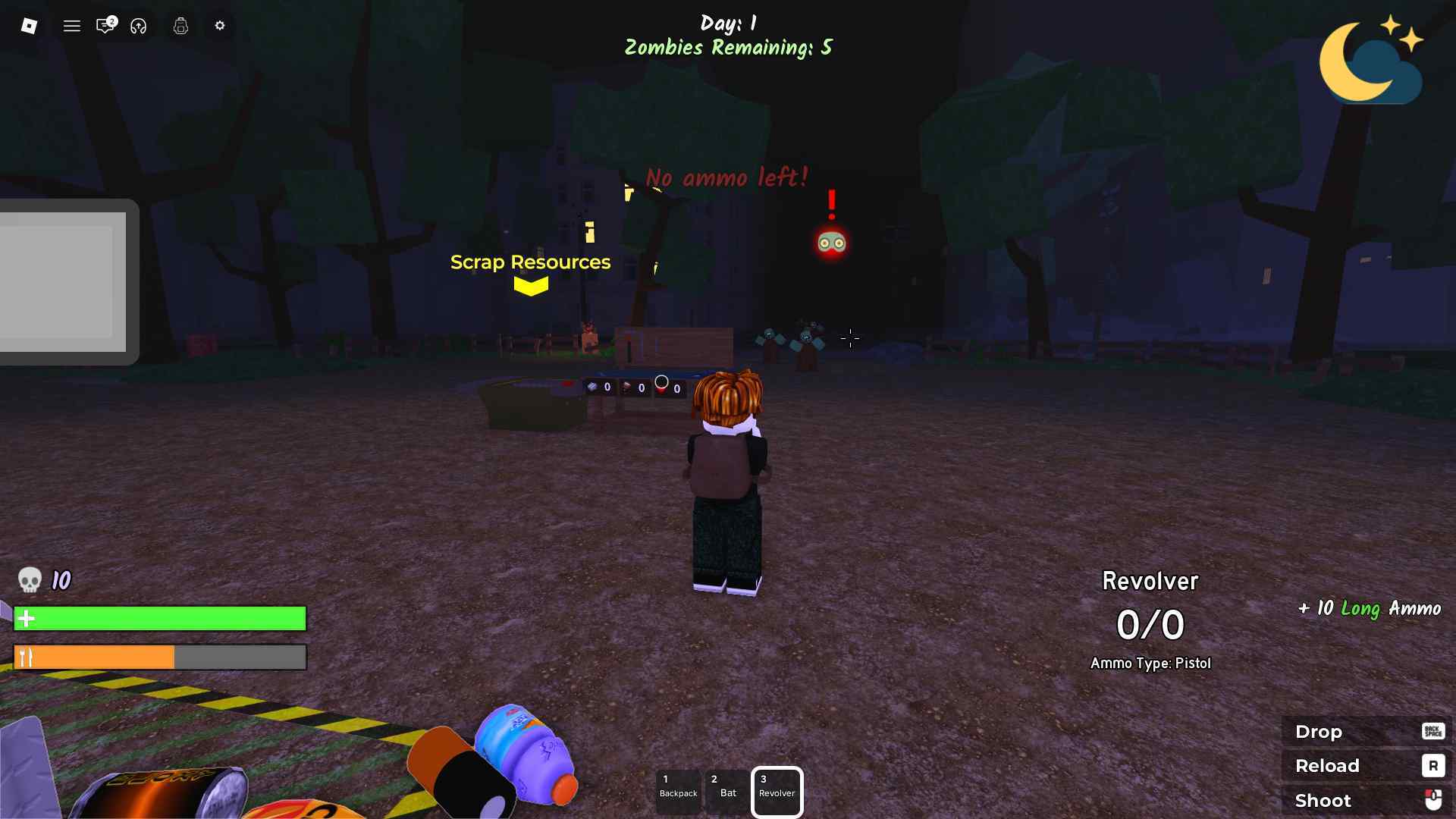
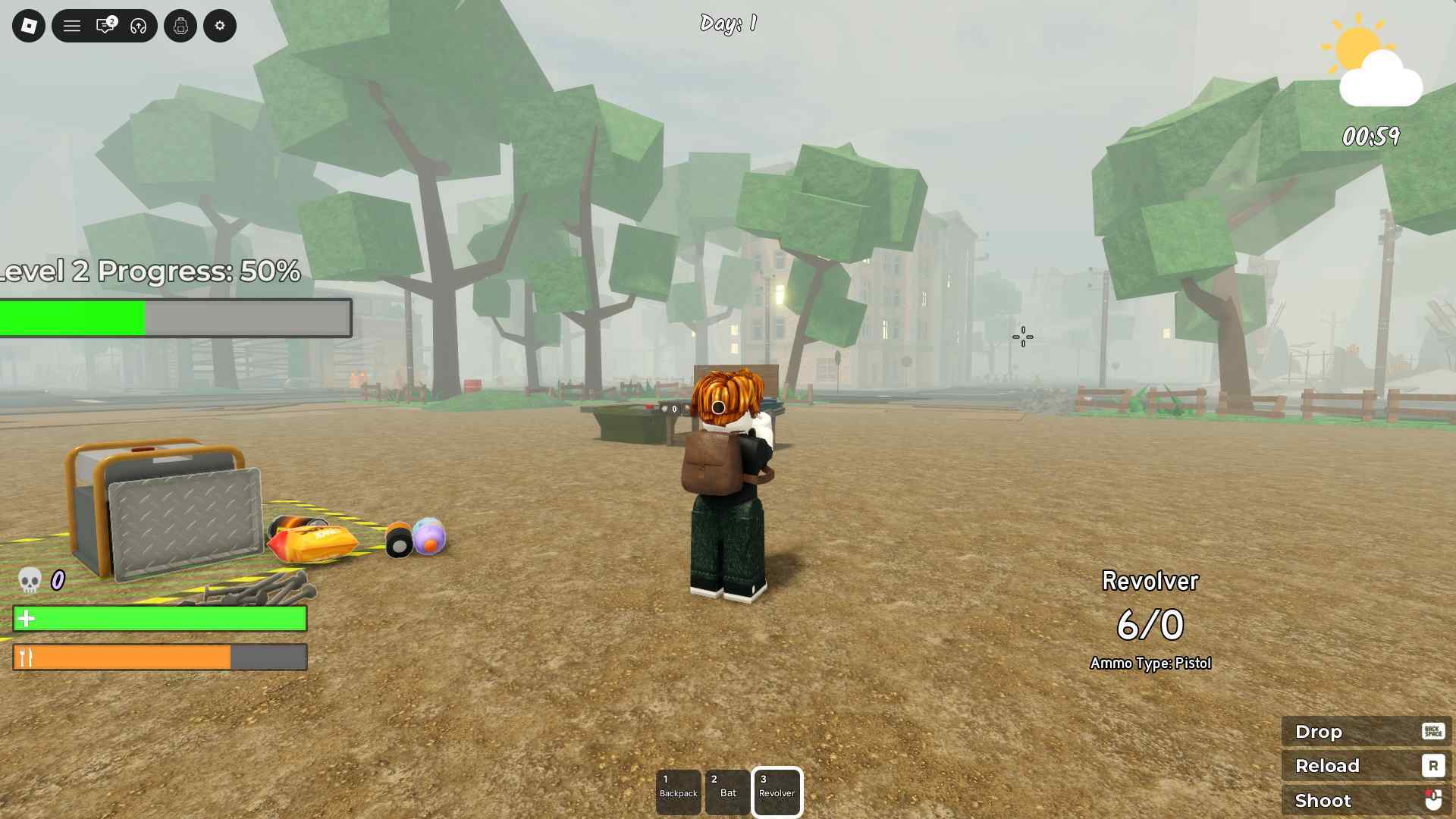
Survive the Apocalypse is a survival experience on the Roblox platform where you can play as a solo or a team, spawn in a dilapidated post-apocalyptic city, build defenses, and survive.
Unlike most Roblox games, Survive the Apocalypse, just like 99 Nights in the Forest, features procedural generation for the levels and the items that you need for crafting and surviving.
There’s no direct grind, but still, there are certain things, like manually picking up items and others, that make the game a little boring. You can get around this using the game’s scripts.
So keep reading our guide as we share some of the top community-made scripts available for the game.
All Working Scripts for Survive the Apocalypse
Here are all the working scripts for the game:
Disclaimer: Roblox scripts can get you banned in-game and on the platform. So please use them at your own risk. Also, it is best to use scripts on new accounts rather than your regular ones.
Script 1
loadstring(game:HttpGet("https://raw.githubusercontent.com/HxnryLSD/SPYMM-rblx/refs/heads/main/SPYMM-STA-Latest.lua"))()
Script 2
loadstring(game:HttpGet("https://pastefy.app/ULaWpxKm/raw"))()
Script 3
loadstring(game:HttpGet("https://vss.pandadevelopment.net/virtual/file/2228fb5d1c164373"))()
Script 4
loadstring(game:HttpGet("https://api.luarmor.net/files/v3/loaders/fda9babd071d6b536a745774b6bc681c.lua"))()
Script 5
loadstring(game:HttpGet("https://raw.githubusercontent.com/HxnryLSD/SPYMM-rblx/refs/heads/main/SPYMM-STA-Latest.lua"))()
How to Use Survive the Apocalypse Scripts
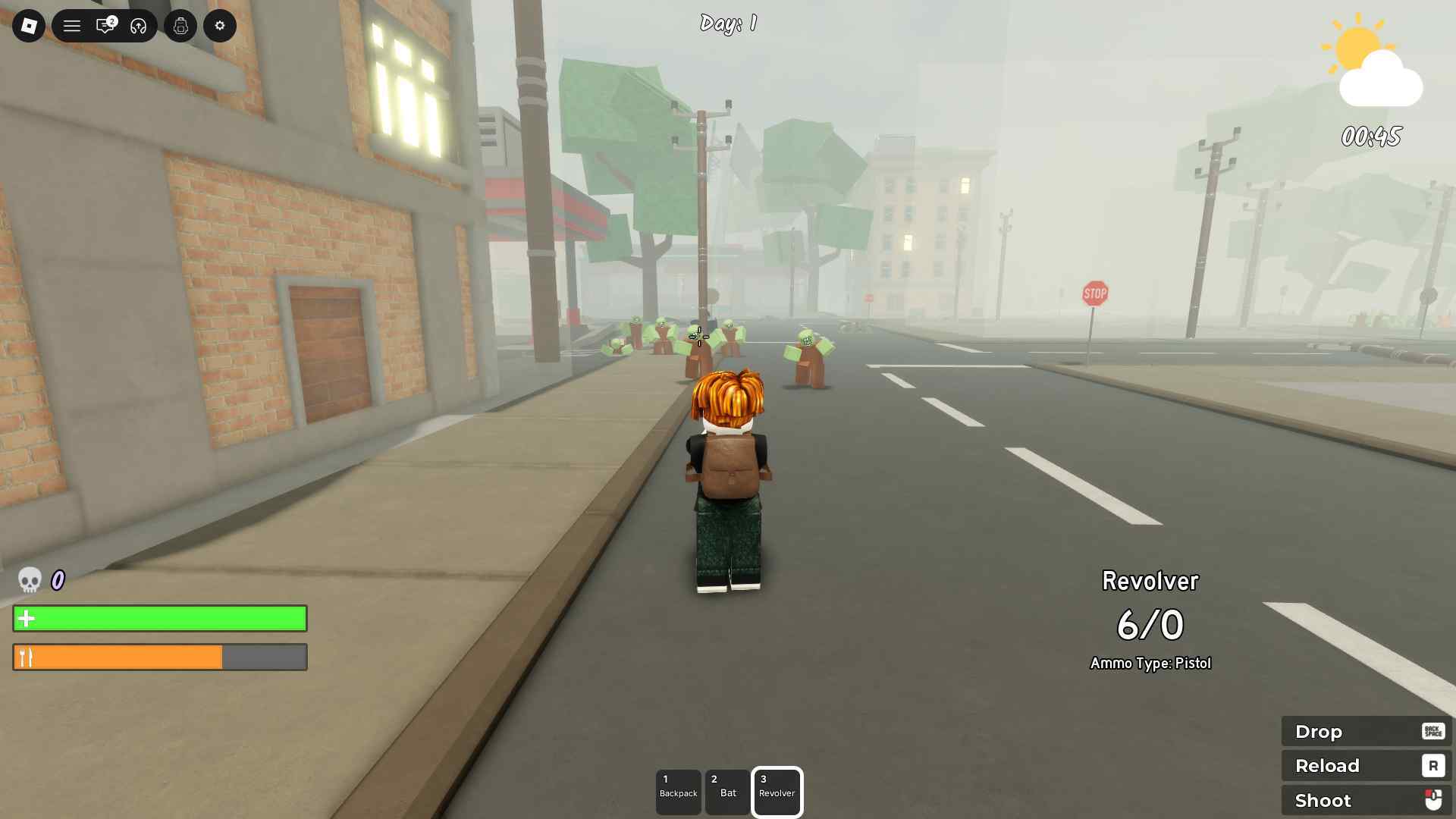
Here is how you can use the Survive the Apocalypse scripts:
- Download Roblox Executor. (Arceus X or others)
- Some other executors include: krnl, Fluxus, Script-Ware, Script-Ware M, and Synapse.
- Once the download is complete, install the Roblox Executor, then open it and log in with your Roblox account. [Please use an alternate account]
- Search and play Survive the Apocalypse.
- Click on the executor icon. If required, copy the key.
- While playing Survive the Apocalypse, open Script Hub.
- Copy and paste the above working scripts as per your requirement.
- Execute the script.