






In this guide, we share fixes and workarounds for Mongil: Star Dive login and network issues.

Mongil: Star Dive is a live-service gacha game that, like any other in the genre, is prone to login errors and network issues that prevent players from accessing it.
Since there’s no offline play and many network errors occur whenever your game client is unable to establish a connection with the game servers, knowing some workarounds comes in handy.
So, with that said, here are some fixes and workarounds you should try whenever you encounter login issues or network errors in Mongil: Star Dive.
How to Fix Login Issues and Network Errors in Mongil: Star Dive
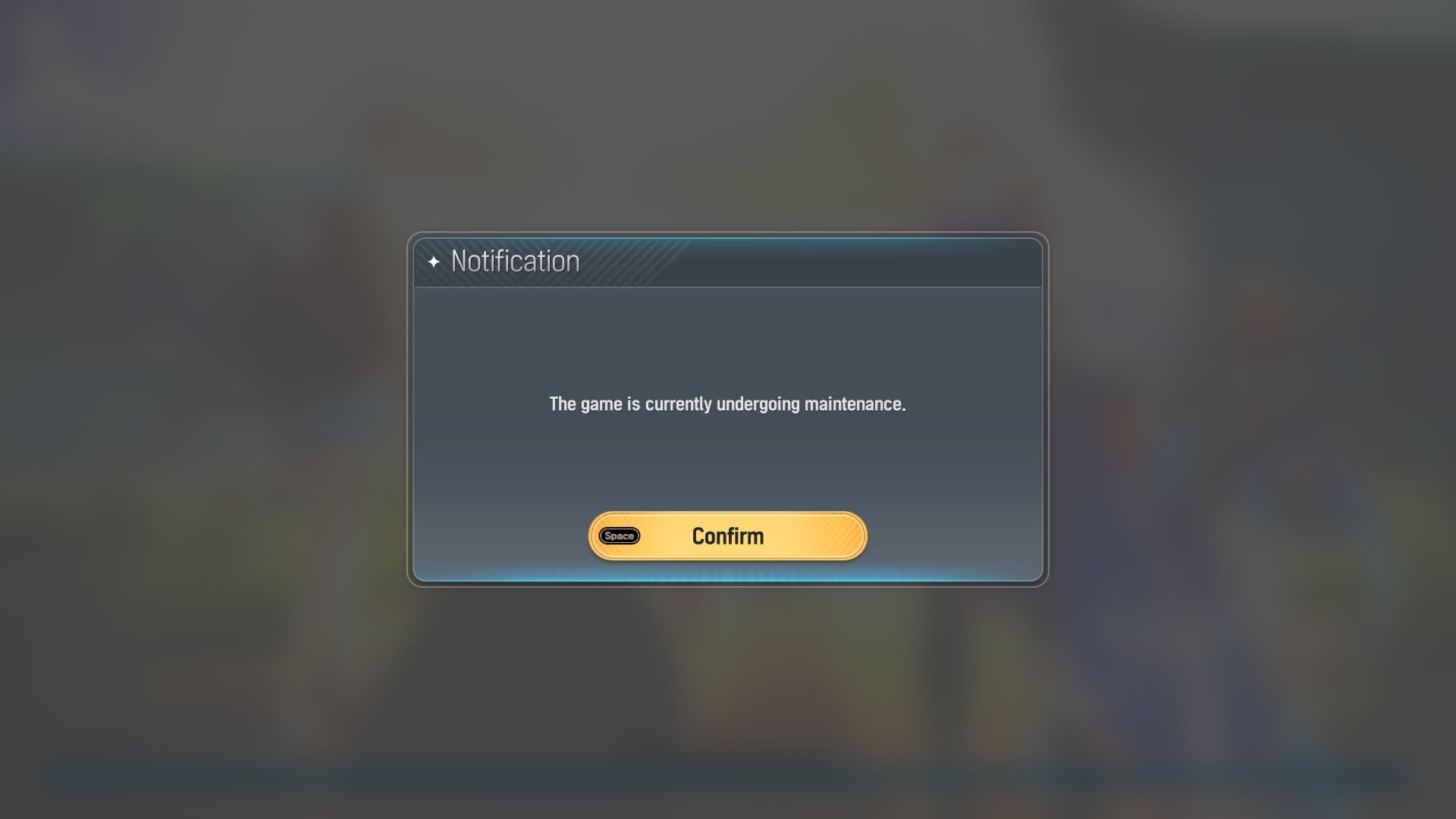
Most of the network errors and login issues that you encounter in Mongil: Star Dive are caused when the game servers are down or when your internet connection is not working properly.
So before any fix, the first thing you must do is check the Mongil: Star Dive server status. Suppose the game servers are up and running. The next checks you must perform are:
- Check if your internet connection is working.
- Check if you can play the game using Wi-Fi if you have used mobile data before, and vice versa.
If you have completed the above checks and everything seems fine, and you are still facing issues, try out the fixes below:
Restart The Game
Restarting the game is the most straightforward way to fix most login issues. May it be for Mongil: Star Dive or any other live service game.
So, restart your game and, if possible, your device, then try to log in to Mongil: Star Dive. If the issue persists, the problem may be associated with your internet connection.
Soft Reset Your Router
If you’re using Wi-Fi, try a soft reset by removing the power cable for a few seconds, then plugging it back in.
A soft reset can fix network-related glitches that cause issues in live-service games like Mongil: Star Dive.
Clearing Cache
Clearing the device cache, especially when you are playing the game on a mobile device, fixes the issue.