






This guide shares steps with images guiding you in linking your Warframe Android & iOS accounts to PC, PlayStation, Xbox or Nintendo Switch accounts.

After a long wait, Digital Extremes released the Android version of Warframe, with the iOS platform getting the game back in 2024, with full cross-platform and cross-play support that you can enable by linking your Warframe Android or iOS accounts to others.
While downloading the game and creating the account was a problem for many players due to server overload and the login failed error, the ones who got past it found issues while linking their account to PC and other platforms.
Moreover, we even had players who didn't have a clue about what steps they should follow to link their Warframe accounts to others.
Seeing that, to help players, we prepared this detailed guide on how to link your Warframe Android or iOS account to other platforms.
How To Link Warframe Android Or iOS Account To PC, PlayStation, Xbox & Nintendo Switch
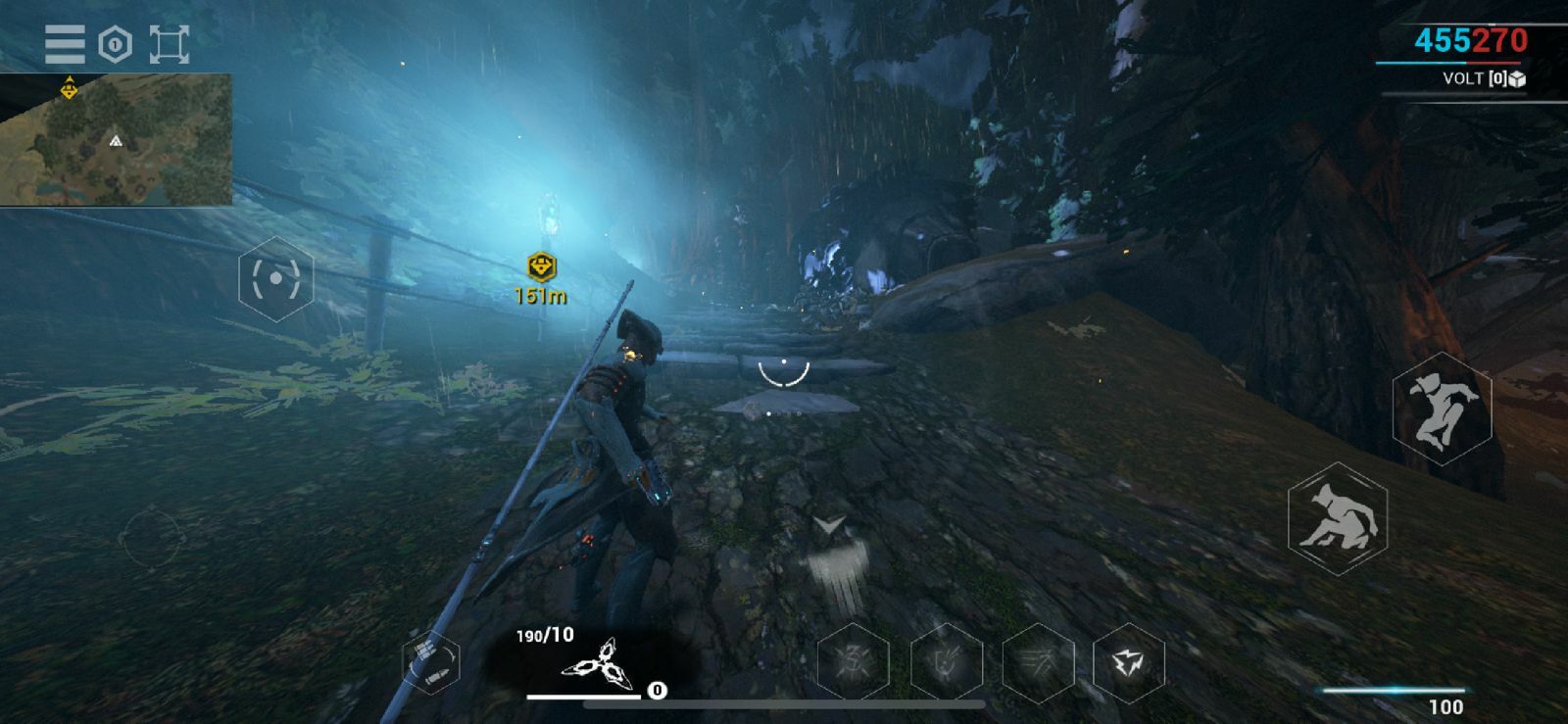
To link your Warframe Android or iOS account to a PC or any other platform, you must first create an account and get past the Warframe selection menu.
Once that is done, you can head to the official website, log into your Warframe account and link the different accounts.
To make things easier for you, here is a step-by-step guide for linking accounts in Warframe:
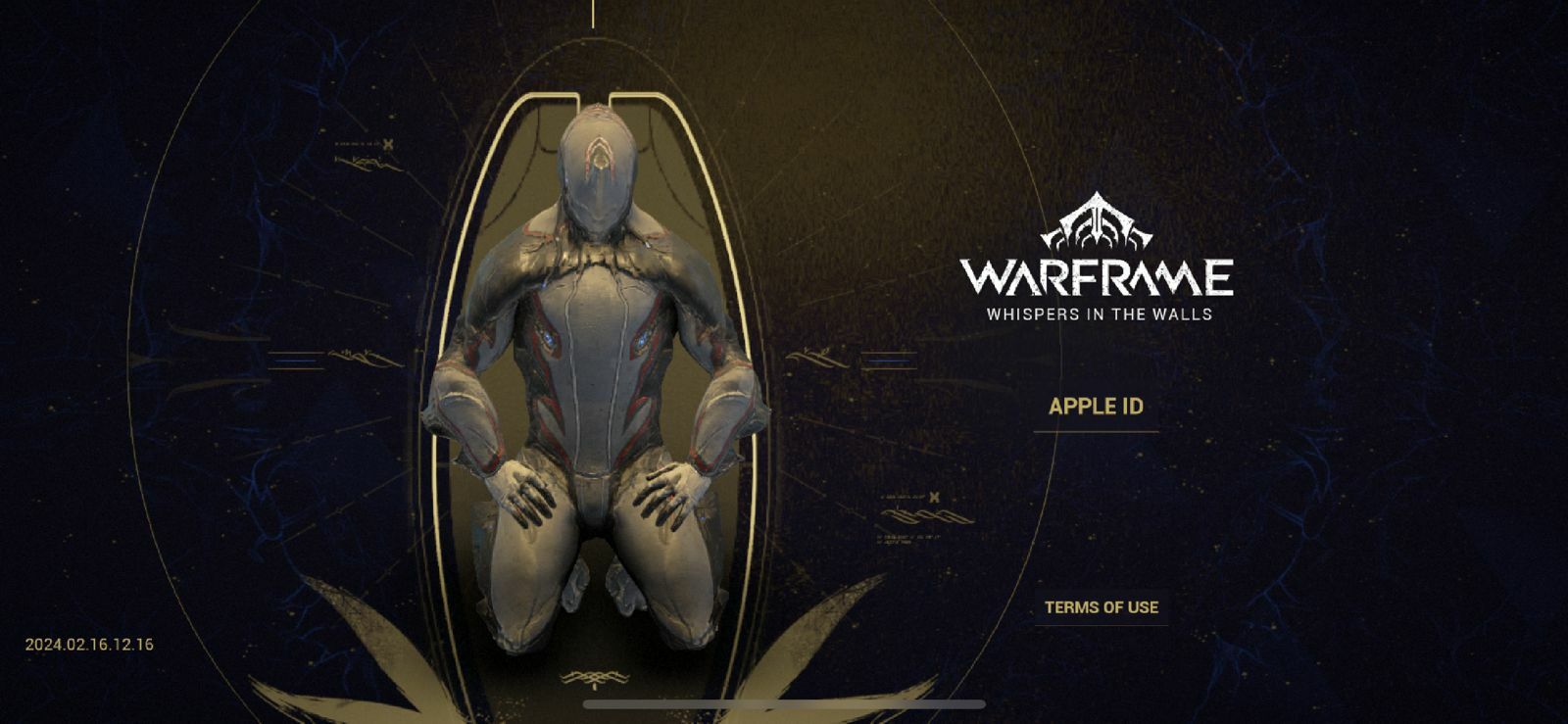
Step 1 - Open Warframe on your mobile, complete the 4 or 10-GB download, and create an account through Apple ID or other methods
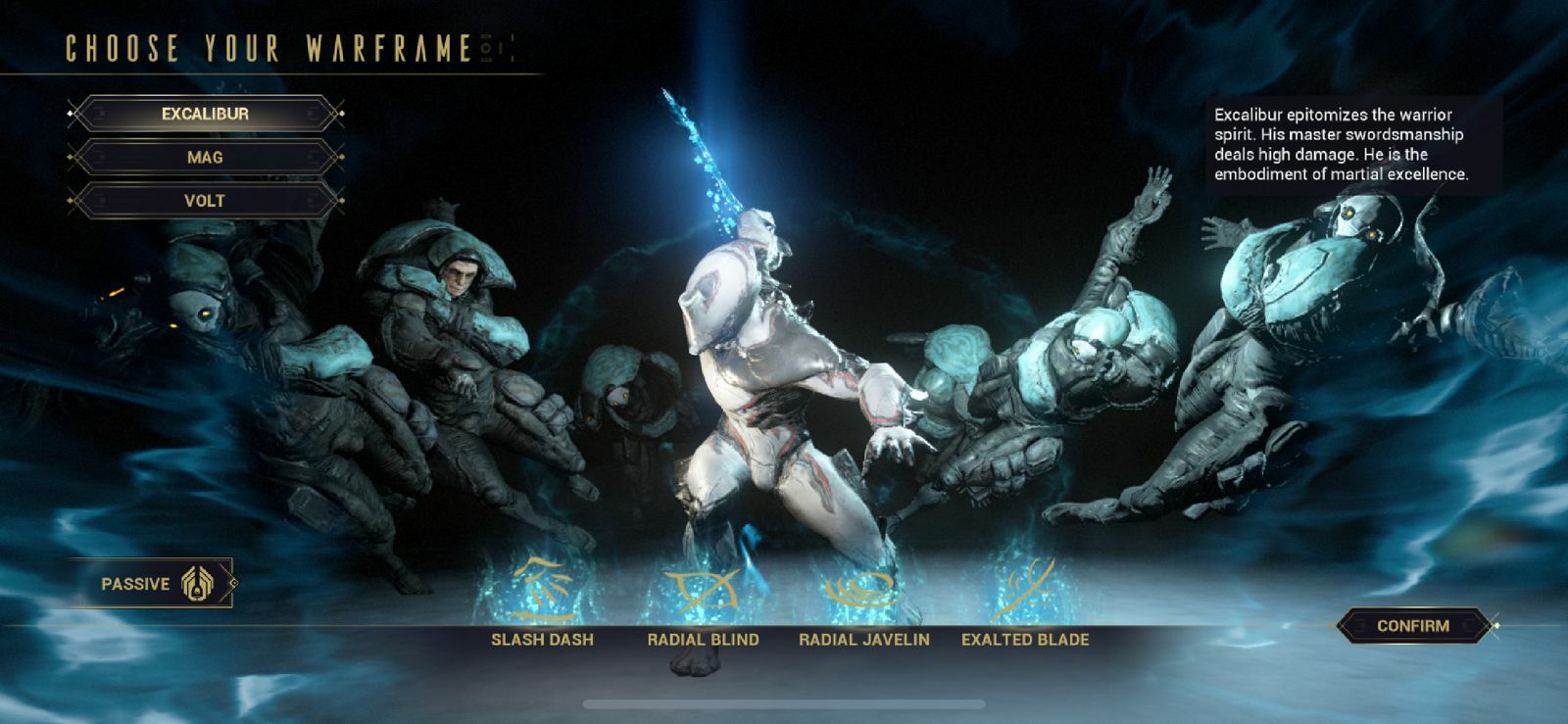
Step 2 - Select your Warframe
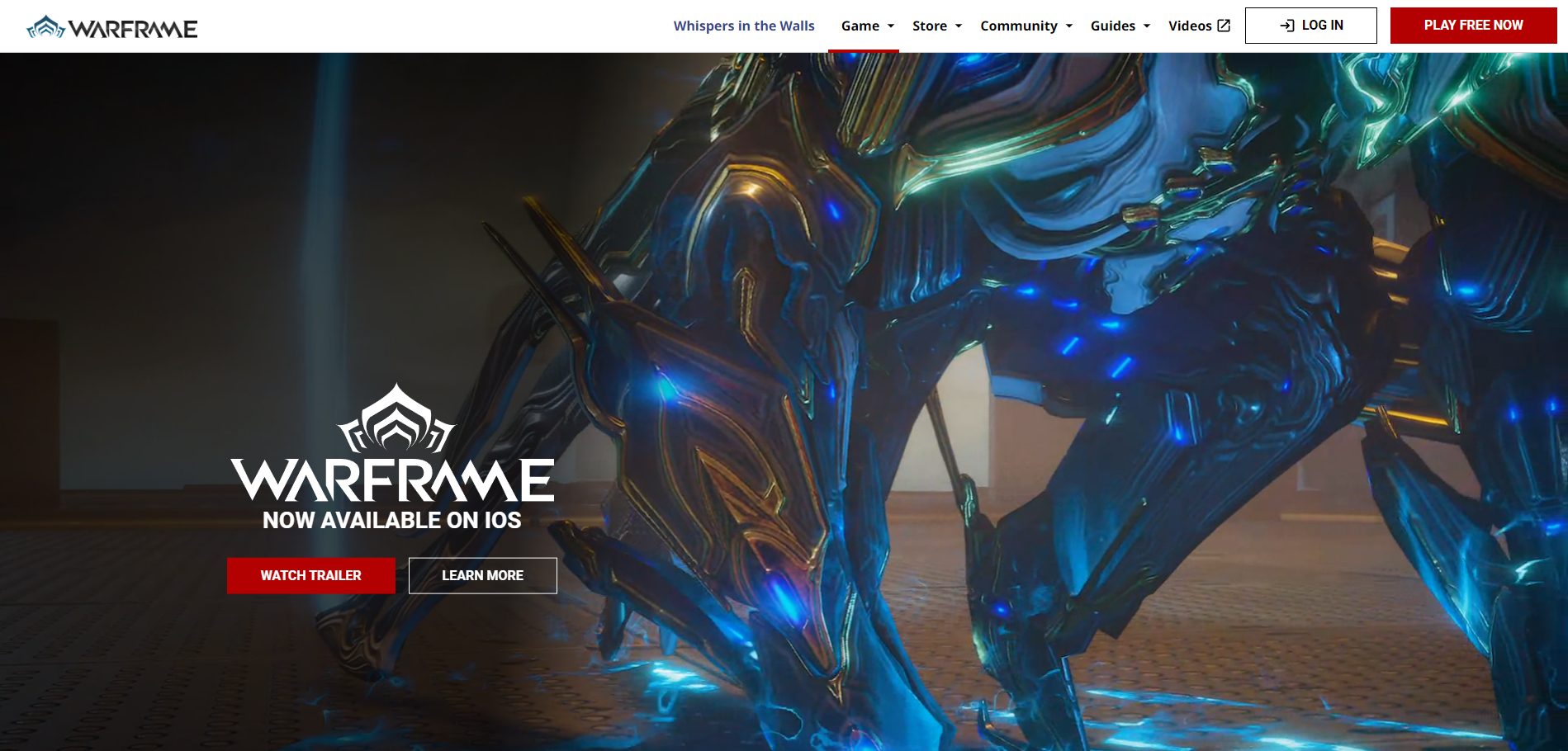
Step 3 - Head to Warframe official website and log in to your main account
Step 4 - Select the login method for your primary account [PC players can use email login]
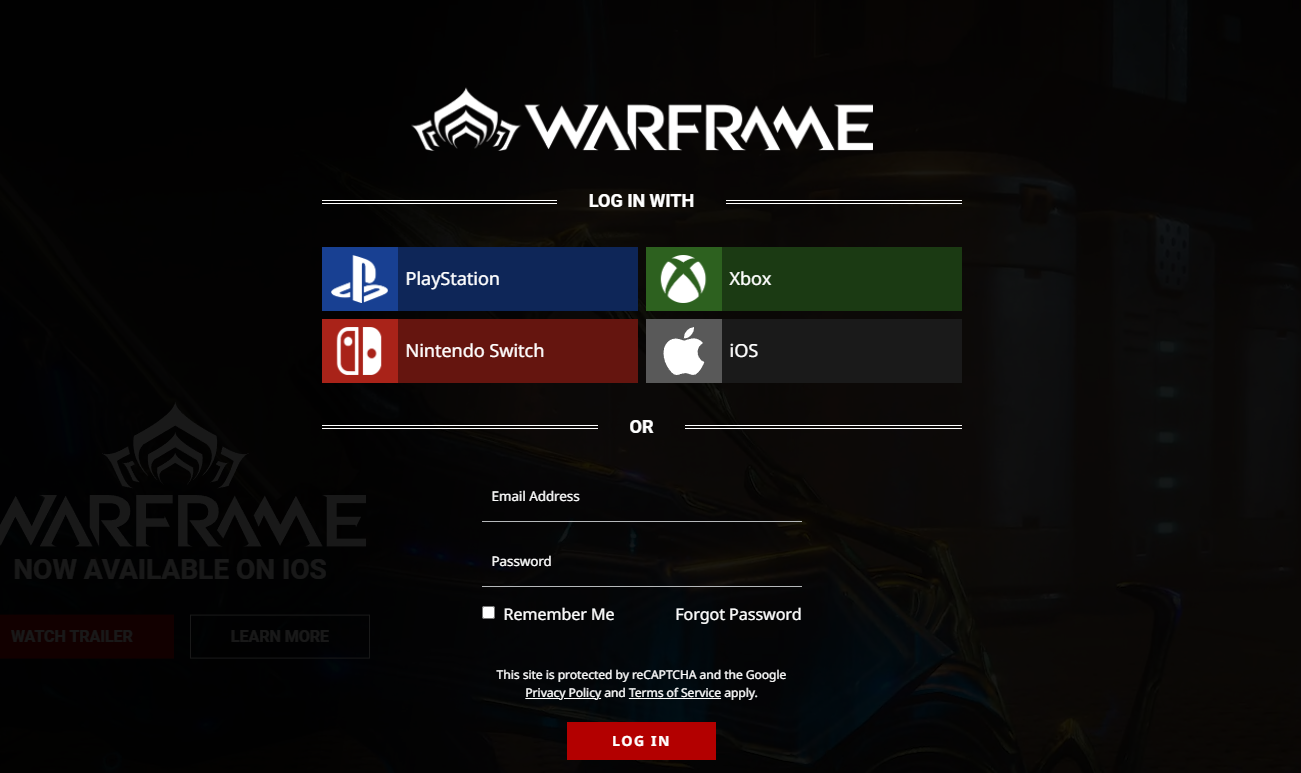
Step 5 - Once you are logged in, you will get the pop-up to 'Connect Your Accounts.' If you don't you can expand your profile and you will see the account link option
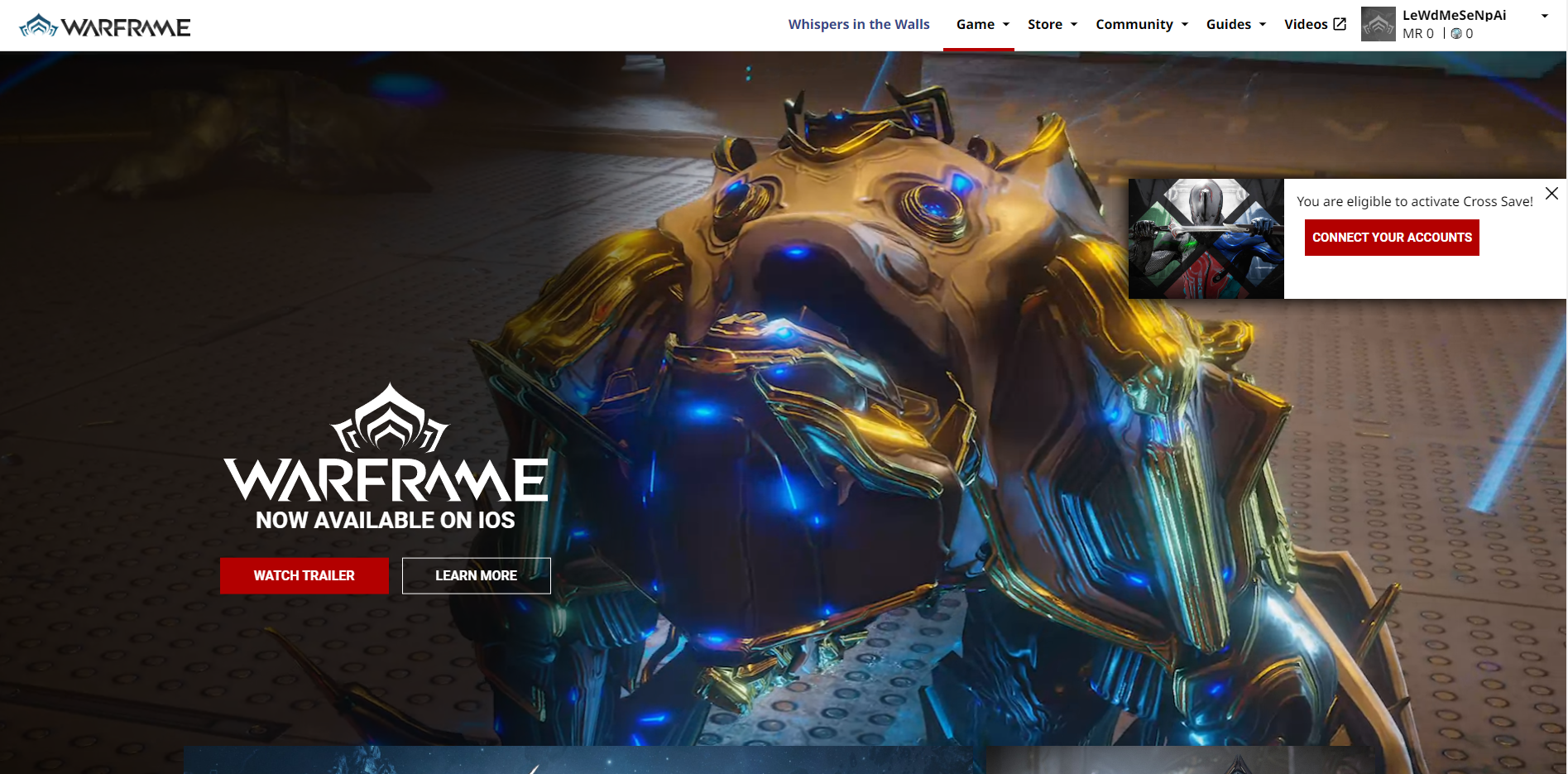
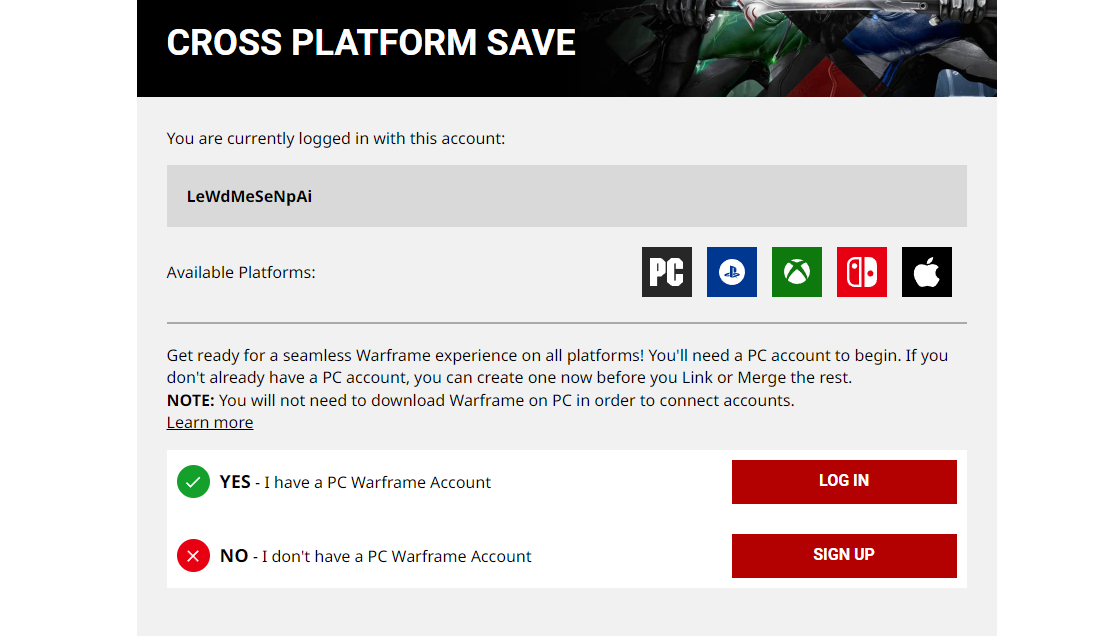
Step 6 - If you log in to Warframe's official website using your Apple ID, it will ask you to either log in with your PC ID or others. [Skip this step if you have already logged in using your primary ID]
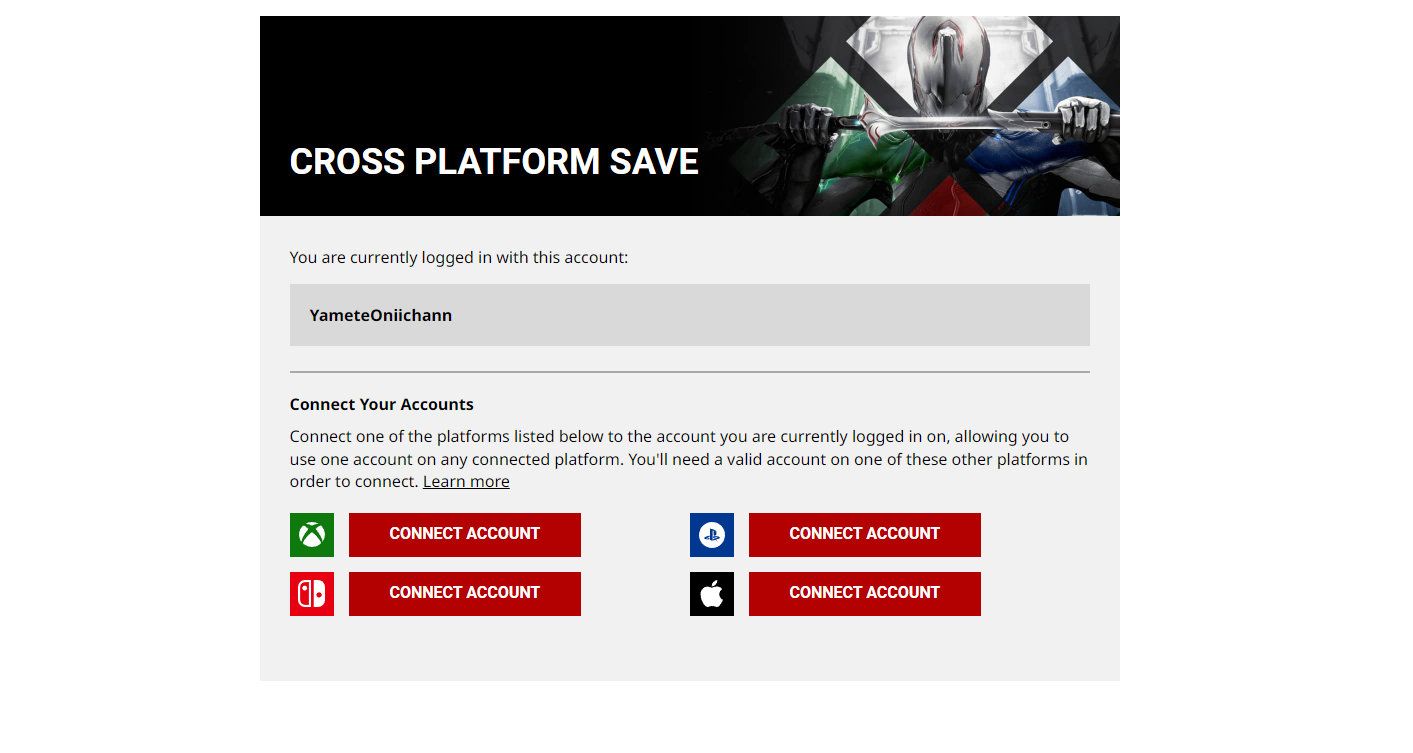
Step 7 - Select the 'Connect Account' option beside the Apple icon
Step 8 - Select your primary account whose saved data you want to use and progress
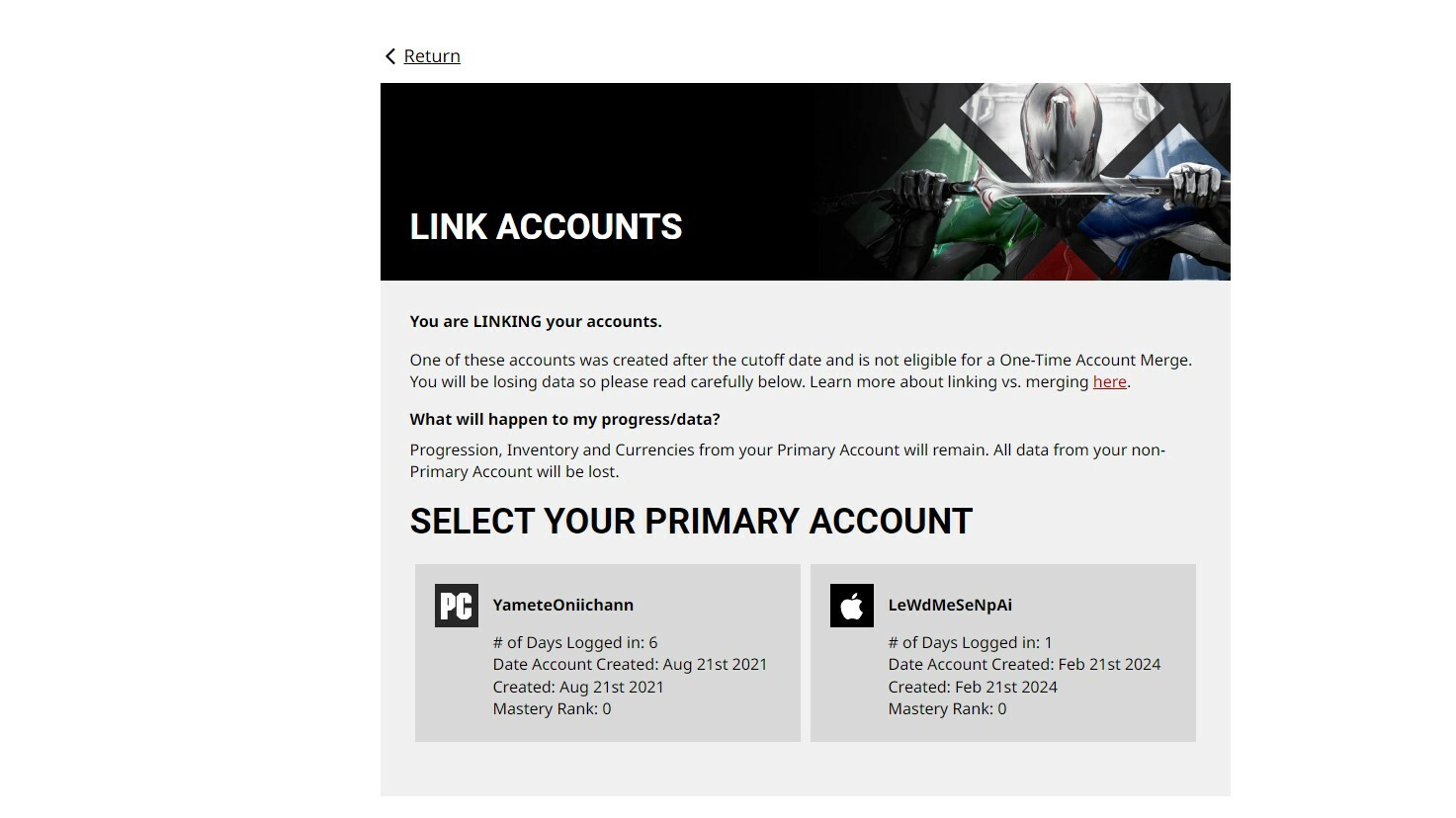
Step 9 - Confirm the merger
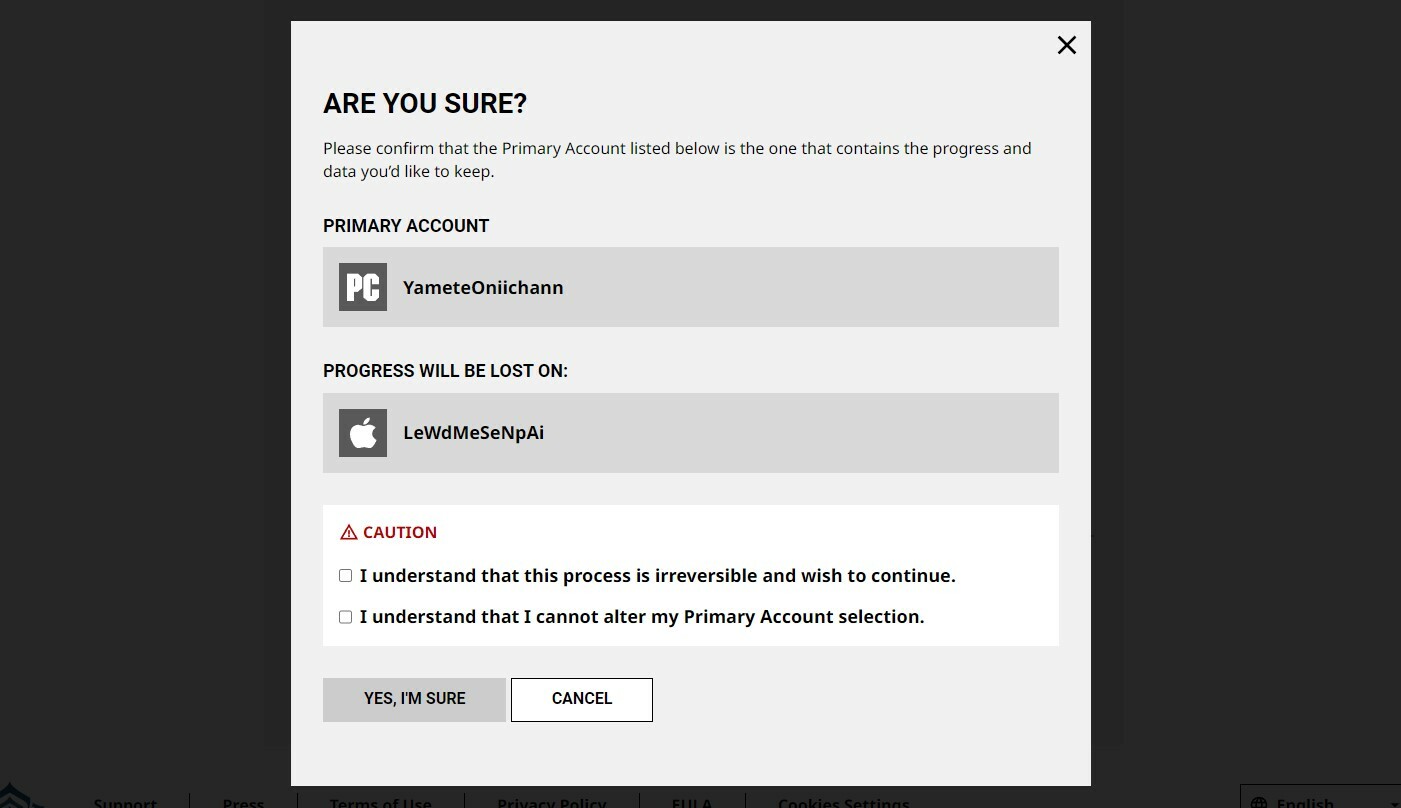
Step 10 - Your Warframe iOS account will be linked. Similarly, link your Android account.
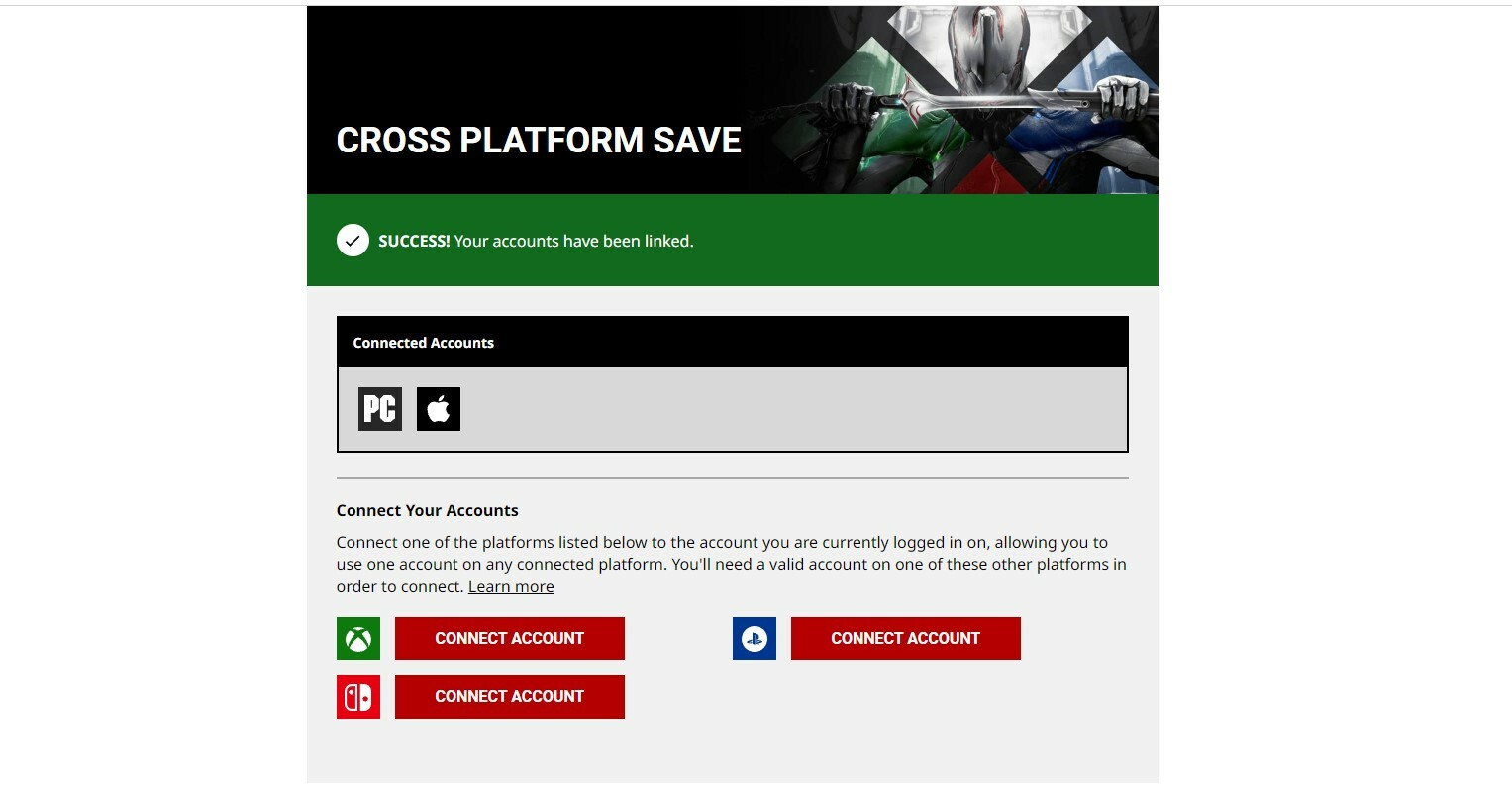
That's it. If you want to link more accounts, you can select the respective 'Connect Account' option and proceed as before.