






In this guide, we share the latest redeem codes for Roblox Wonderland and the steps to claim them for free in-game rewards!

Wonderland is a horror adventure experience on the Roblox platform where players start a level and survive unique monster encounters, solo or with other players.
That said, just like any other title, it comes with an in-game redeemable codes option that players can use to claim codes to get in-game currency like Gems, usable items, and a multitude of other rewards.
So if you are looking for free currency and items, keep reading our guide as we share the latest codes for the game, go over the steps to claim them, and explain where to find more codes.
How to Redeem Codes in Wonderland
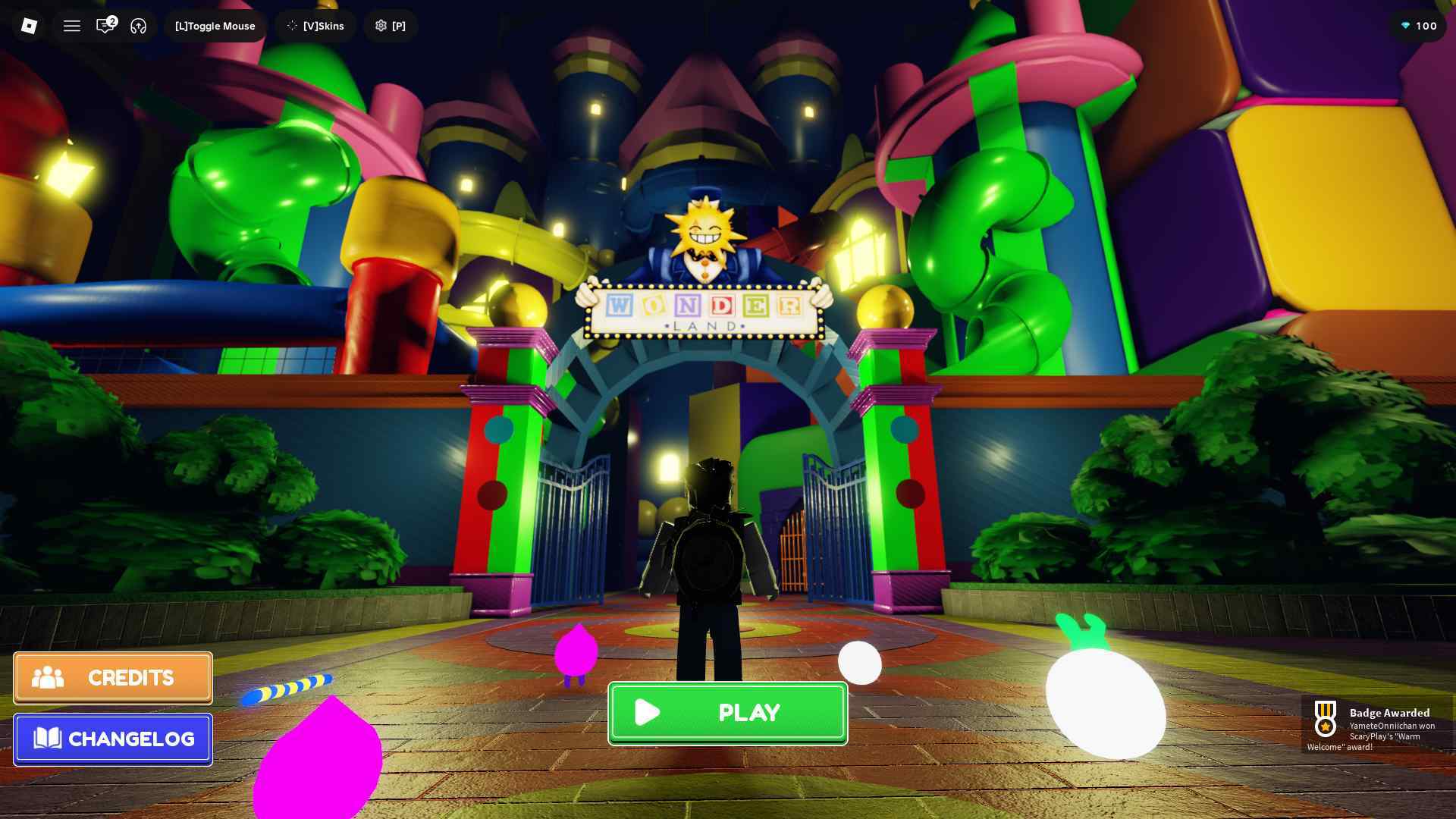
To redeem codes in Wonderland, start the game by clicking on the ‘Play’ button.
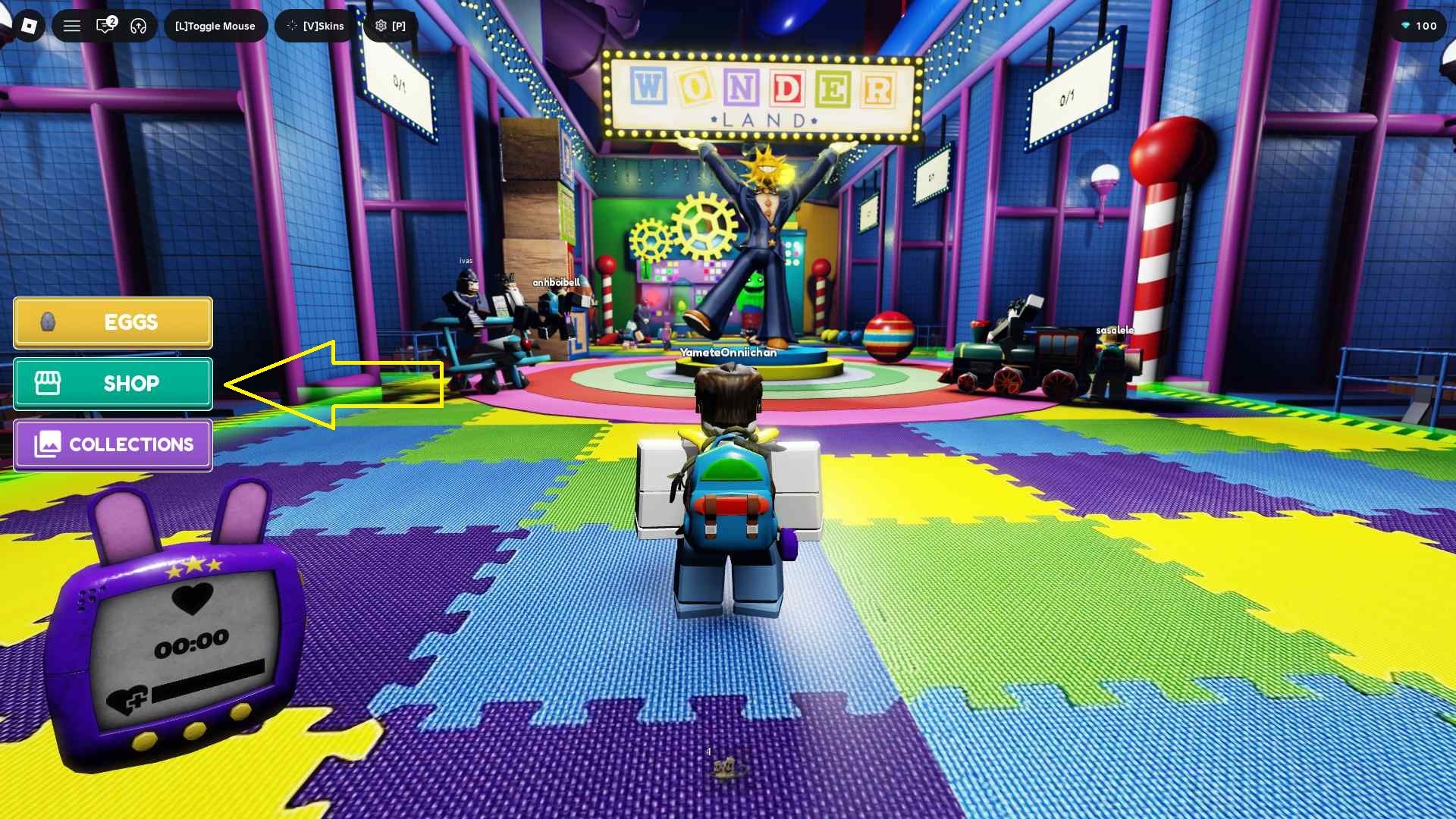
After that, click on the ‘Shop’ button found on the left side of the game screen.
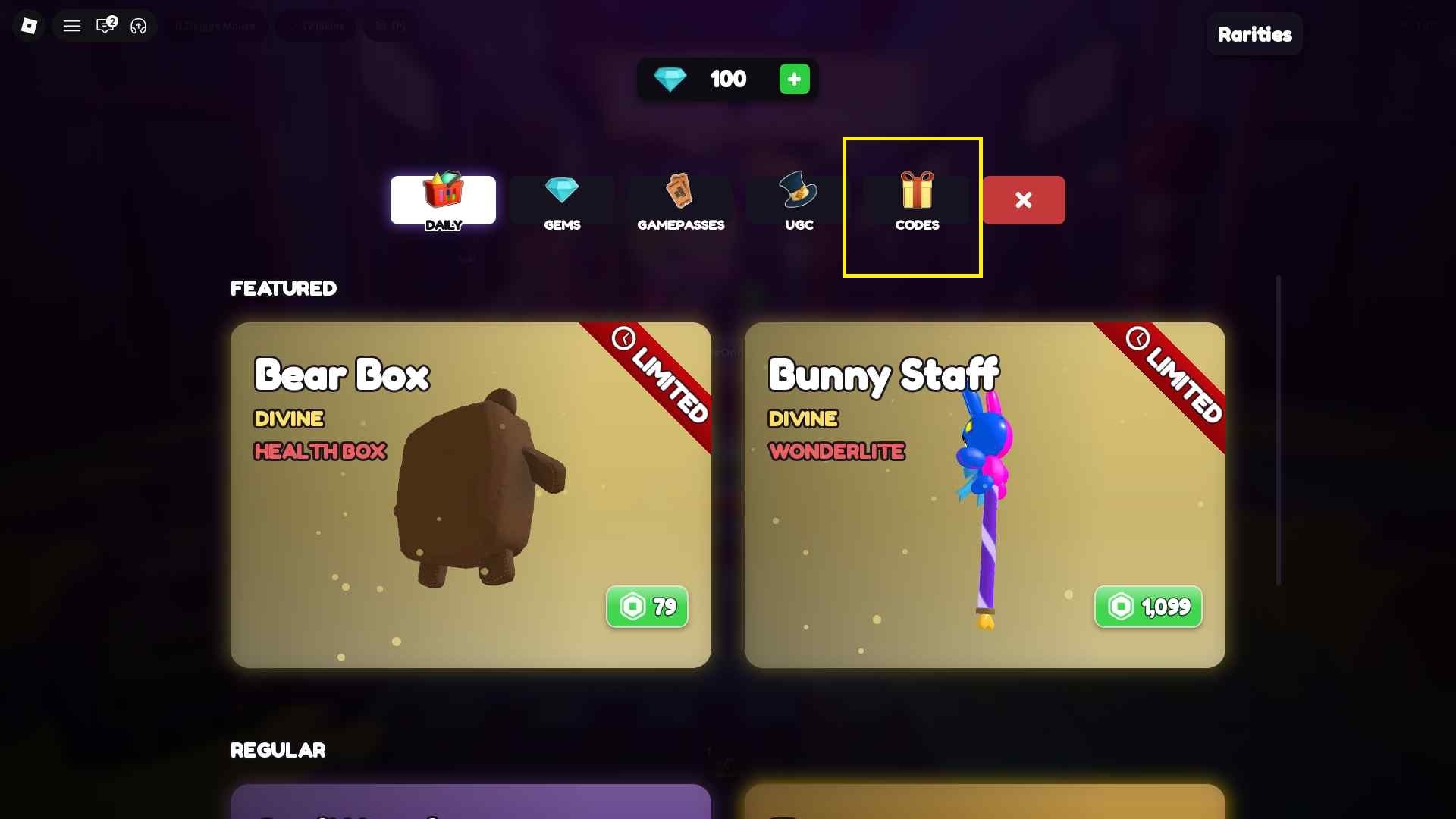
Now, navigate to the ‘Codes’ tab. There, you will find the ‘Redeem a Code’ field.
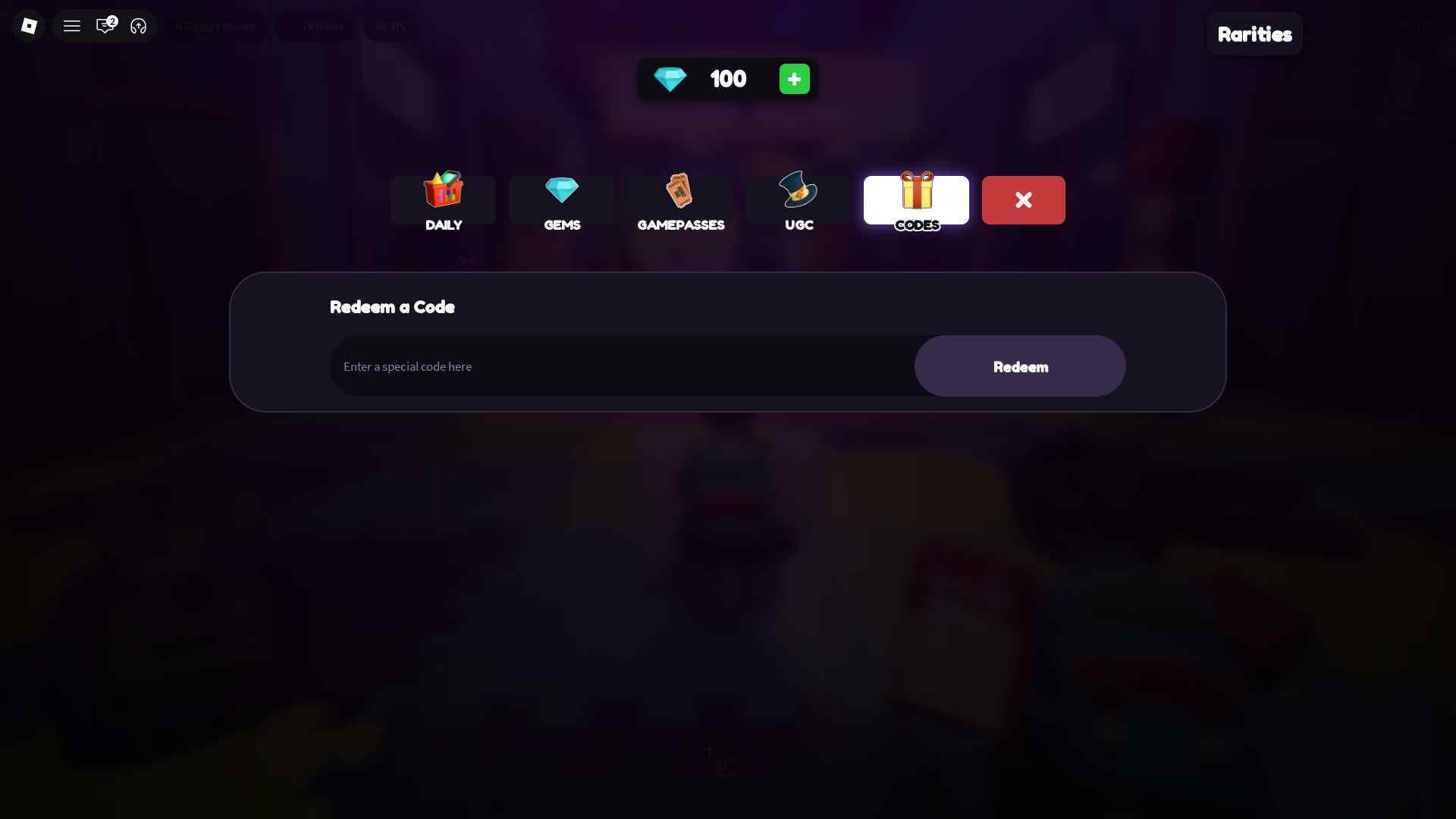
Enter the active codes from the list below into the ‘Enter a special code here’ field. Finally, click on the ‘Redeem’ button to claim rewards.
New Codes for Wonderland
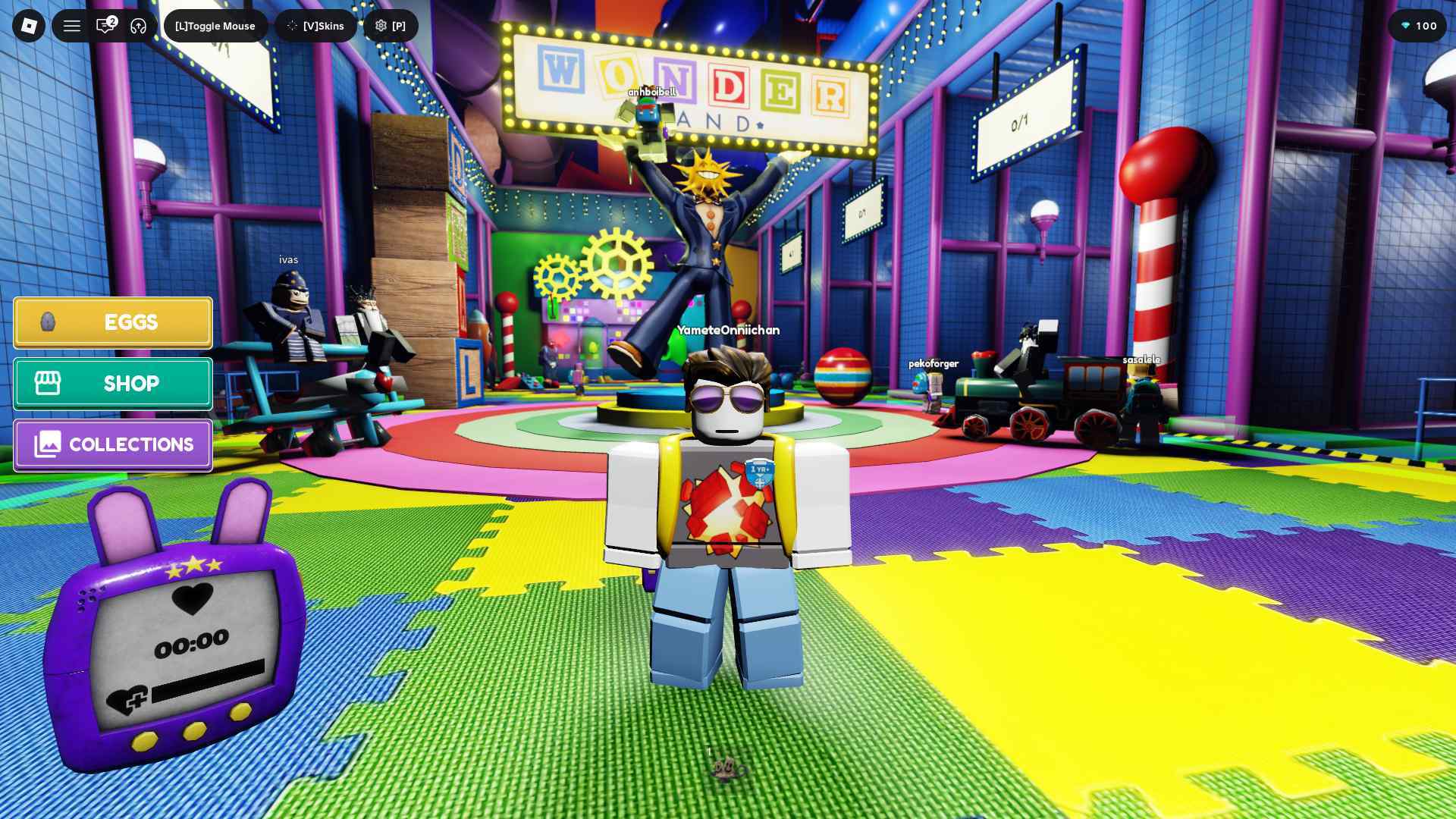
Here are the latest active codes for the game that you can claim to get Gems and other rewards:
- RELEASE26 - 100 Gems (new!)
Wonderland Expired Codes
- The game has no expired codes at the moment.
Where to Get More Wonderland Codes
New redeem codes for Wonderland are shared via the game’s official Discord community server. You can join, verify your account, and check the relevant channels for codes.
Alternatively, you can also bookmark this page as we track and update new codes whenever the developers share them.