






In this guide, we share some community-made scripts for Roblox's Anime Apocalypse and the steps to use them for features like auto-collecting drops and farming mobs.

Anime Apocalypse is a fast-paced Anime dungeon hack-and-slash zombie game on the Roblox platform that, like any other experience, requires a lot of grinding and lacks some basic QoL features.
And while the gameplay loop is fun, there are moments where you wish for features like auto-picking up drops, whether it is the coins or health, or for auto-farming mobs for a level.
Well! You can do it using Anime Apocalypse scripts. So keep reading as we share the working scripts for the game and go over the steps for using them.
All Working Scripts for Anime Apocalypse
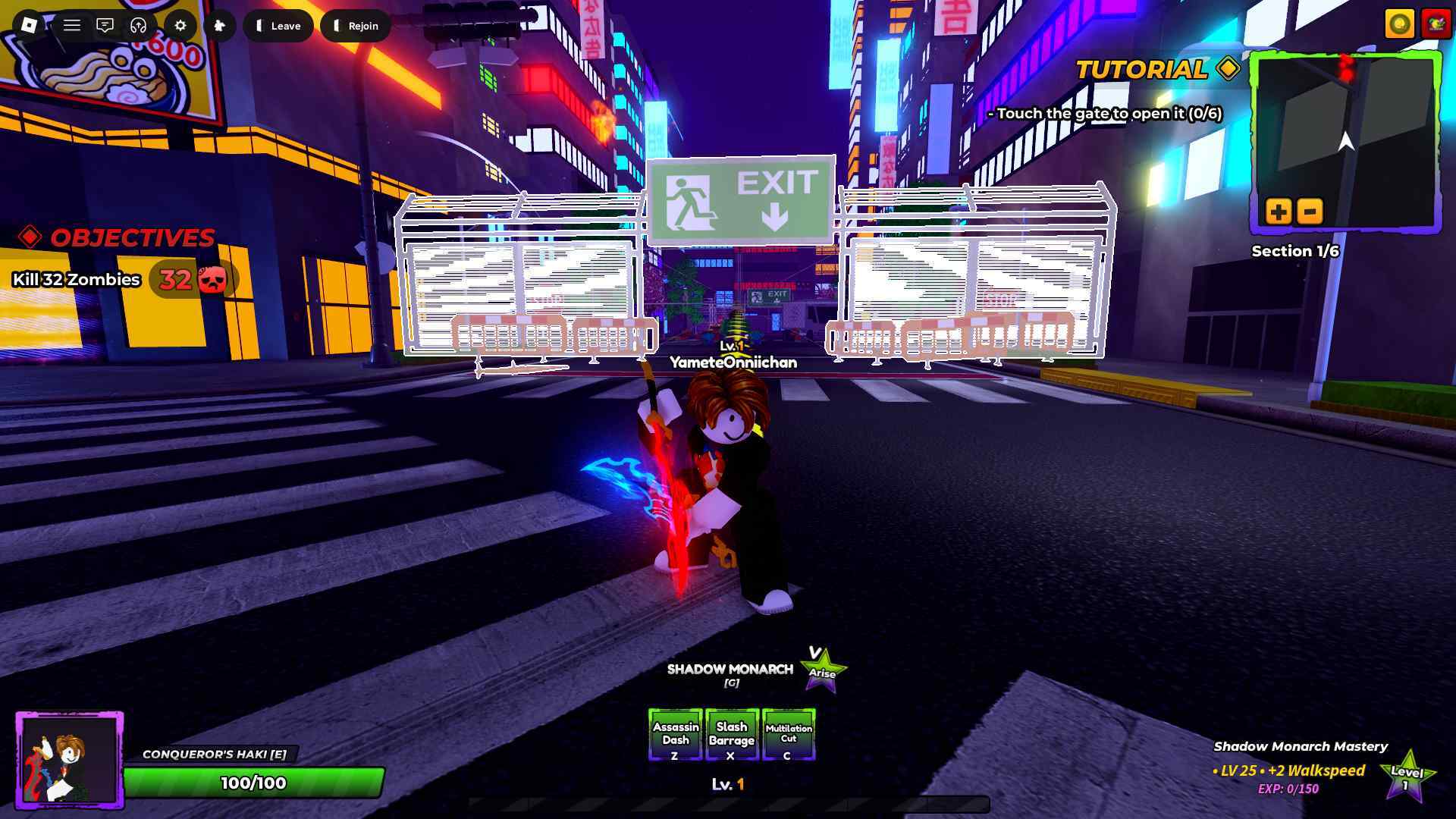
Here are some of the community-made scripts for Anime Apocalypse:
Disclaimer: Roblox scripts can get you banned in-game and on the platform. So please use them at your own risk. Also, it is best to use scripts on new accounts rather than your regular ones.
Script 1
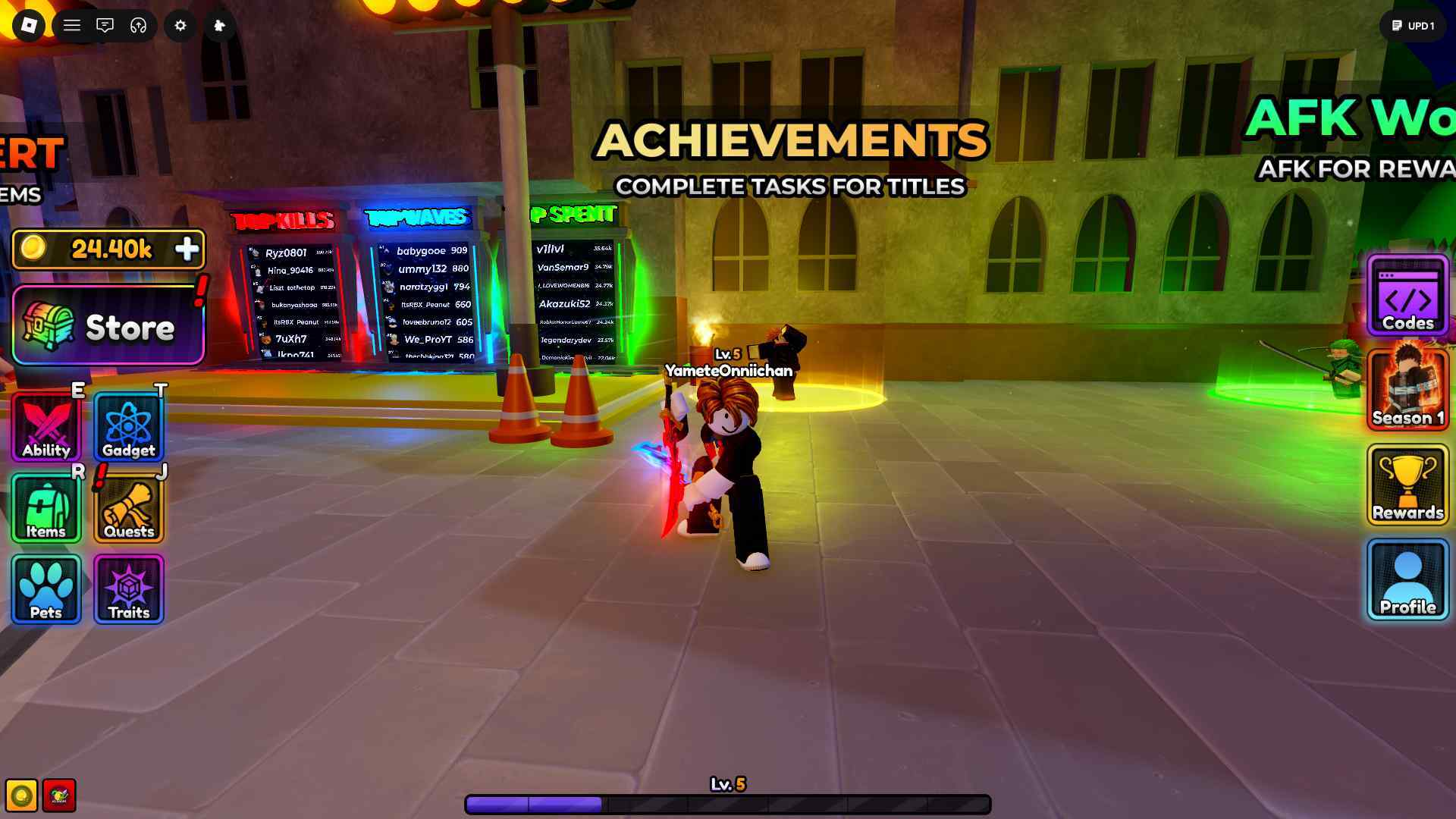
loadstring(game:HttpGet("https://raw.githubusercontent.com/x2zu/loader/main/freeloader.lua", true))()
How to Use Anime Apocalypse Scripts
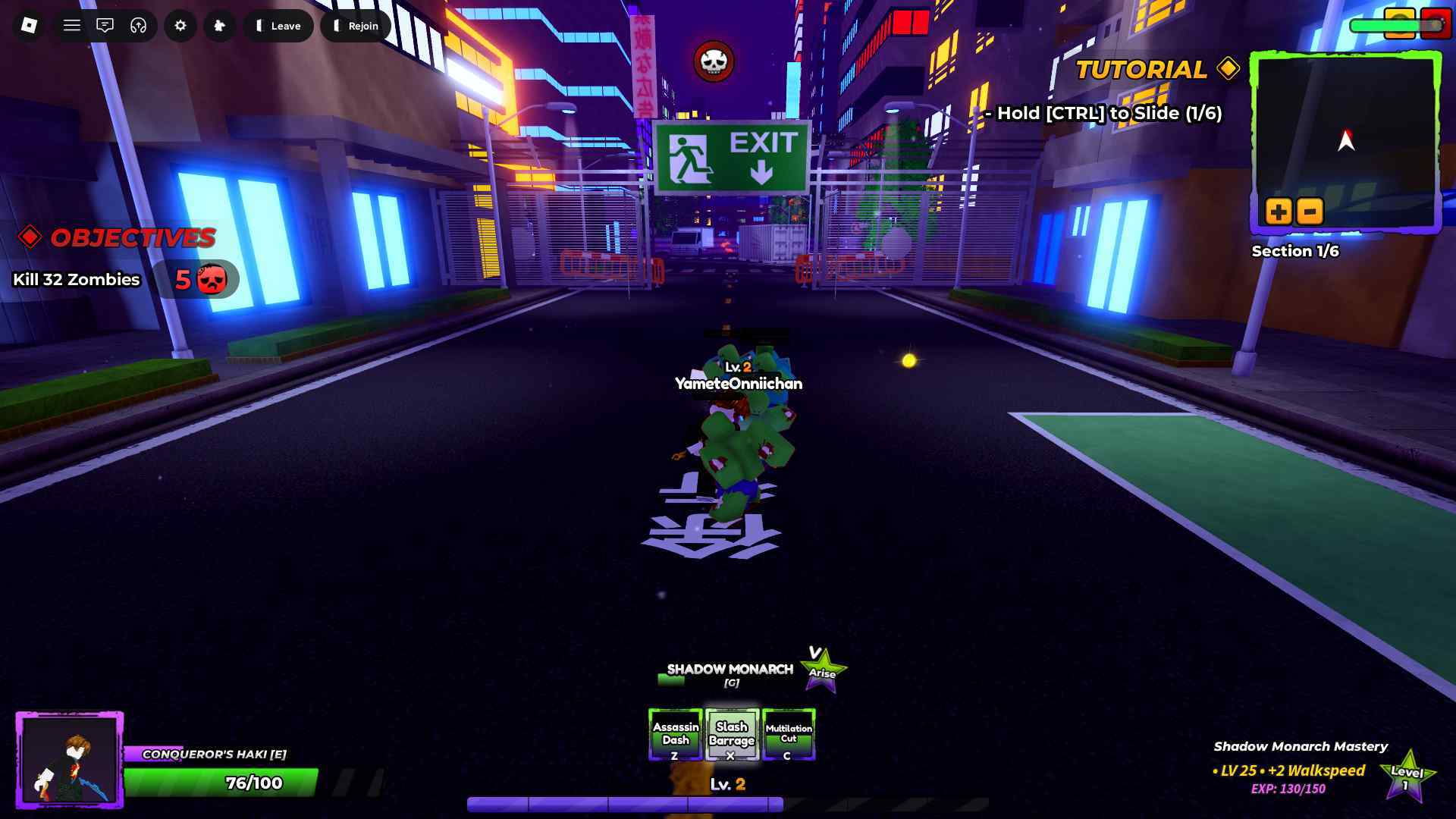
Here is how you can use Anime Apocalypse scripts:
- Download Roblox Executor. (Arceus X, krnl, Fluxus, Script-Ware, Script-Ware M, and Synapse)
- Once the download is complete, install the Roblox Executor, then open it and log in with your Roblox account. [Please use an alternate account]
- Search for and play Anime Apocalypse.
- Click on the executor icon. If required, copy the key.
- While playing Anime Apocalypse, open Script Hub.
- Copy and paste the above working scripts as per your requirement.
- Execute the script.