






This guide shares the latest community-made scripts for Roblox Anime Warriors 3 and explains how to use them.

Anime Warrior 3 is an action game on the Roblox platform where you summon anime-inspired heroes and use them in battle to grind levels, earn coins to roll Stars, which, based on RNG, give you new heroes.
The goal is to collect heroes, fight bosses, obtain rare equipment throughout the open world, and clear various activities while building a strong team.
While it may sound fun to many players, for some, it may feel like a lot of grinding. However, just like any other Roblox game, there are community-made scripts that you can use to auto farm mobs, auto quest, auto summon, and so on. So keep reading!
All Working Scripts for Anime Warrior 3
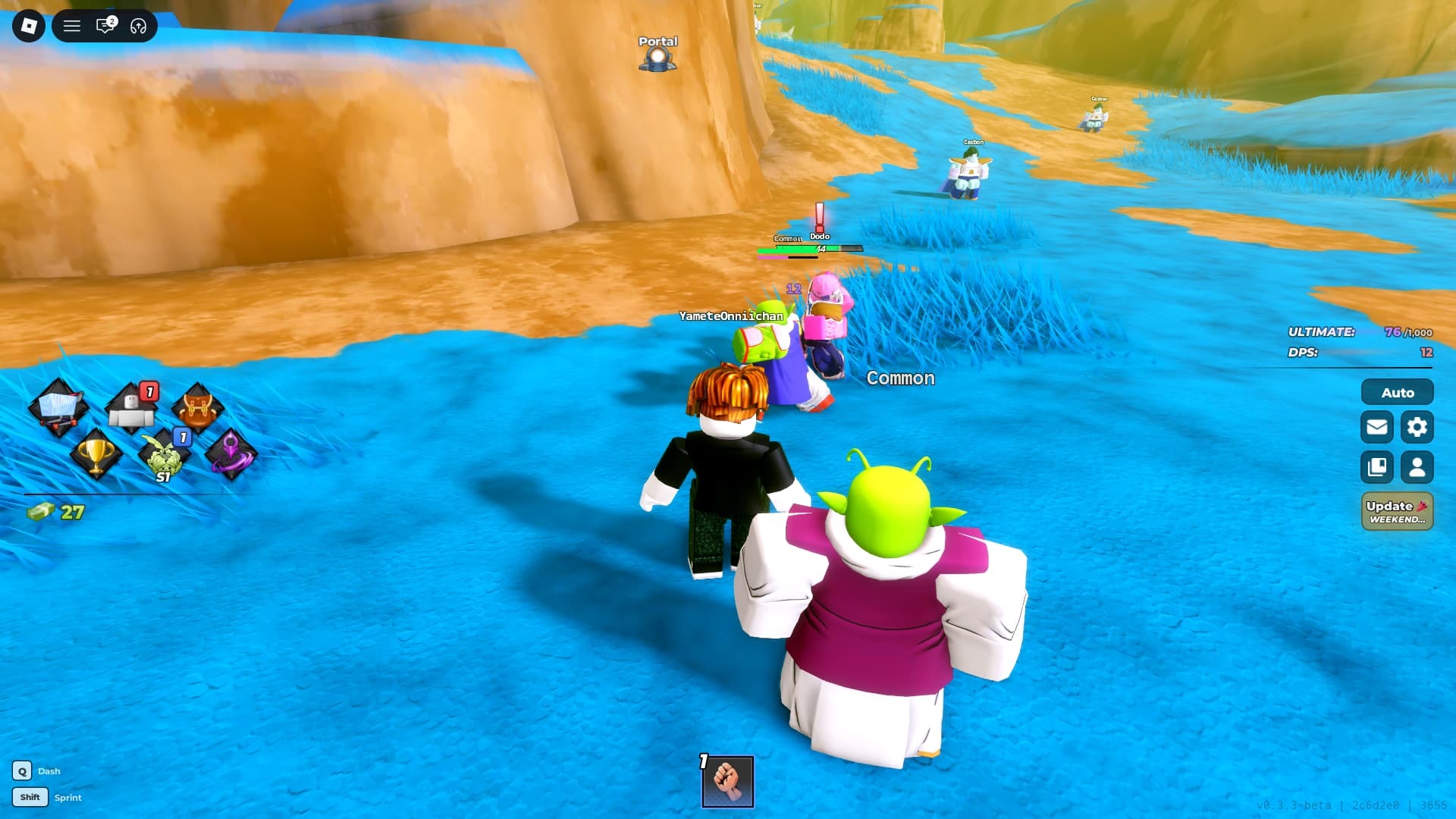
Here are the latest working scripts for the game that you can use to automate certain actions in the game:
Disclaimer: Roblox scripts can get you banned in-game and on the platform. So please use them at your own risk. Also, it is best to use scripts on a new account rather than your regular ones.
Script 1
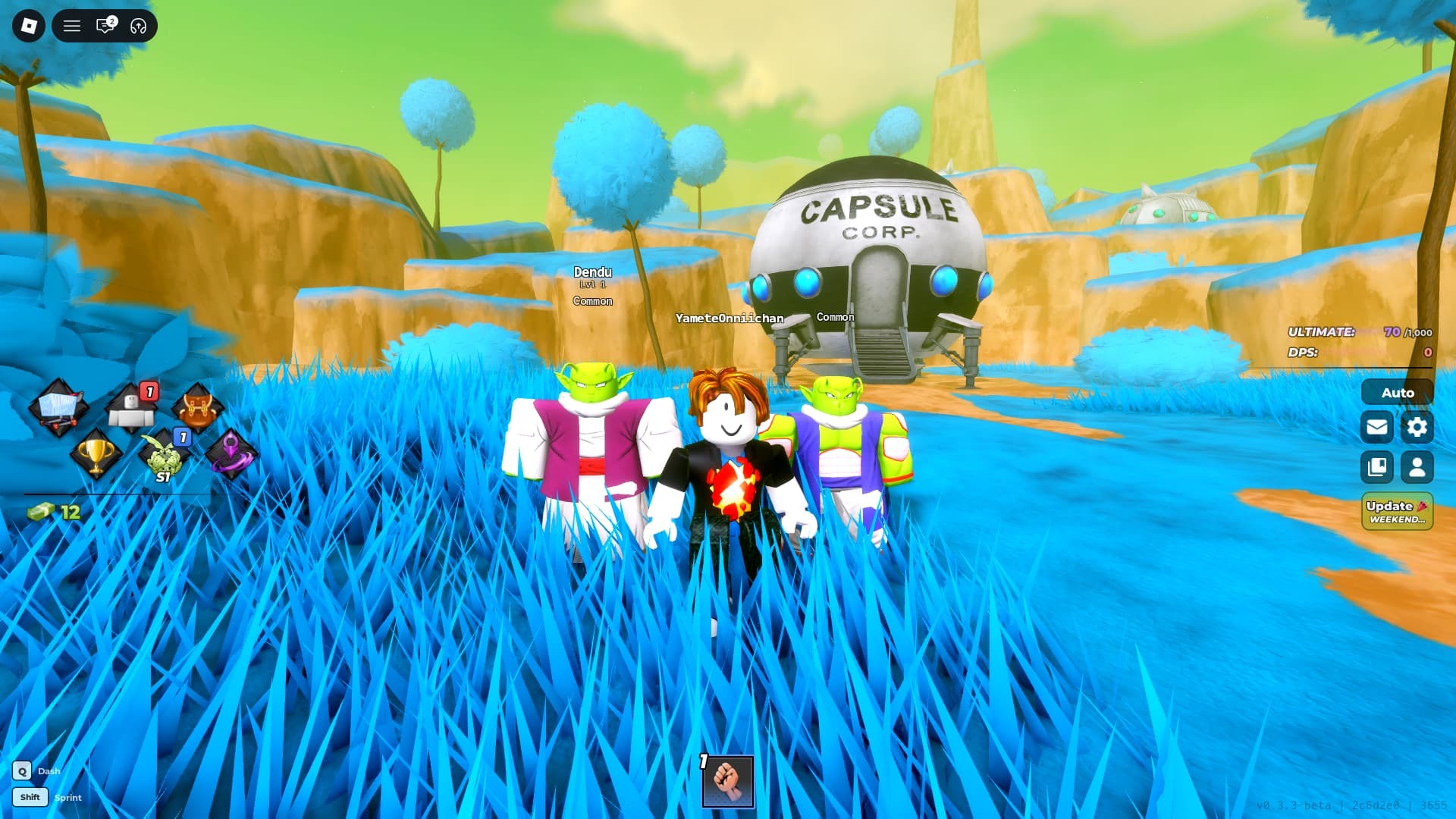
loadstring(game:HttpGet("https://raw.githubusercontent.com/ApelsinkaFr/ApelHub/refs/heads/main/ApelHub"))()
Script 2
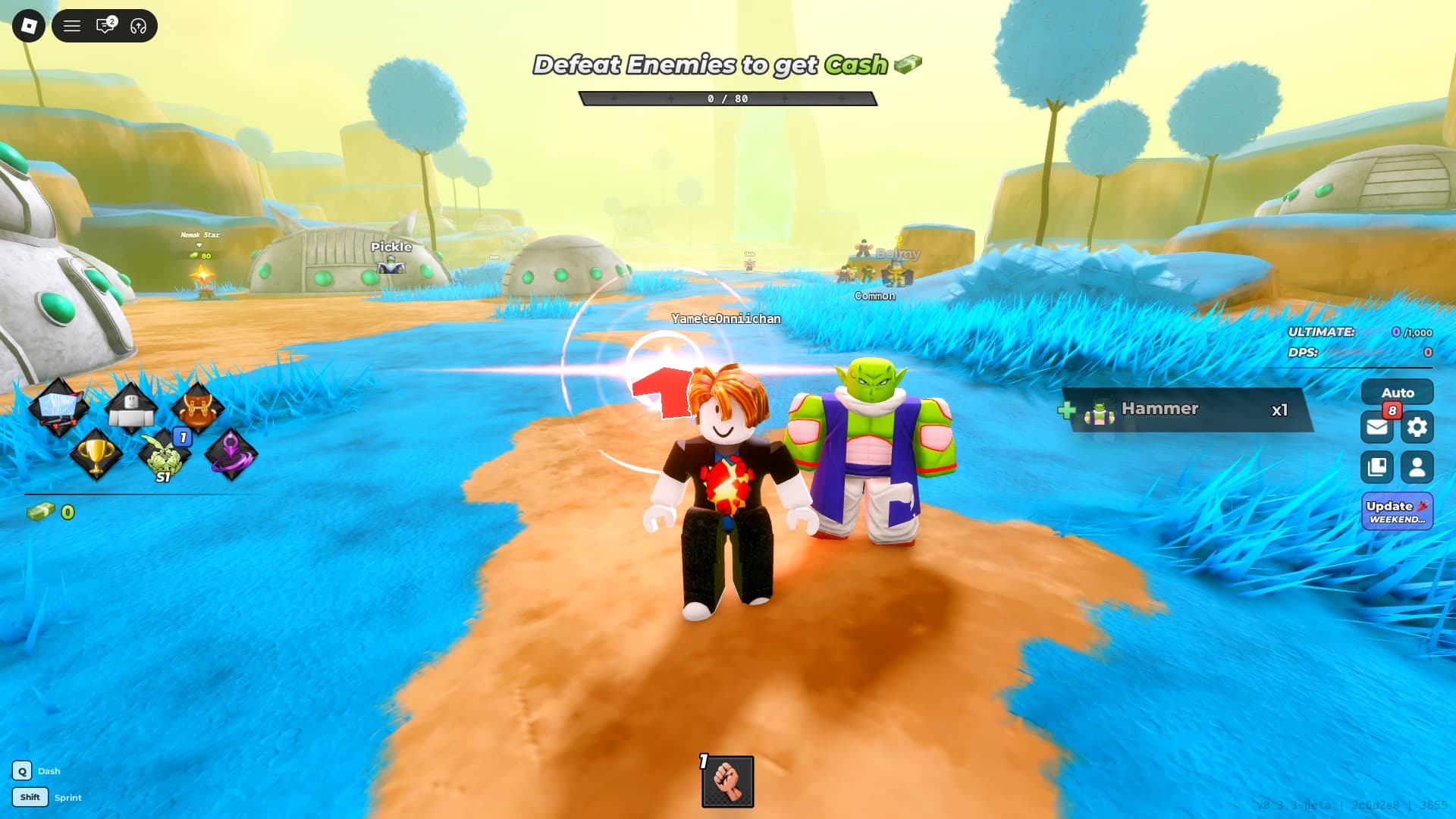
loadstring(game:HttpGet("https://raw.githubusercontent.com/sailorpiecescrript/probability/refs/heads/main/animewarriors3"))()
How To Use Anime Warrior 3 Scripts
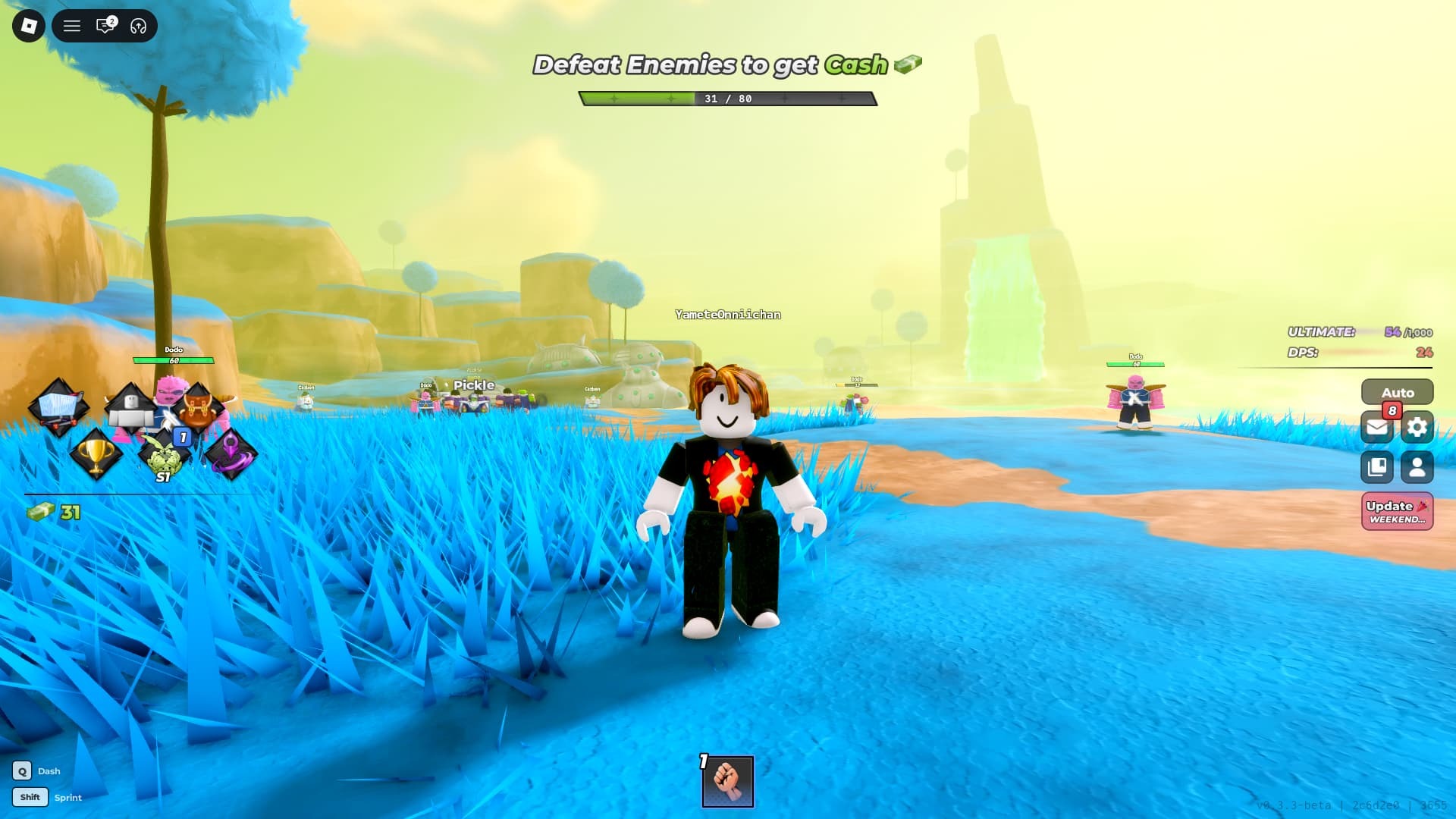
You can use scripts with the different Roblox script executors available for free download. That said, here is how you can use Anime Warriors 3 scripts:
- Download Roblox Executor. (Arceus X or others)
- Some other executors include: krnl, Fluxus, Script-Ware, Script-Ware M, and Synapse.
- Once the download is complete, install the Roblox Executor, then open it and log in with your Roblox account.
- Search and play Anime Warriors 3.
- Click on the executor icon. If required, copy the key.
- While playing Anime Warriors 3, open Script Hub.
- Copy and paste the above working scripts
- Execute the script.