






In this guide, we share some of the community-made scripts for Roblox Anime Expeditions along with the steps on how to use them.

Anime Expeditions is an experience on the Roblox platform where you summon anime-inspired heroes to form a team to clear the different expeditions and game modes offered in the game, either as a solo player or with your friends, in a team.
The goal? Collecting the top units, leveling up, evolving, and unlocking their devastating abilities to tackle the harder challenges.
While team building and the different game modes are fun aspects of the game, some players often prefer to avoid the grind to become powerful and instead let a script do the work.
For such players, we have prepared this guide that covers some community-made scripts for the game, along with steps to use them.
All Working Scripts for Anime Expeditions
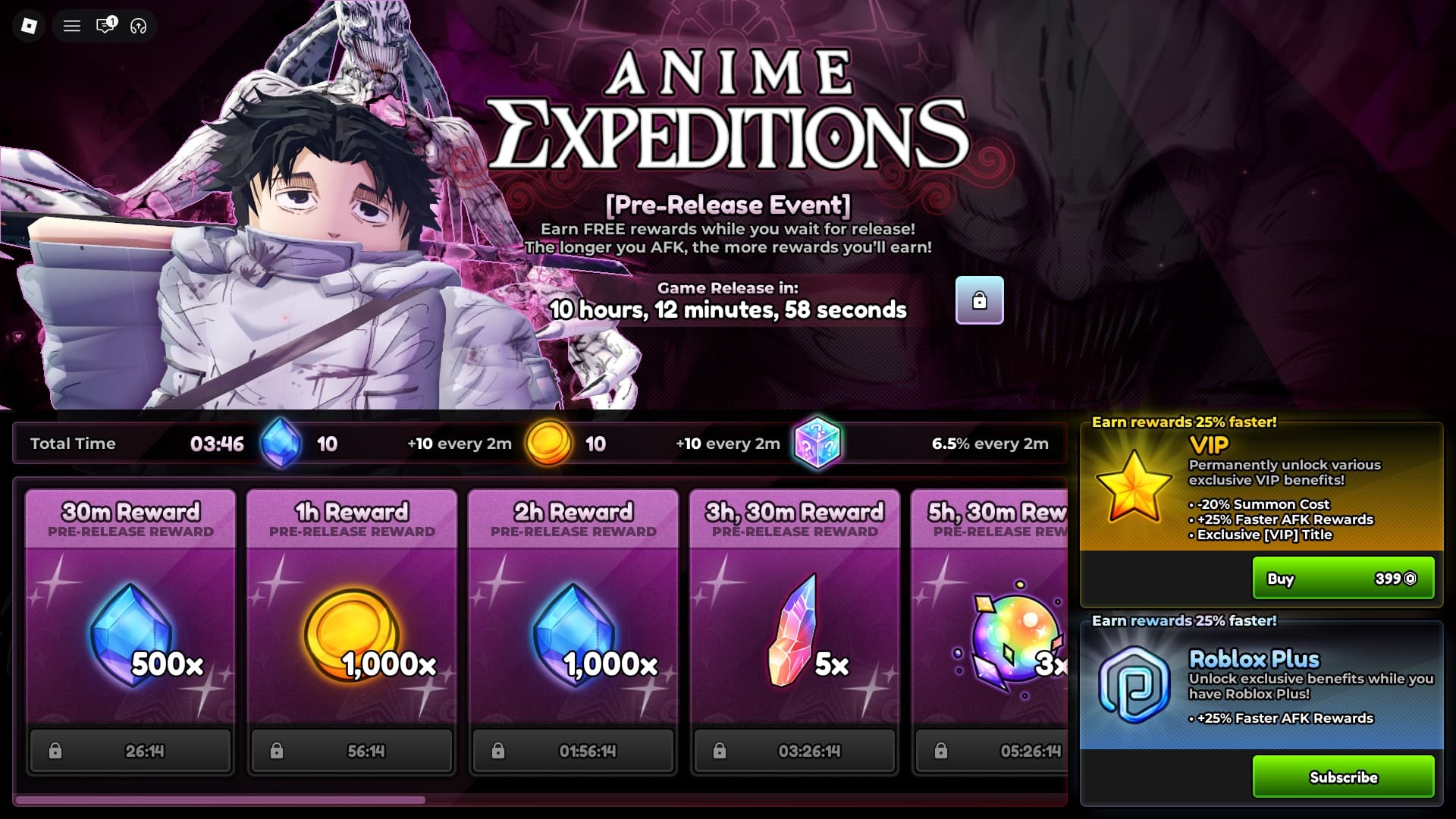
Below you can find the latest scripts for the game that you can use via any Roblox script executor:
Update: We checked for new scripts on August 4, 2026.
Disclaimer: Roblox scripts can get you banned in the game and also on the platform. So please use them at your own risk. Also, it is best to use scripts on new accounts rather than your regular ones.
Script 1
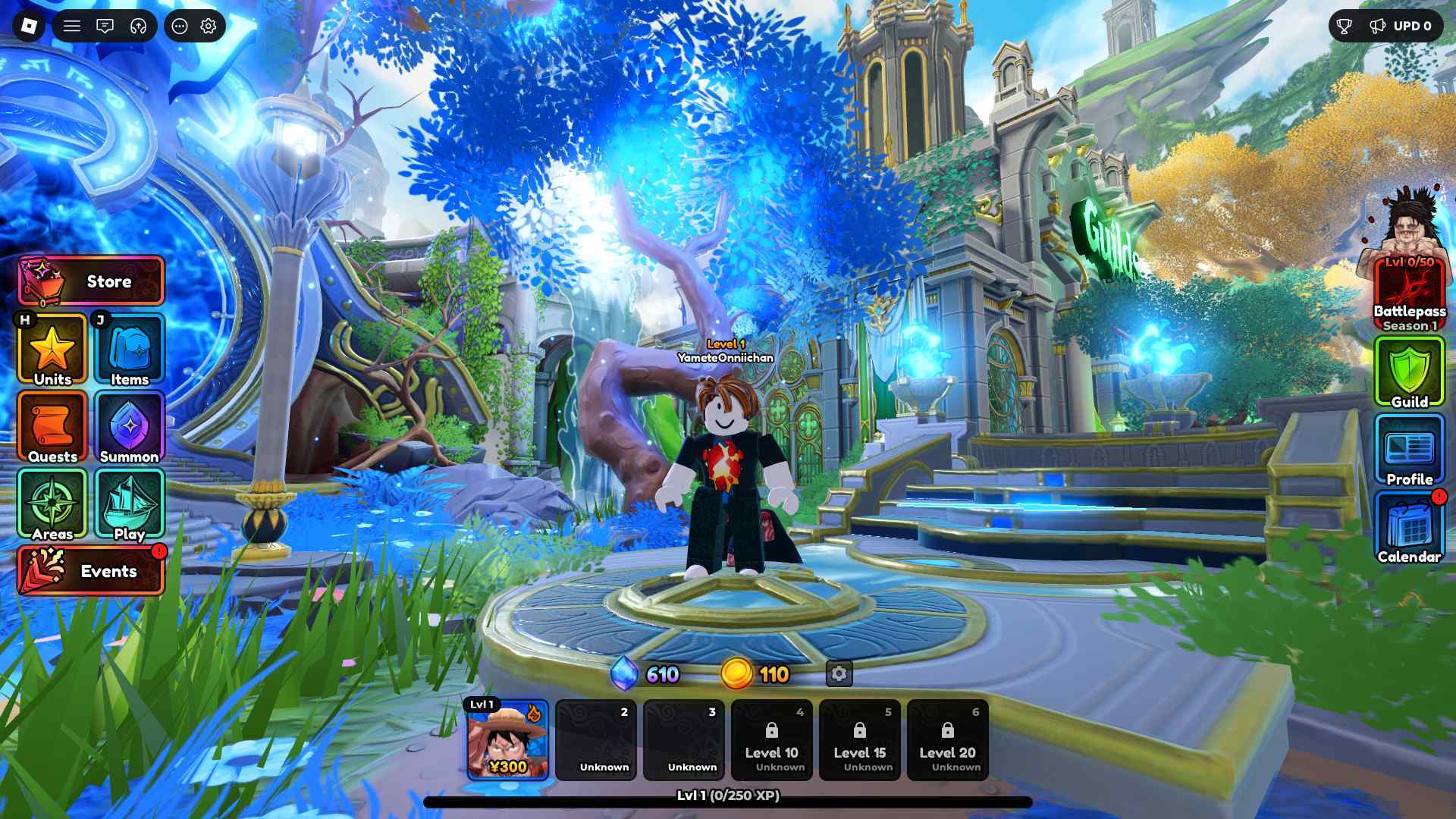
loadstring(game:HttpGet("https://raw.githubusercontent.com/hanniii1/Loader/refs/heads/main/BFLoader.lua"))()
Script 2

loadstring(game:HttpGet("https://raw.githubusercontent.com/ApelsinkaFr/ApelHub/refs/heads/main/ApelHub"))()
Want to earn a decent side income by testing out new games and completing tasks? Check out Lootday today!
How to Use Anime Expeditions Scripts
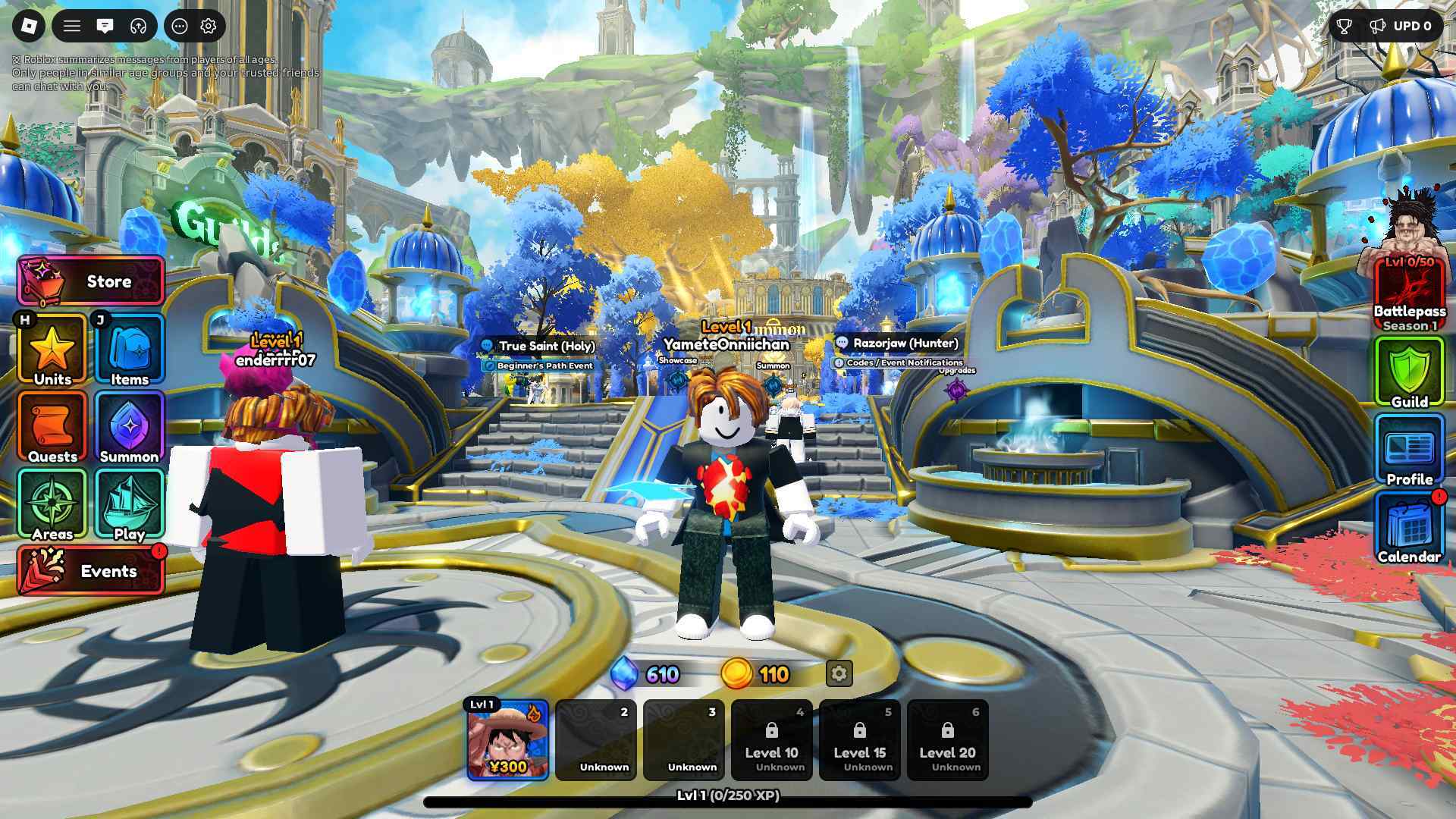
To use Anime Expeditions scripts, you need a Roblox Script Executor. There are many to choose from, such as Arceus X, krnl, Fluxus, Script-Ware, Script-Ware M, and Synapse.
Search and download the one that you like. After the installation is complete, open it and log in with your Roblox account. Search and play Anime Expeditions.
Click on the executor icon. If required, copy the key. At the same time, while playing Anime Expeditions, open the Script Hub. Copy and paste the working scripts above as per your requirements.
Execute the script.