





This guide shares the latest working scripts for Roblox's The Forge and the steps to use them.
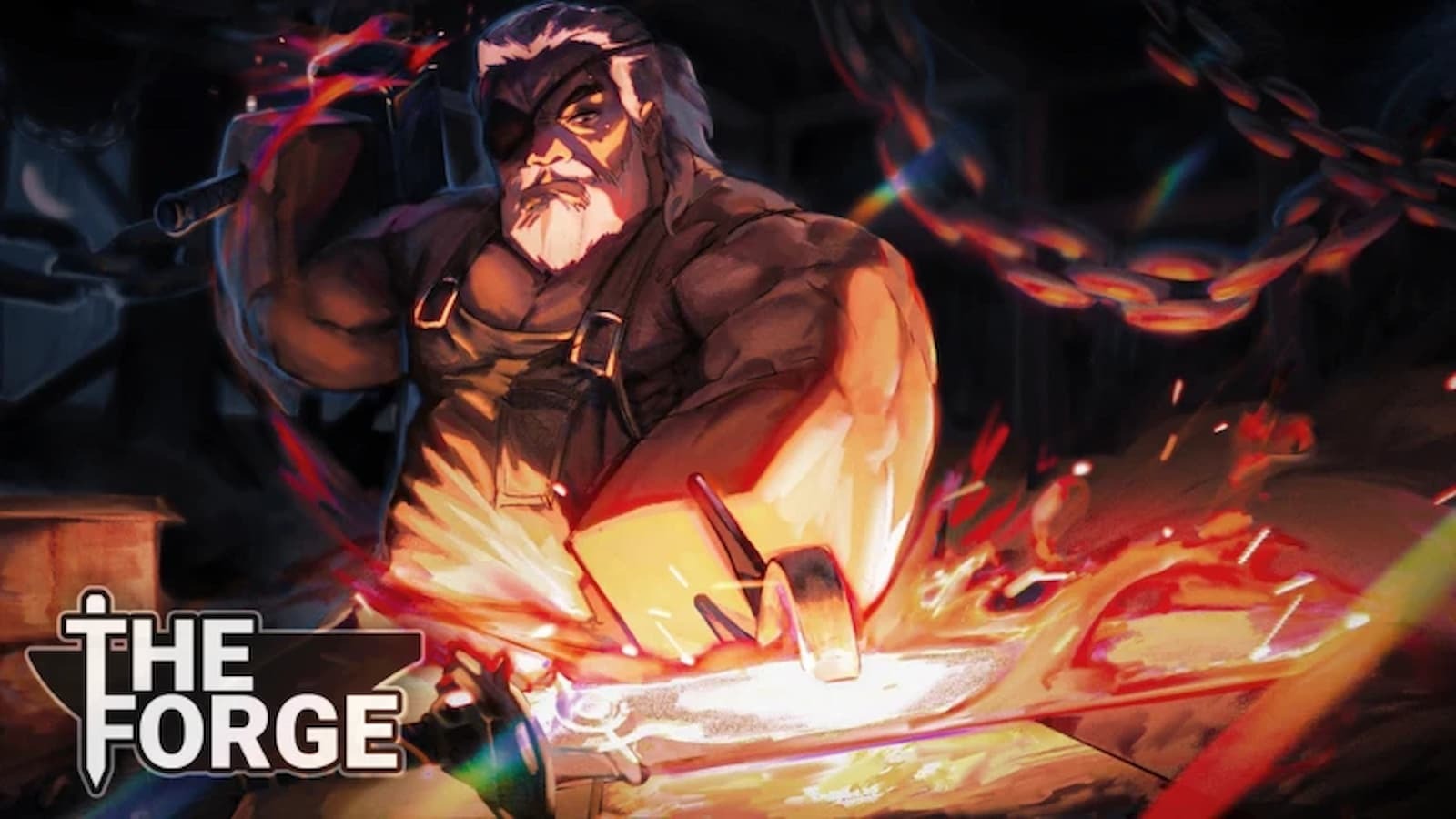
The Forge is a Simulation and RPG experience on the Roblox platform that involves a lot of grinding when it comes to mining and obtaining rare orbs, getting certain enemy drops like Essence and others, level grinding, and such things.
While the gameplay loop is fun most of the time, there are times when it feels like a chore. Thankfully, the grind can be reduced using The Forge scripts, as it allows you to auto farm mobs, mineral nodes for ores, add kill aura, and much more.
So, if you are interested in automating the grind in the game, the below community-made scripts for The Forge might come in handy.
All Working Scripts For The Forge
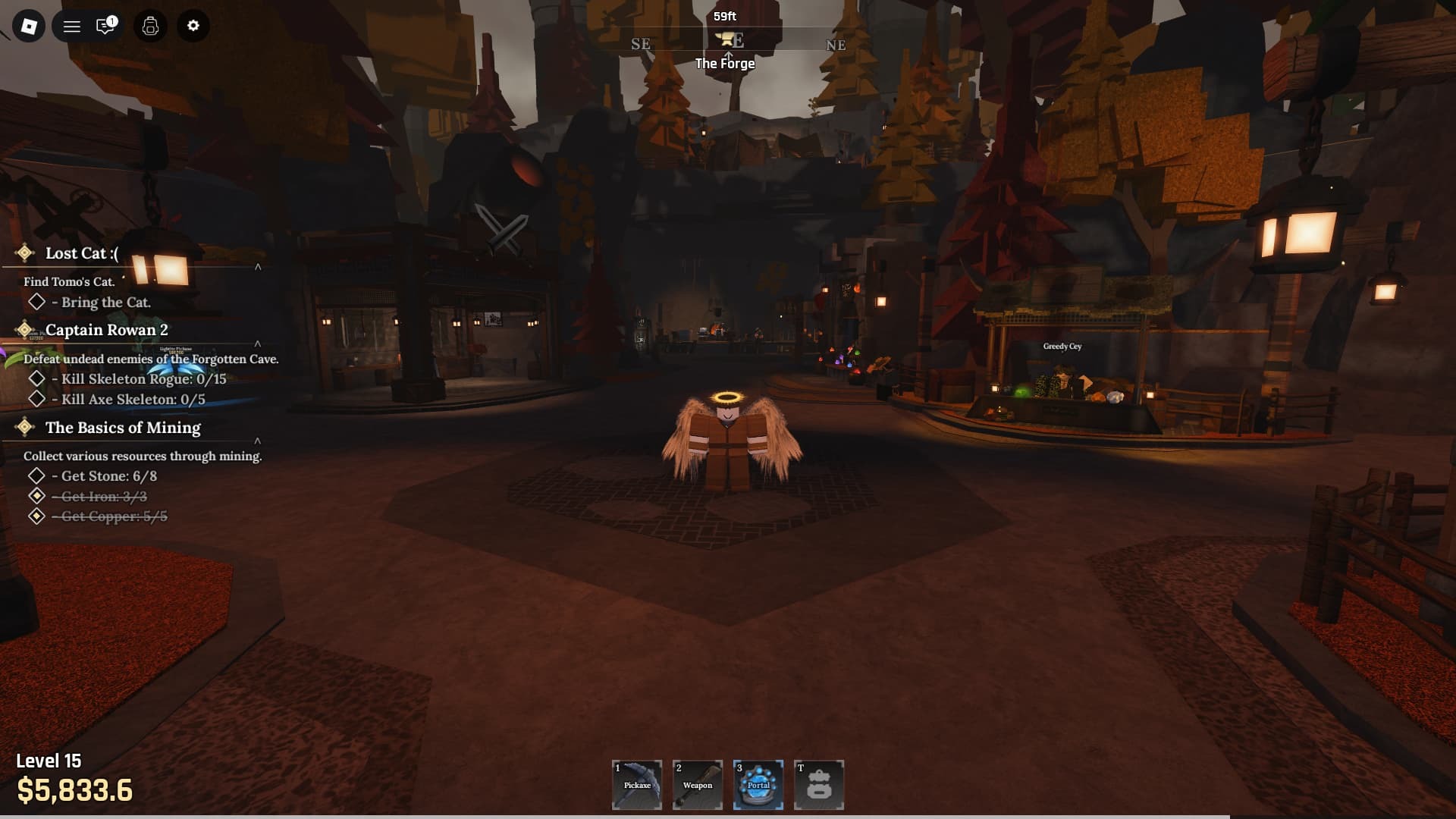
Here are all the working scripts for the game that the community has made so far. We will add more soon!
Disclaimer: Using scripts can get you banned in the game and also on the platform. So please use them at your own risk. Also, it is best to use scripts on a new account rather than your regular ones.
Script 1

loadstring(game:HttpGet("https://pastefy.app/ULaWpxKm/raw"))()
Script 2
loadstring(game:HttpGet("https://raw.githubusercontent.com/OhhMyGehlee/sh/refs/heads/main/a"))()
Script 3

loadstring(game:HttpGet("https://airflowscript.com/loader"))()
Script 4

loadstring(game:HttpGet("https://raw.githubusercontent.com/getallthreads/2pac/refs/heads/main/Forge.luau"))()
Script 5
loadstring(game:HttpGet("https://raw.githubusercontent.com/GiftStein1/pepehook-loader/refs/heads/main/loader.lua"))()
How to Use The Forge Scripts
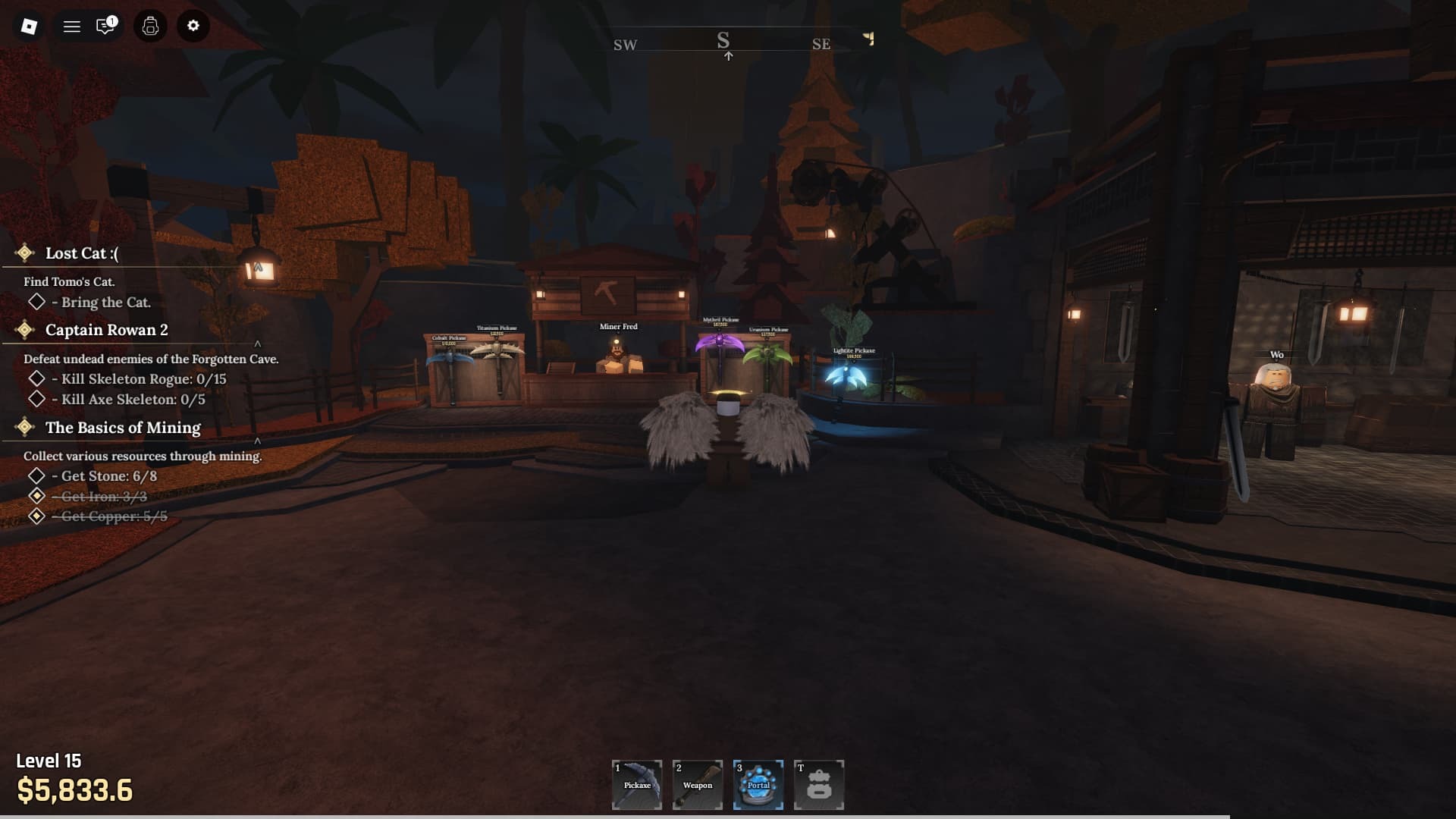
Here is how you can use The Forge scripts in Roblox:
- Download a Roblox Executor.
- Supported ones include: KRNL, Delta, Cryptic, and CodeX
- Once the download is complete, install the Roblox Executor and open and log in to it using your Roblox account.
- Search and play The Forge.
- Click on the executor icon. If required, copy the key.
- While playing The Forge, open Script Hub.
- Copy and paste the above working scripts.
- Execute the script.