






This guide shares the latest redeem codes for Roblox Tower Adventure and the steps to claim them for Coins and other rewards.
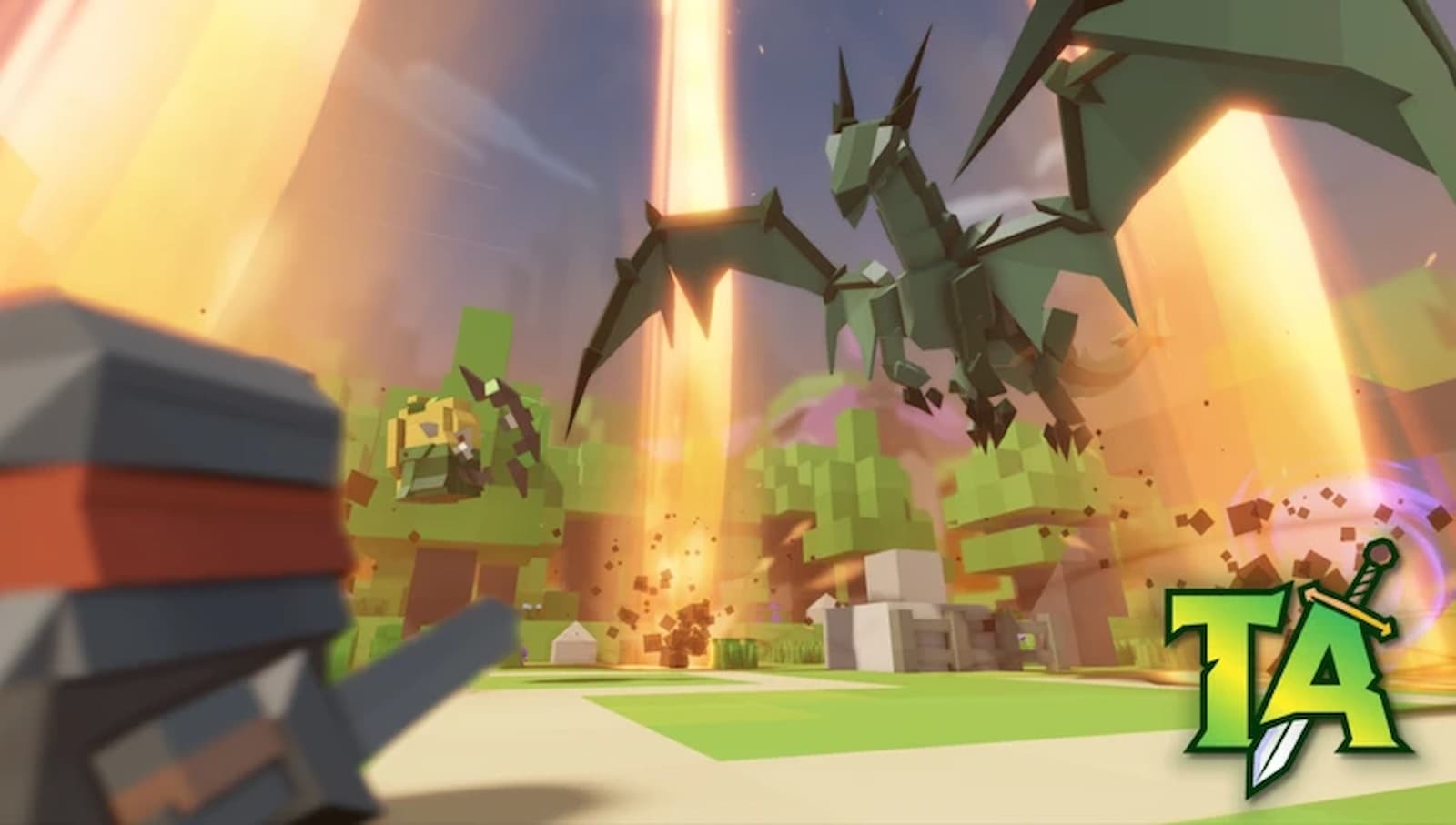
Tower Adventure is a Tower Defense experience on the Roblox platform where you collect different units, aka Towers, and use them and their unique abilities and traits, in different maps to take out waves of enemies and bosses.
To clear all maps and challenges, you need better units. Moreover, you must also upgrade them. For that, you need a ton of currency, and while you can obtain it by grinding the different maps, there’s also an in-game redeem code option.
So keep reading, as in this guide, we share Tower Adventure active codes you can claim for Coins and other rewards, along with the steps to claim them and details on where to get new ones.
How to Redeem Codes in Tower Adventure
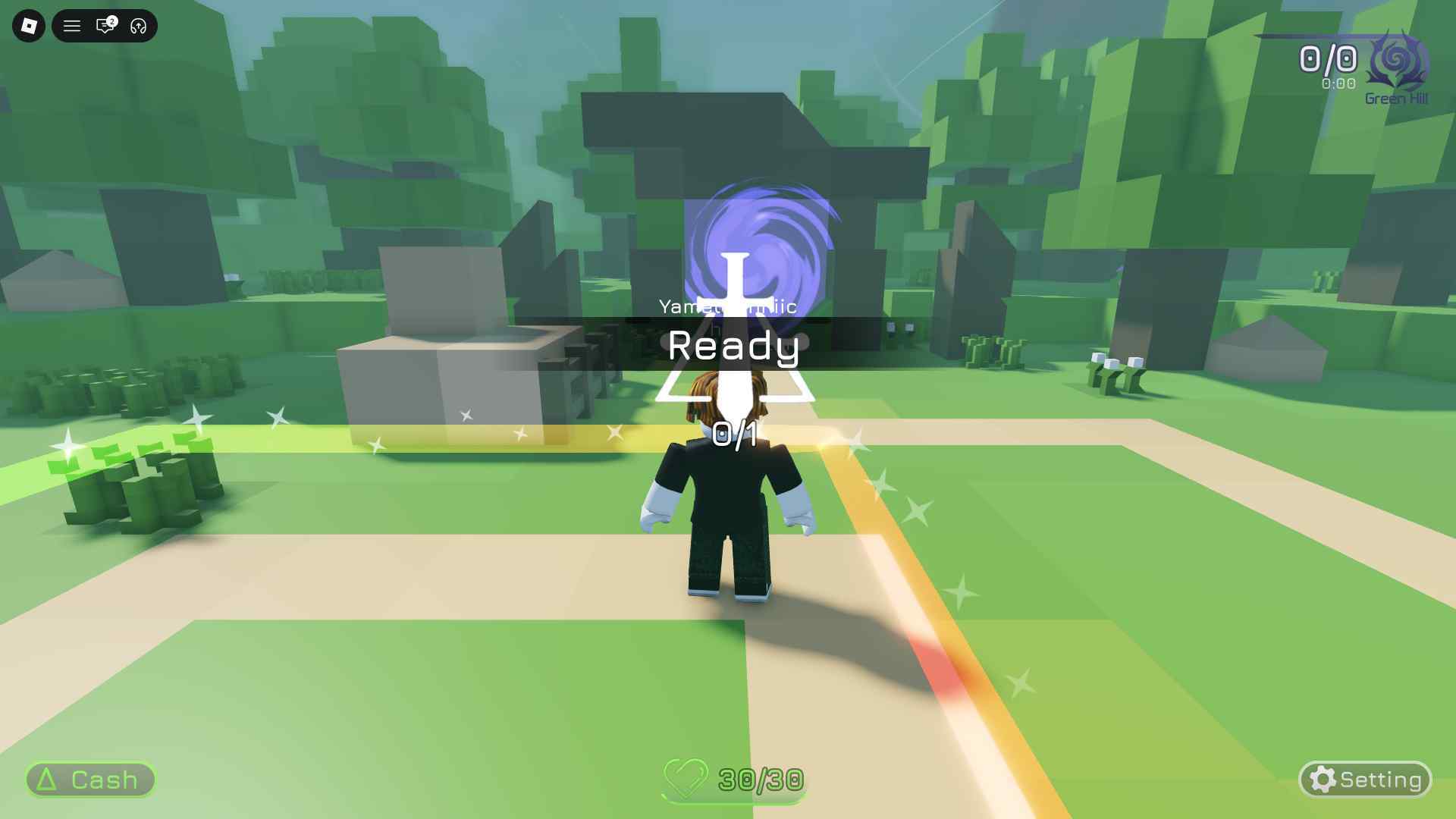
To redeem codes in Tower Adventure, you must first complete the game’s tutorial. While it is not mandatory, completing it allows you to access the Lobby area.

After that, click on the ⚙️ icon to access the in-game ‘Settings.’
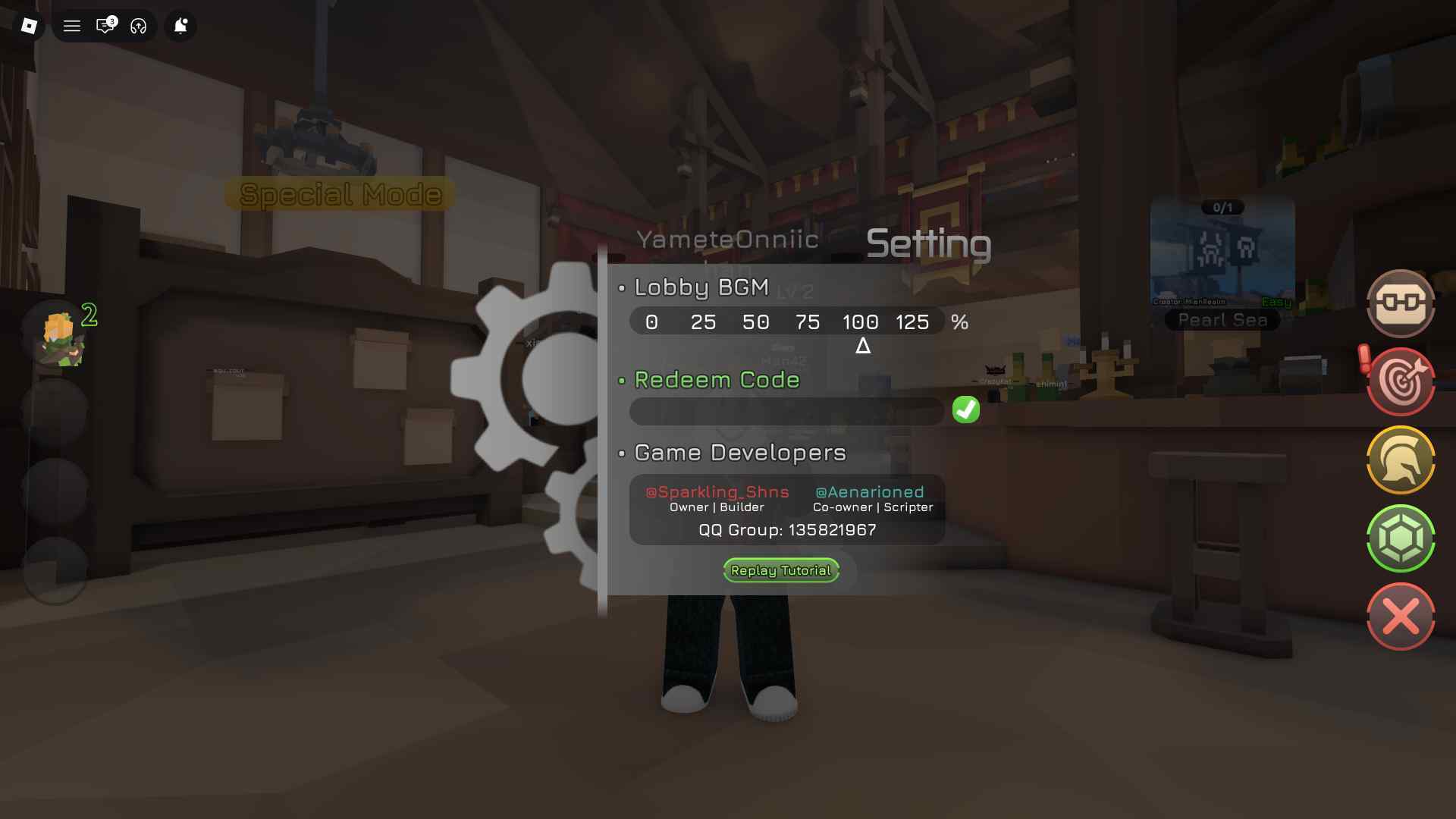
There you will find the ‘Redeem Code’ option. Enter the active codes from the list below into the given field and click on the ‘✔’ button to claim.
New Codes for Tower Adventure
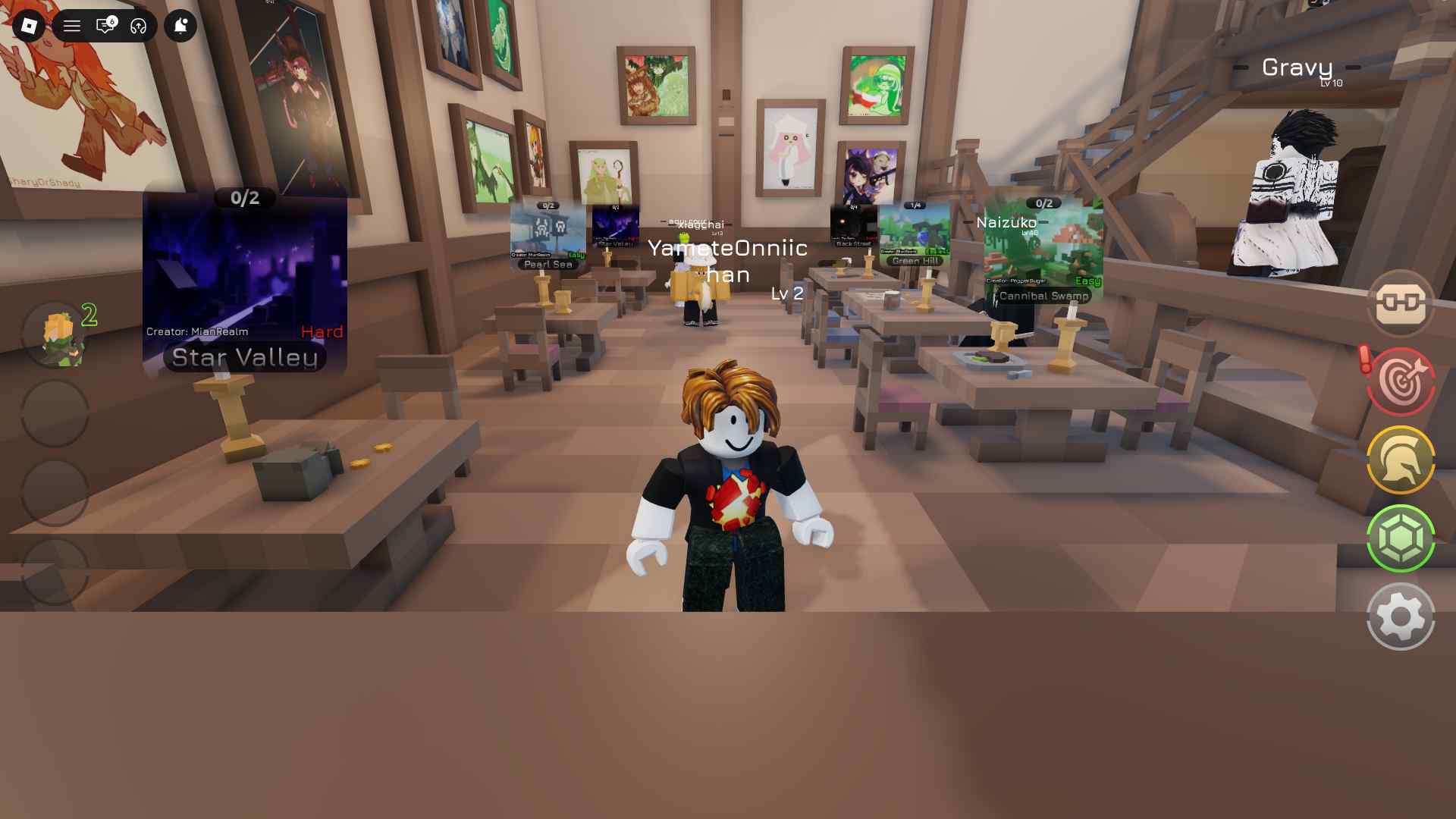
Here are the latest codes for the game that you can claim for free in-game rewards, such as Coins:
- RELEASE - 1000 Coins (new!)
- TEST - 10,000 Coins
Make sure you claim the above codes at the earliest, as they expire after a certain time.
Want to earn a decent side income by testing out new games and completing tasks? Check out Lootday today!
Tower Adventure Expired Codes
- The game has no expired codes at the moment.
Where to Get More Tower Adventure Codes
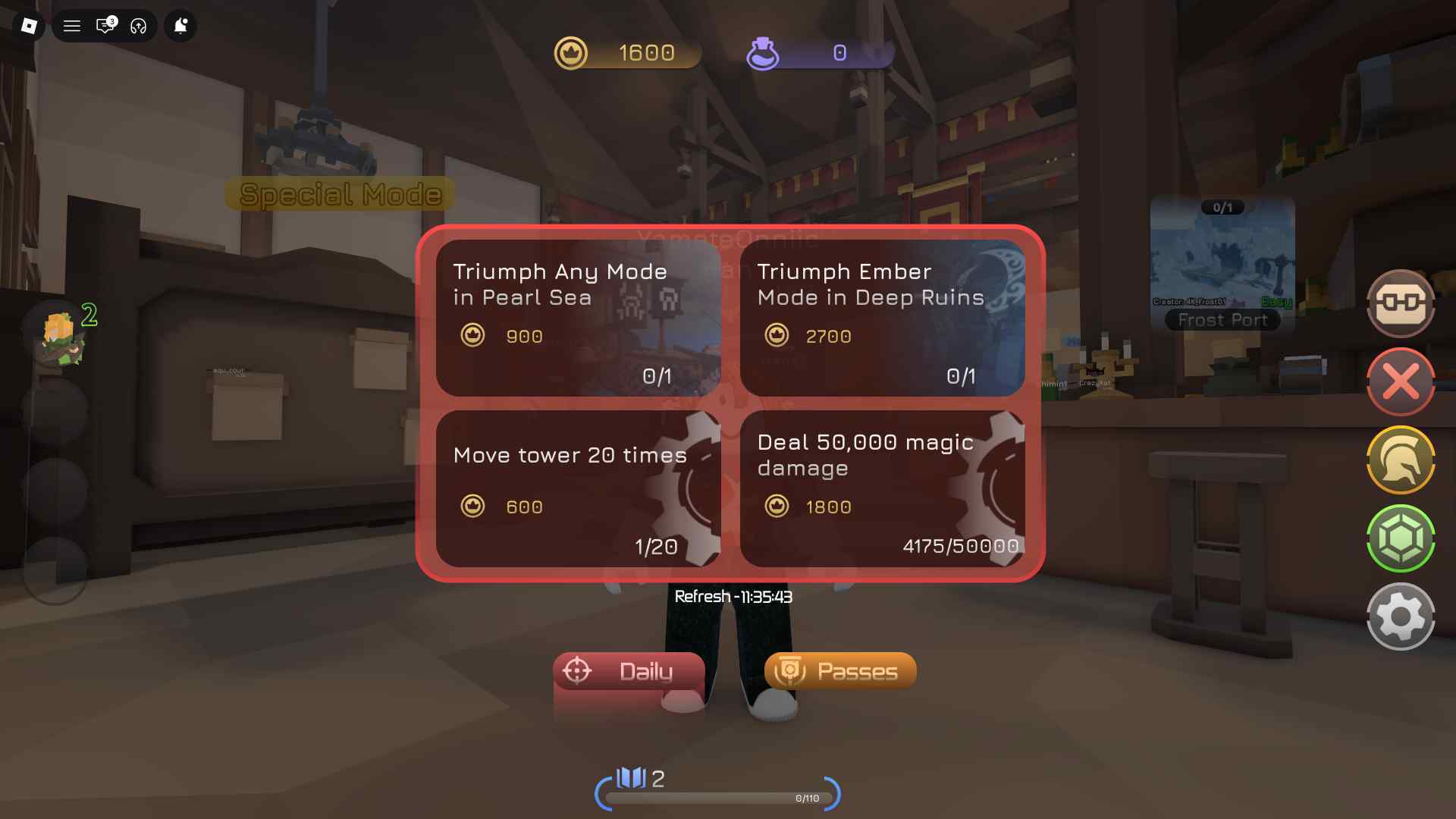
New codes for Tower Adventure are shared via the game’s official Discord server and mainly through the in-game notice window.
We also track and update the latest codes in this guide, so if you want to avoid the hassle, bookmark this page and add MobileMatters as your preferred source to ensure you don’t miss any redeem codes.