






This guide shares some community-made scripts for Roblox Haze Seas to auto-farm, Fruit spin, stat points, Combat EXP, and similar features.
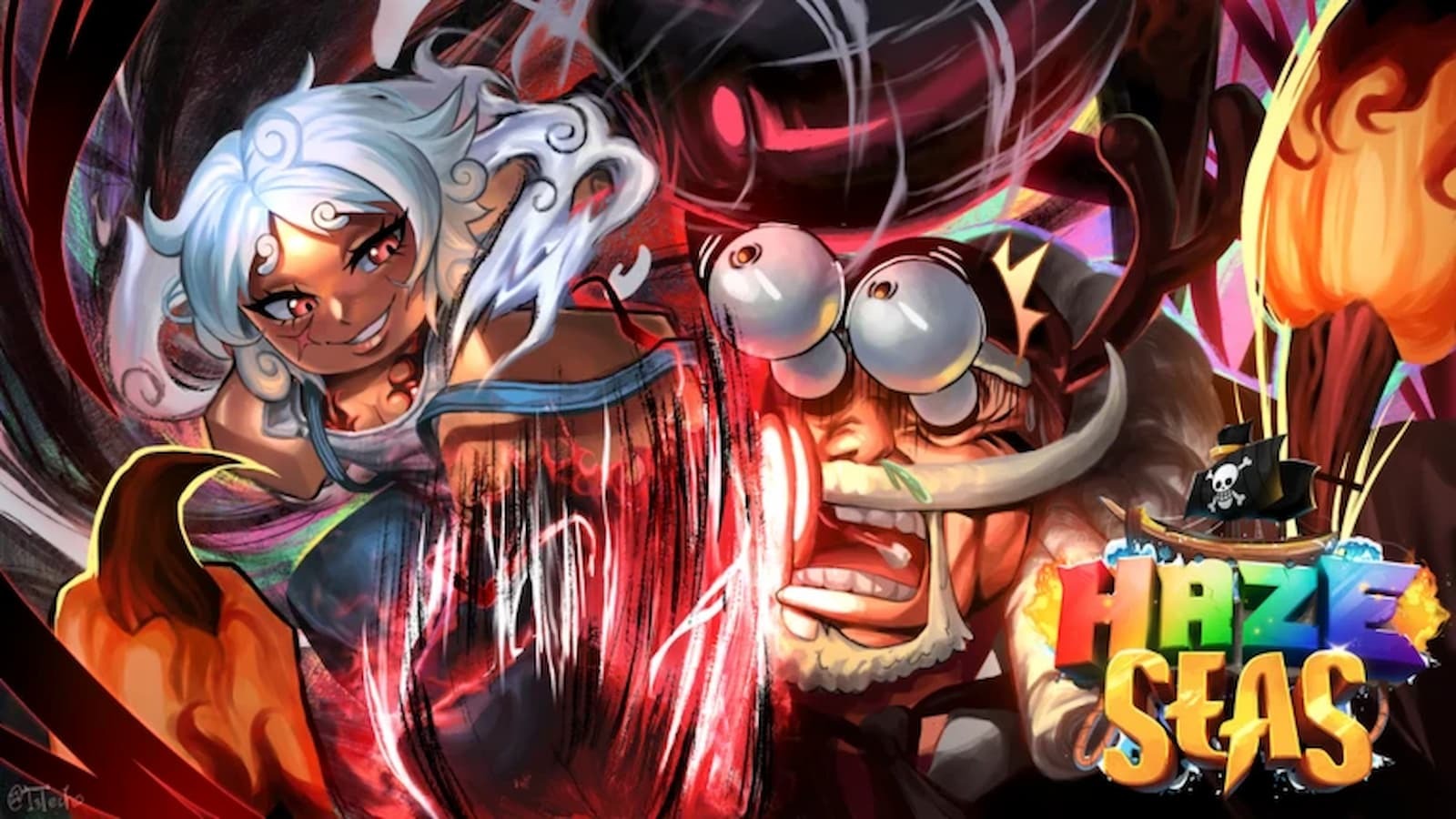
Haze Seas is an action RPG experience on the Roblox platform inspired by the hit anime and manga series One Piece, just like games like Blox Fruits, Haze Piece, One Fruit, and others.
The game’s main gameplay loop revolves around completing quests, farming mobs and bosses to grind levels, and Fruits and Weapons Mastery Levels to become more powerful.
While at the beginning farming mobs is fun, due to the very high max level cap, the grind starts to feel like a chore to many players, and so, they often look for scripts to automate the process while getting access to some cheats and additional features.
If you are one such player, keep reading our guide as we share community-made scripts for Haze Seas and go over the steps to use them.
All Working Scripts for Haze Seas
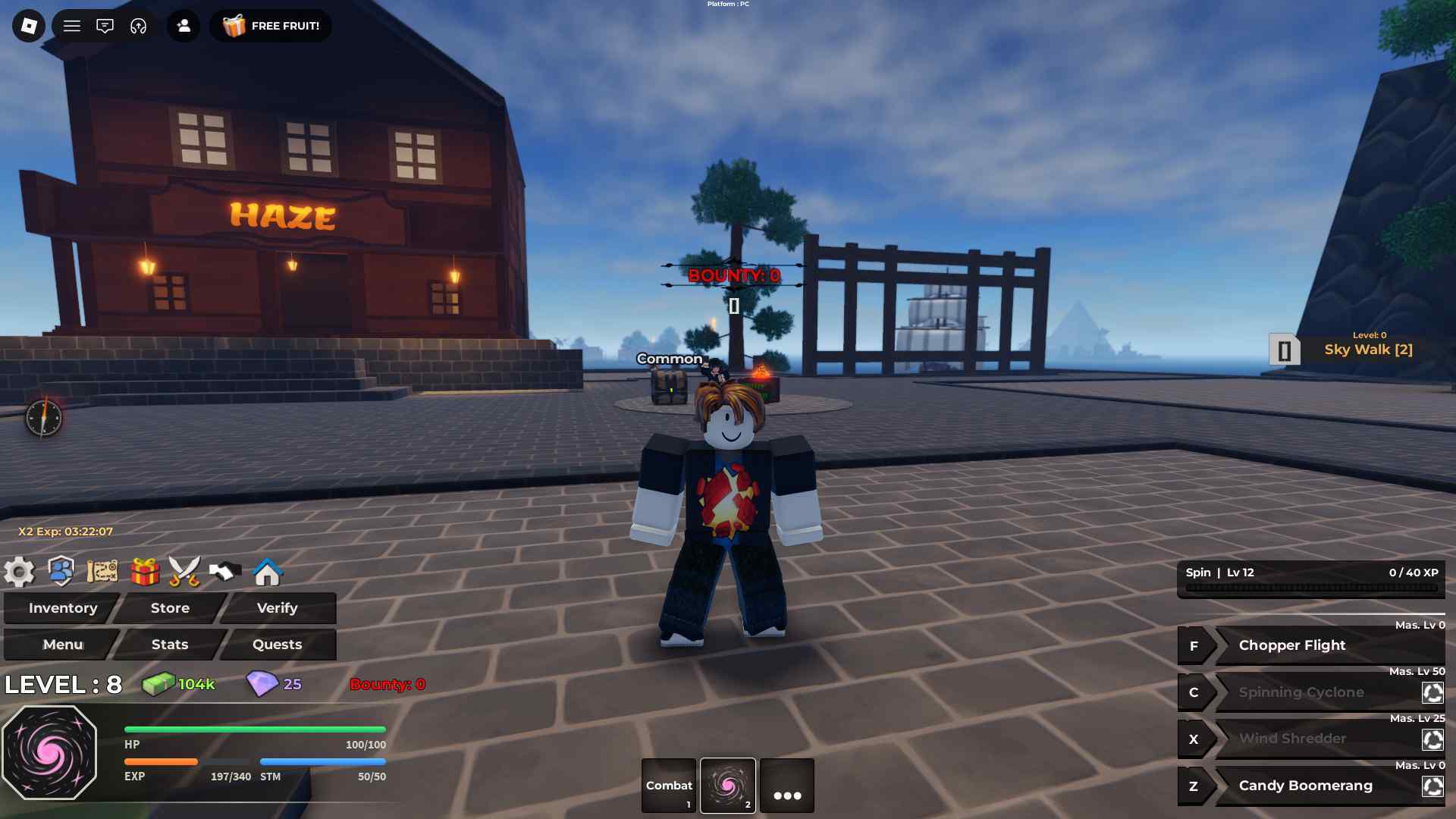
Below you can find the latest scripts for the game that you can use via any Roblox script executor:
Update: We checked for new scripts on August 4, 2026.
Disclaimer: Roblox scripts can get you banned in the game and also on the platform. So please use them at your own risk. Also, it is best to use scripts on new accounts rather than your regular ones.
Script 1
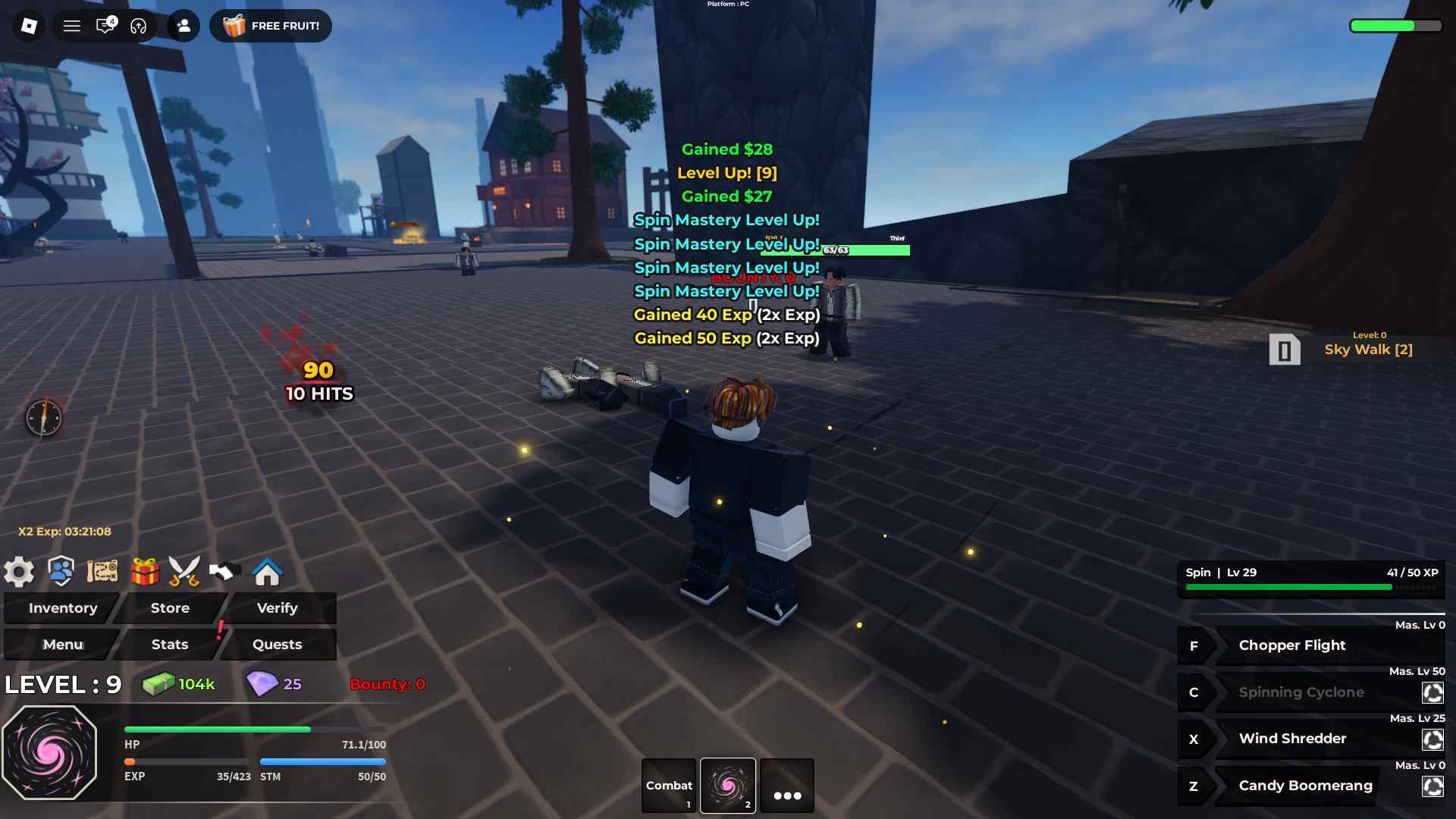
loadstring(game:HttpGet("https://raw.githubusercontent.com/NOX-ZUHILL/NOX-/refs/heads/main/NOX%20loader.lua"))()
Script 2
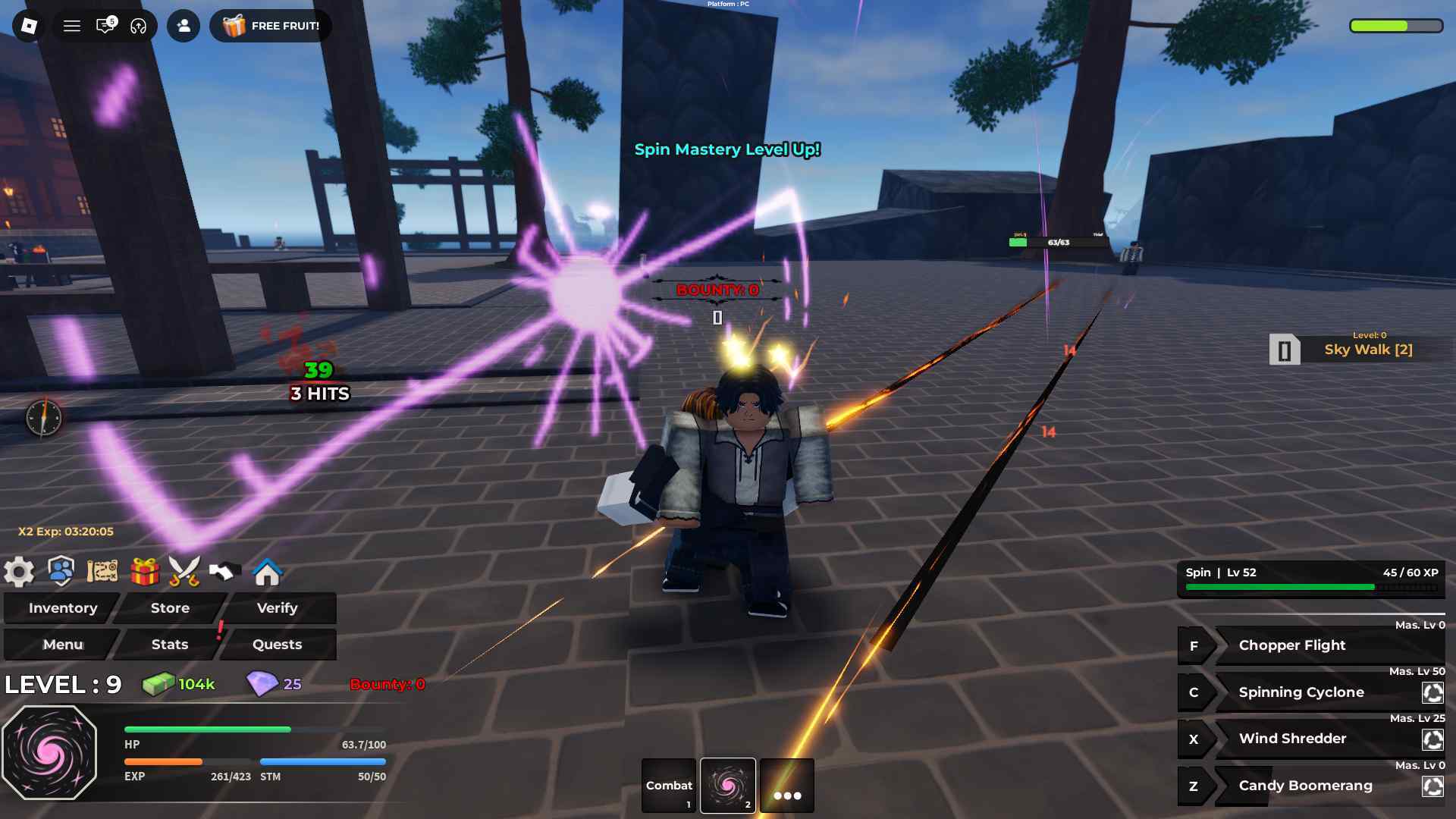
loadstring(game:HttpGet("https://raw.githubusercontent.com/OhhMyGehlee/sh/refs/heads/main/a"))()
Script 3
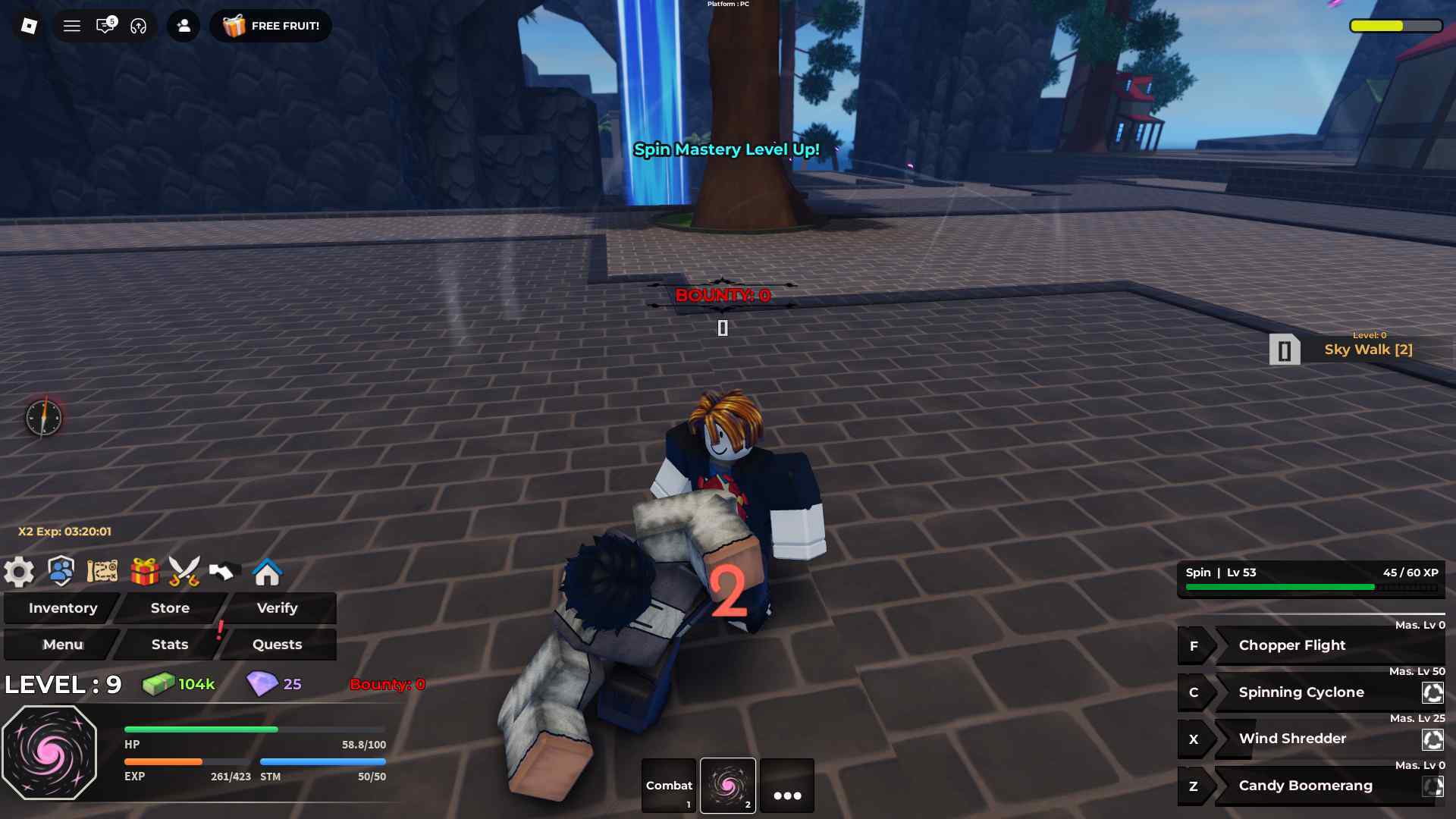
loadstring(game:HttpGet("https://gist.githubusercontent.com/angeryy-tvy/c748ffb9f7810d3f4eff9a0d0b0bcdb4/raw/HazeSeas-Vxeze-Main"))()
Want to earn a decent side income by testing out new games and completing tasks? Check out Lootday today!
How to Use Haze Seas Scripts
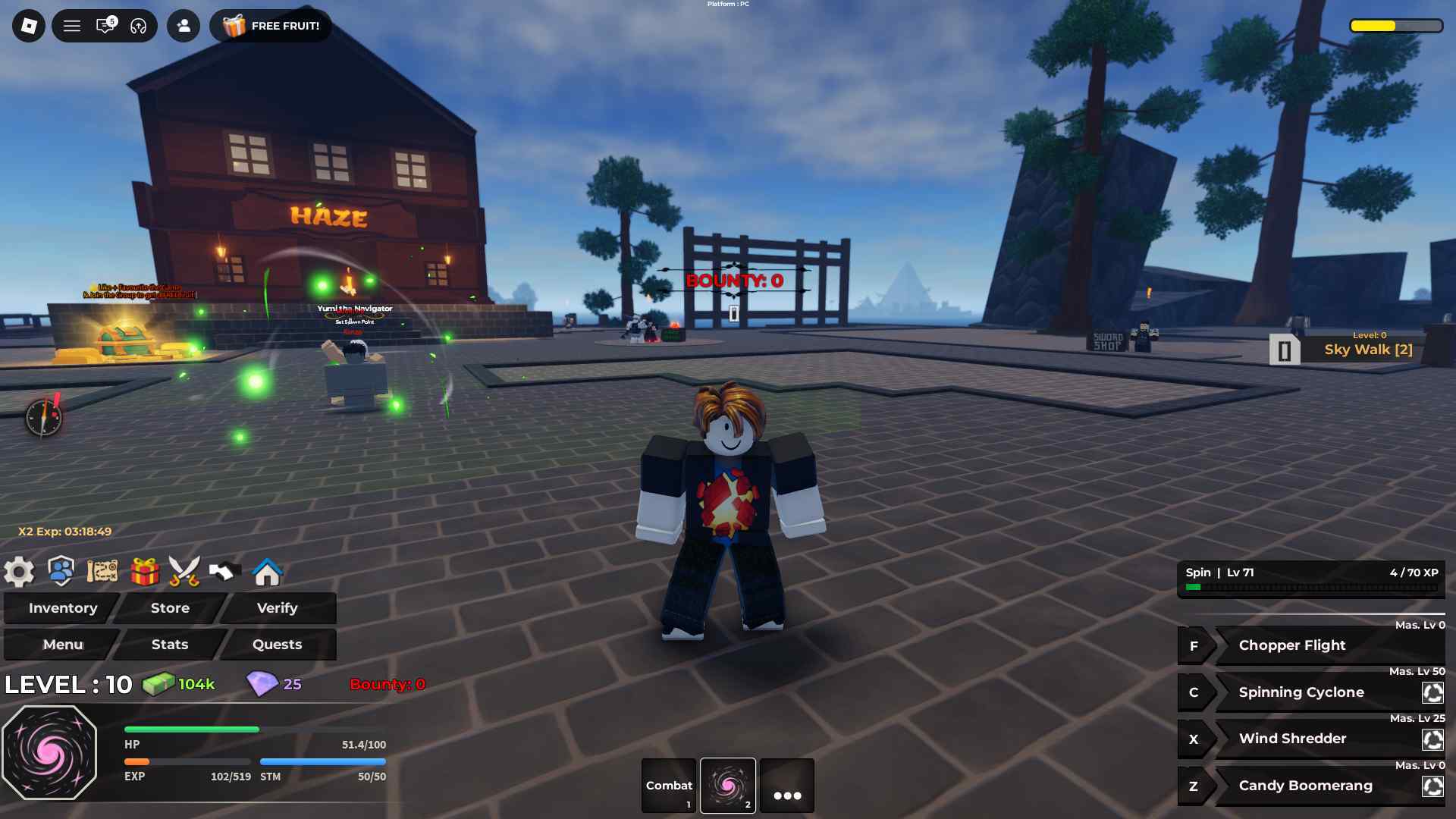
You can use Haze Seas scripts using any Roblox Script Executor such as Arceus X, krnl, Fluxus, Script-Ware, Script-Ware M, and Synapse.
Search and download the one that you like. After the installation is complete, open it and log in with your Roblox account. Search and play Haze Seas.
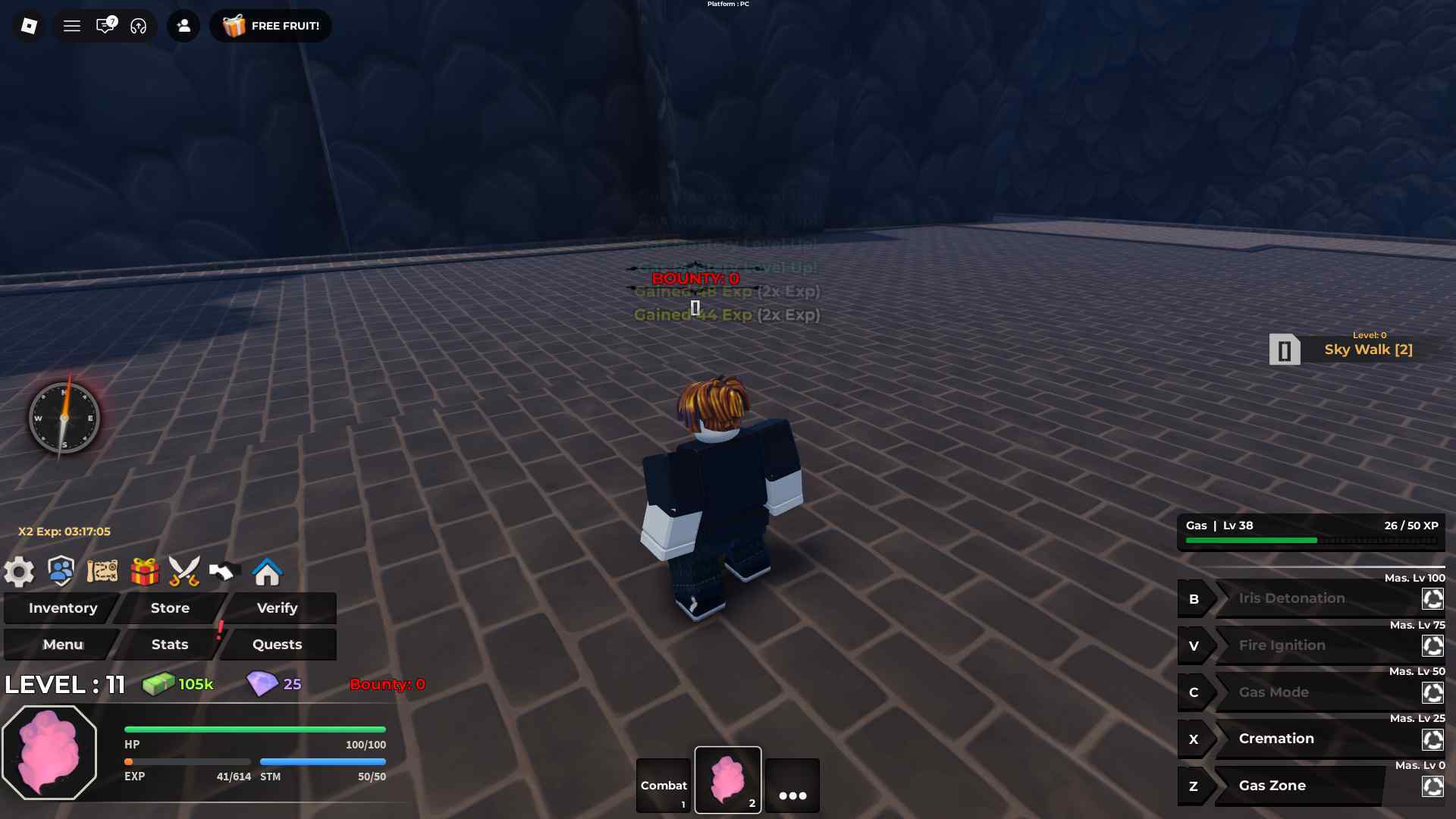
Click on the executor icon. If required, copy the key. At the same time, while playing Haze Seas, open the Script Hub. Copy and paste the working scripts above as per your requirements.
Execute the script.