






In this guide, we share the latest community-made scripts for Roblox's VV: Ultimatum and the steps to use them for features like auto parry, auto farm, missions, and such.

VV: Ultimatum is a stylized, high-quality fighting game on the Roblox platform, inspired by Bleach, with mechanics similar to what you see in soulslike games.
The game offers many high-quality missions and activities, over 130 skills and abilities to choose from and reroll, full-fledged build crafting, and much more, along with Clans and other features.
The general gameplay loop revolves around progressing and building your character, understanding and mastering the different gameplay mechanics. And while most players would really enjoy this, some often want to avoid the hassle and the grind involved.
For such players, the VV: Ultimatum scripts come in handy as they allow them to auto-complete quests, auto-farm mobs, auto-parry attacks, and such. It is like playing the game on easy mode.
All Working Scripts for VV: Ultimatum
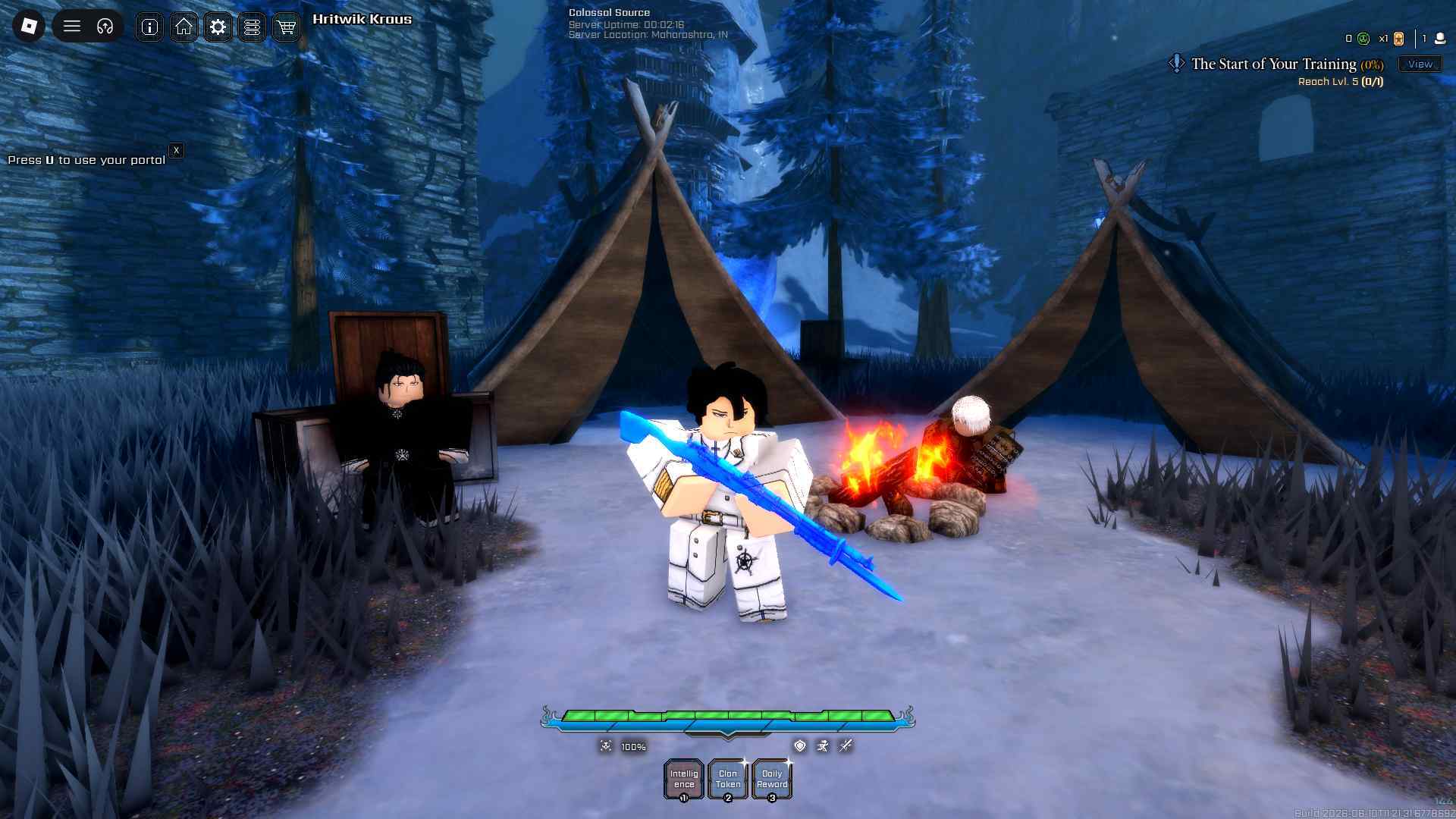
Here are the latest working scripts for the game:
Disclaimer: Roblox scripts can get you banned in the game and also on the platform. So please use them at your own risk. Also, it is best to use scripts on new accounts rather than your regular ones.
Script 1
getgenv().Provider = "rscript"
loadstring(game:HttpGet("https://api.luarmor.net/files/v3/loaders/97c3f6db55a2cf72141537a85458e5a7.lua"))()
Want to earn some side income by testing out new games and completing tasks? Check out Lootday today!
Script 2
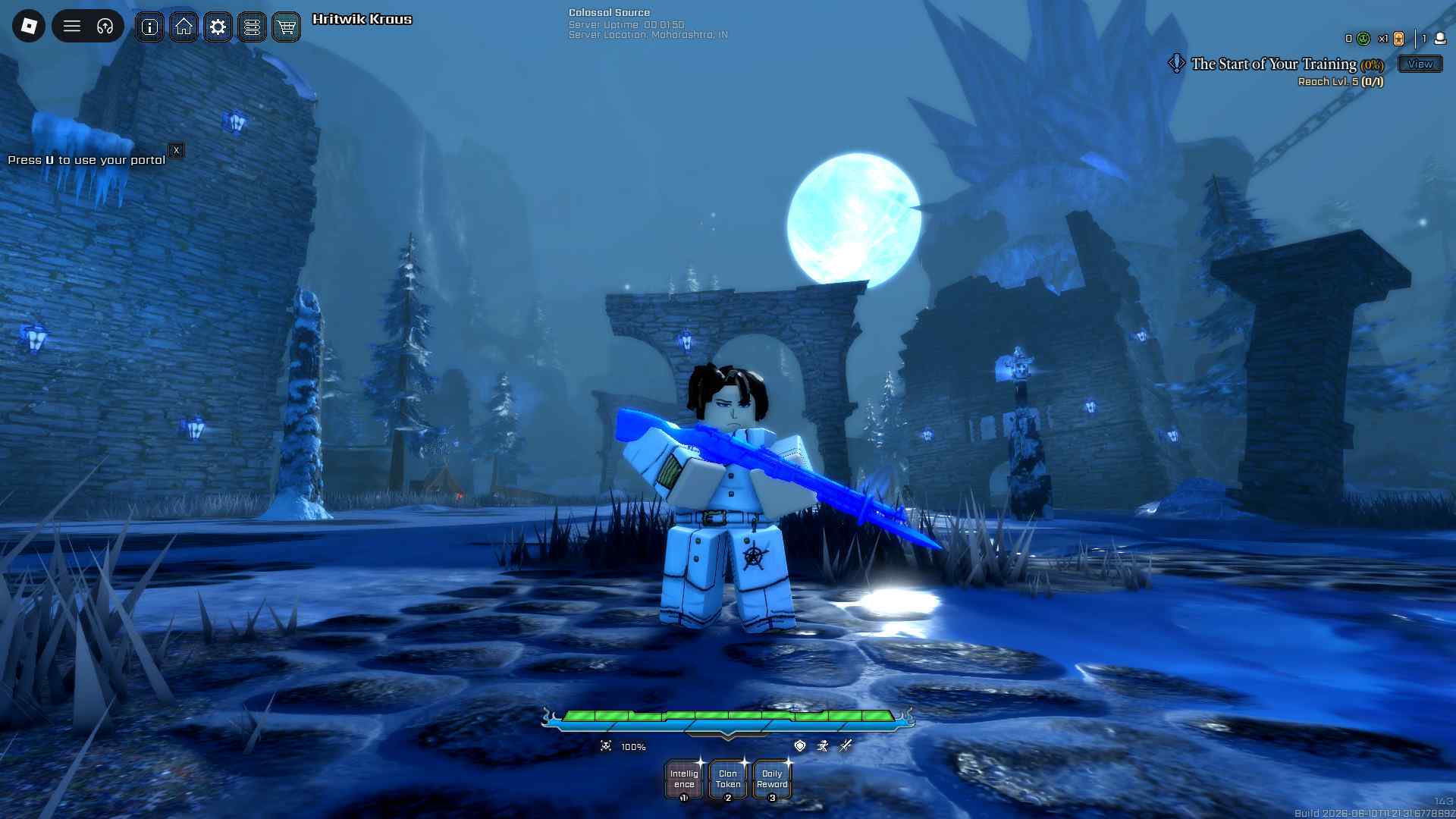
loadstring(game:HttpGet("https://api.luarmor.net/files/v4/loaders/af0ed3333e4ba4de9595673d4891f17e.lua"))()
How to Use Scripts in VV: Ultimatum
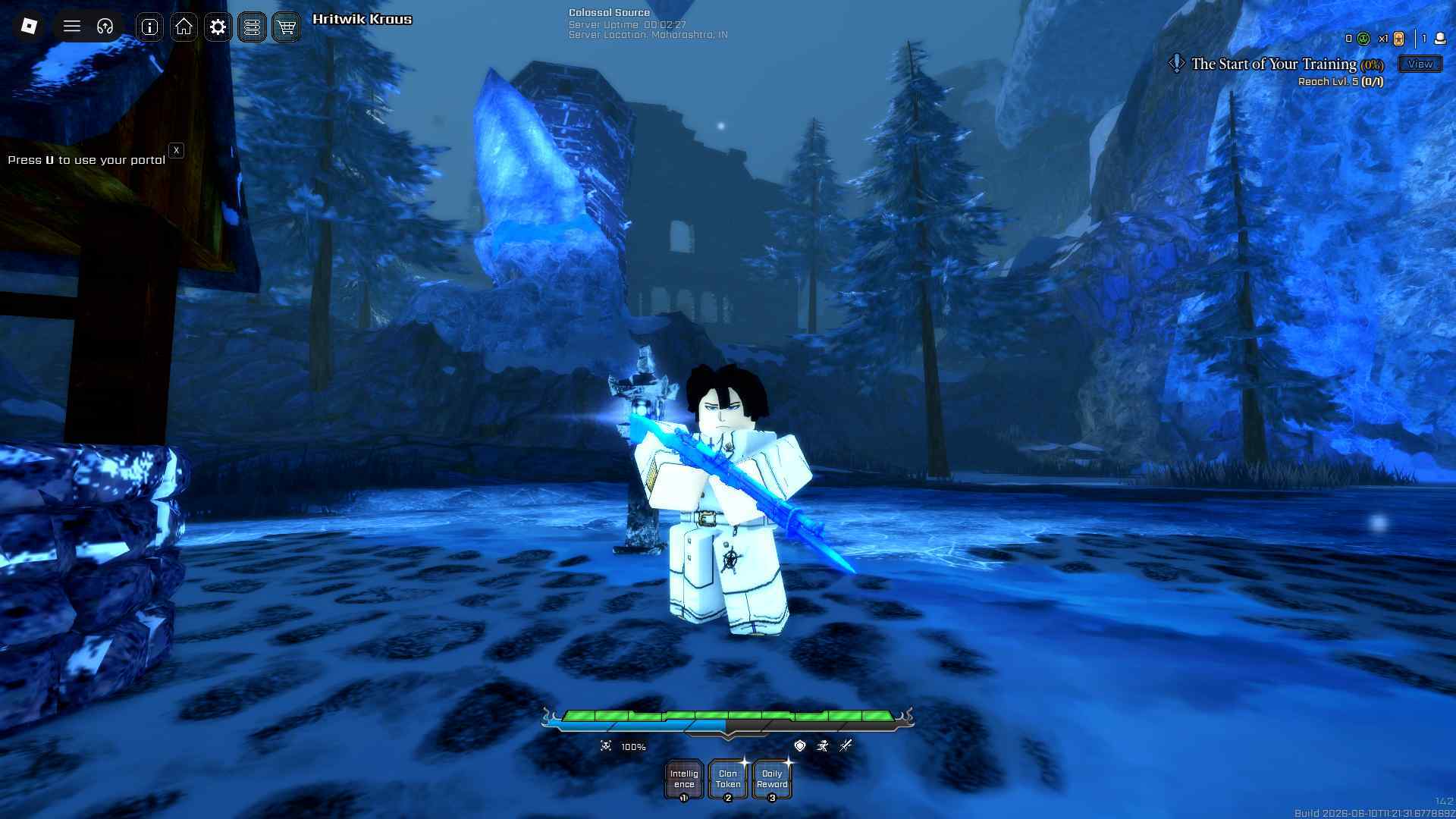
Here is how you can use the above VV: Ultimatum scripts to get the different auto and other features:
- Download Roblox Executor. (Arceus X or others)
- Some other executors include: krnl, Fluxus, Script-Ware, Script-Ware M, and Synapse
- Once the download is complete, install the Roblox Executor, then open it and log in with your Roblox account.
- Search and play VV: Ultimatum.
- Click on the executor icon. If required, copy the key.
- While playing VV: Ultimatum, open Script Hub.
- Copy and paste the working scripts above as per your requirements.
- Execute the script.