






This guide shares community-made scripts for Roblox Drain the Lake and the steps to use them for infinite stamina, autofill bucket, and similar features.

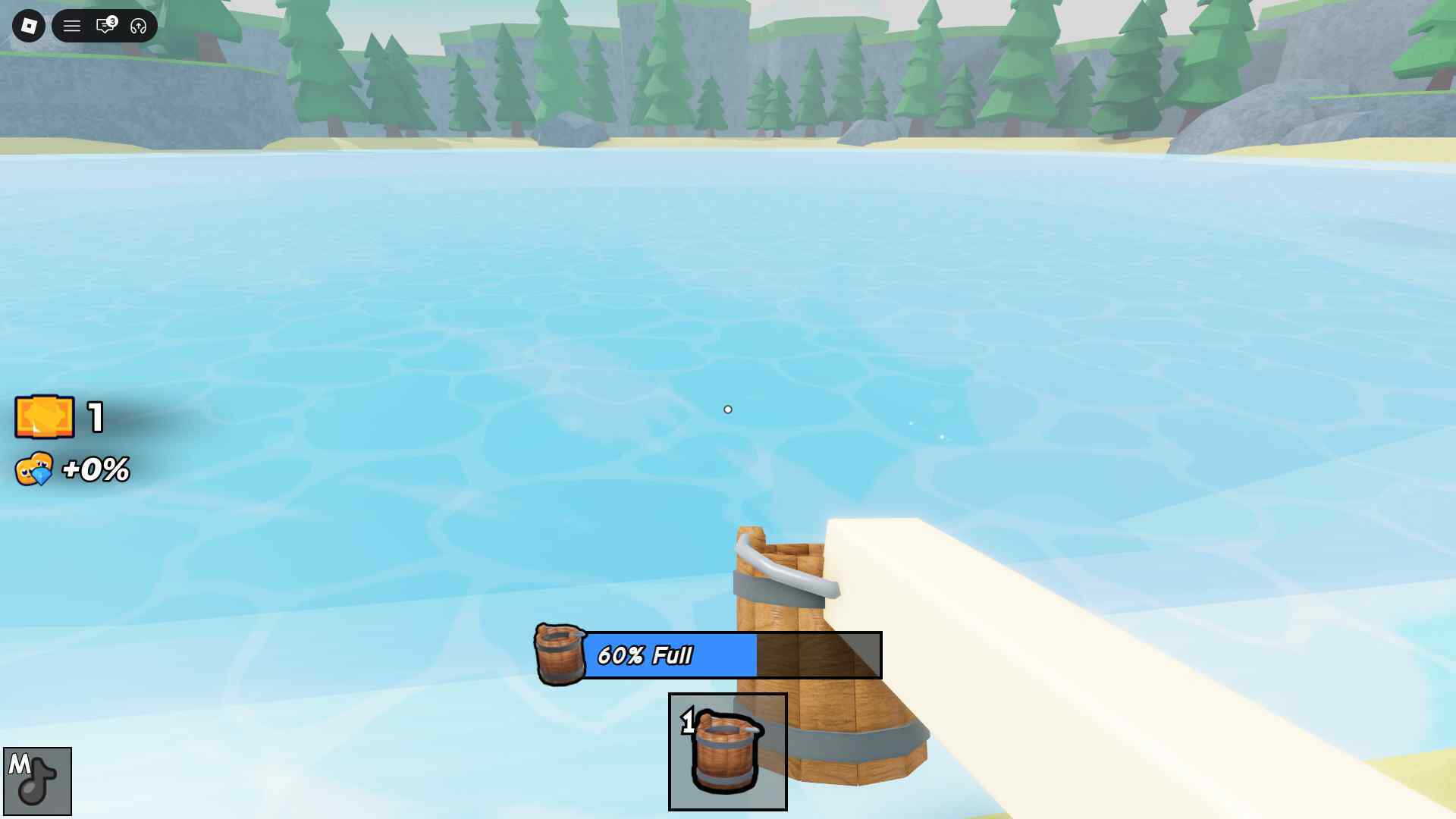
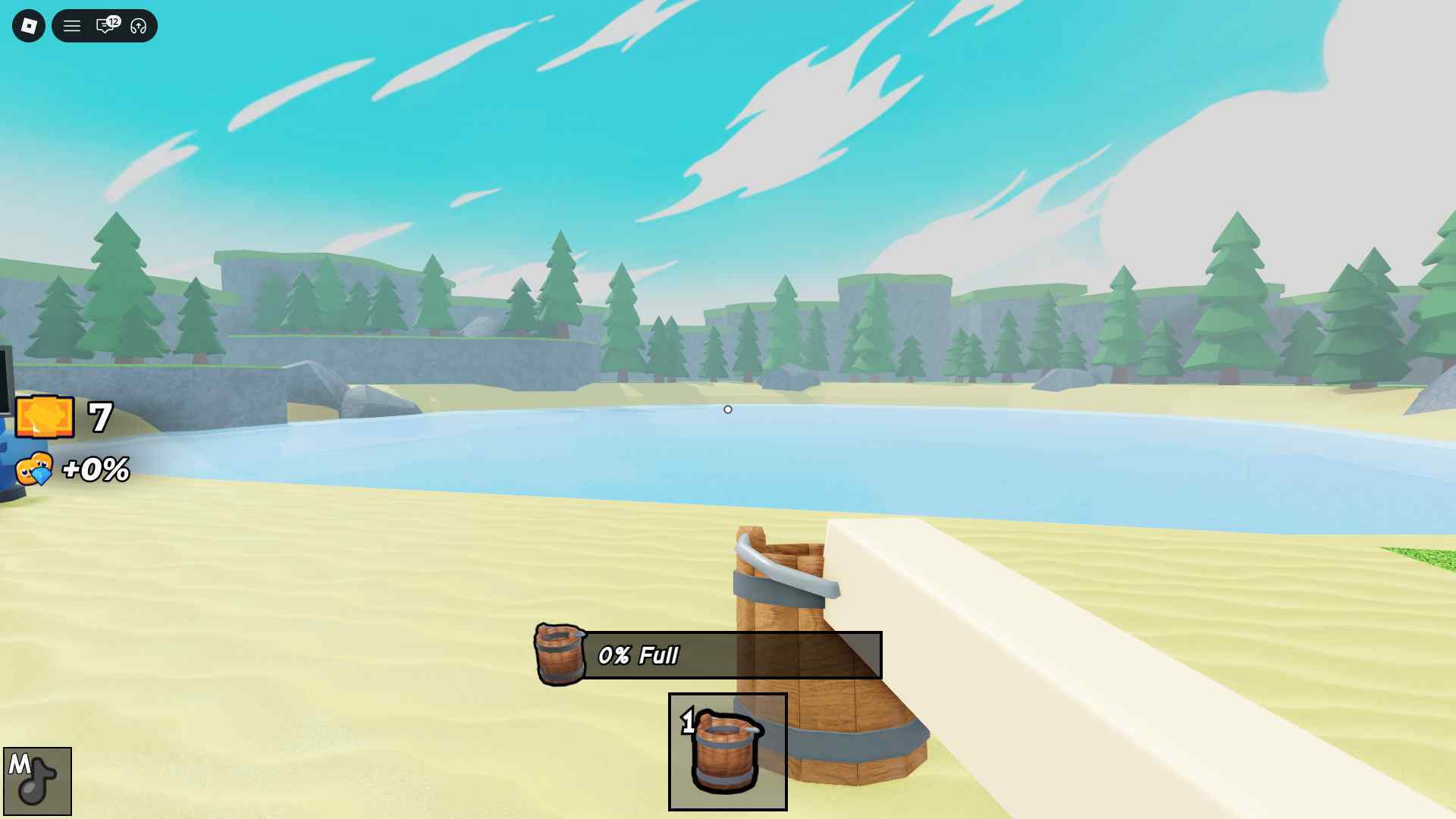
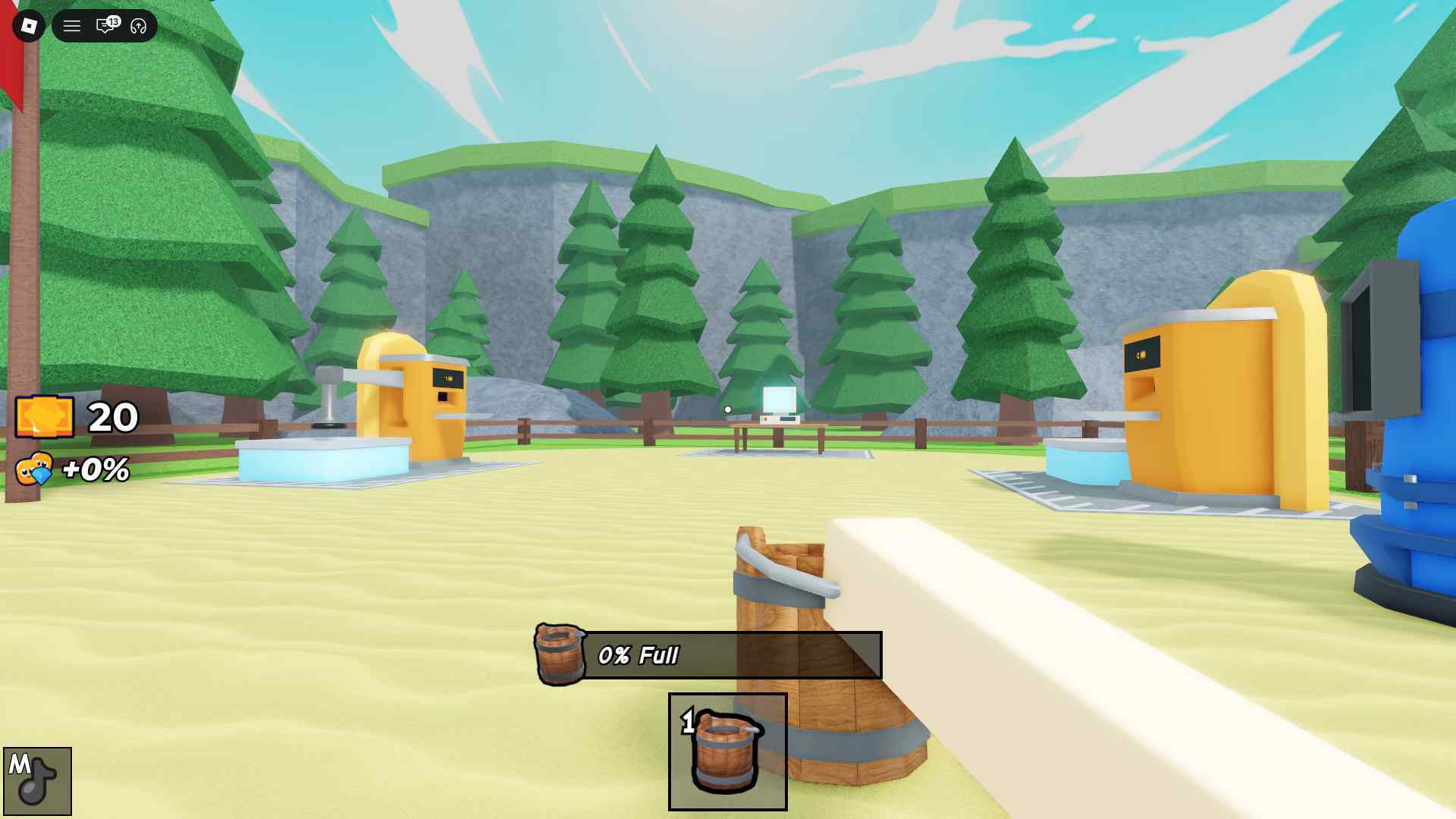
Drain the Lake is a casual Roblox experience where you use your bucket to drain a lake and find your phone that fell in. Yes. That is the whole premise of the game.
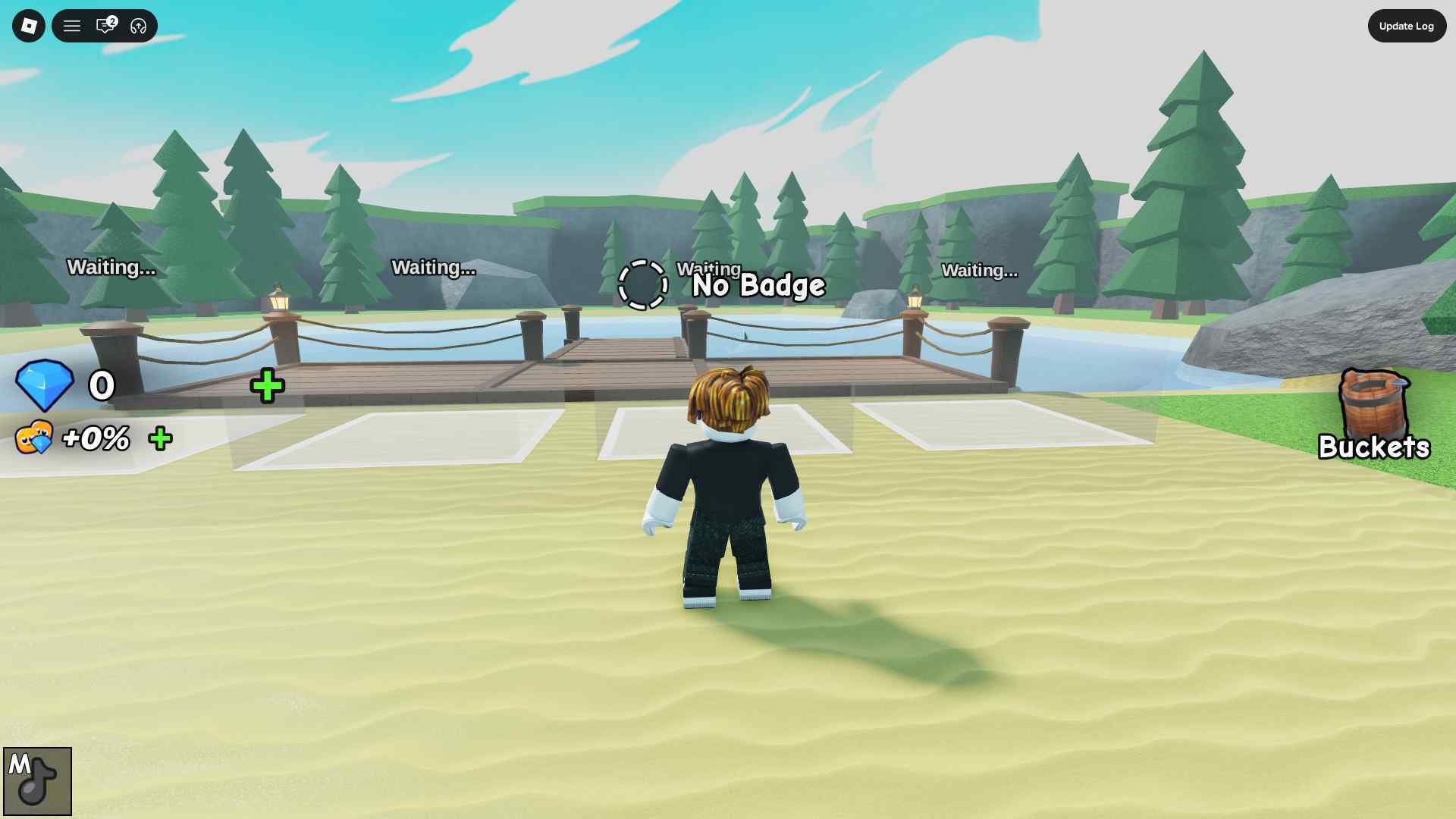
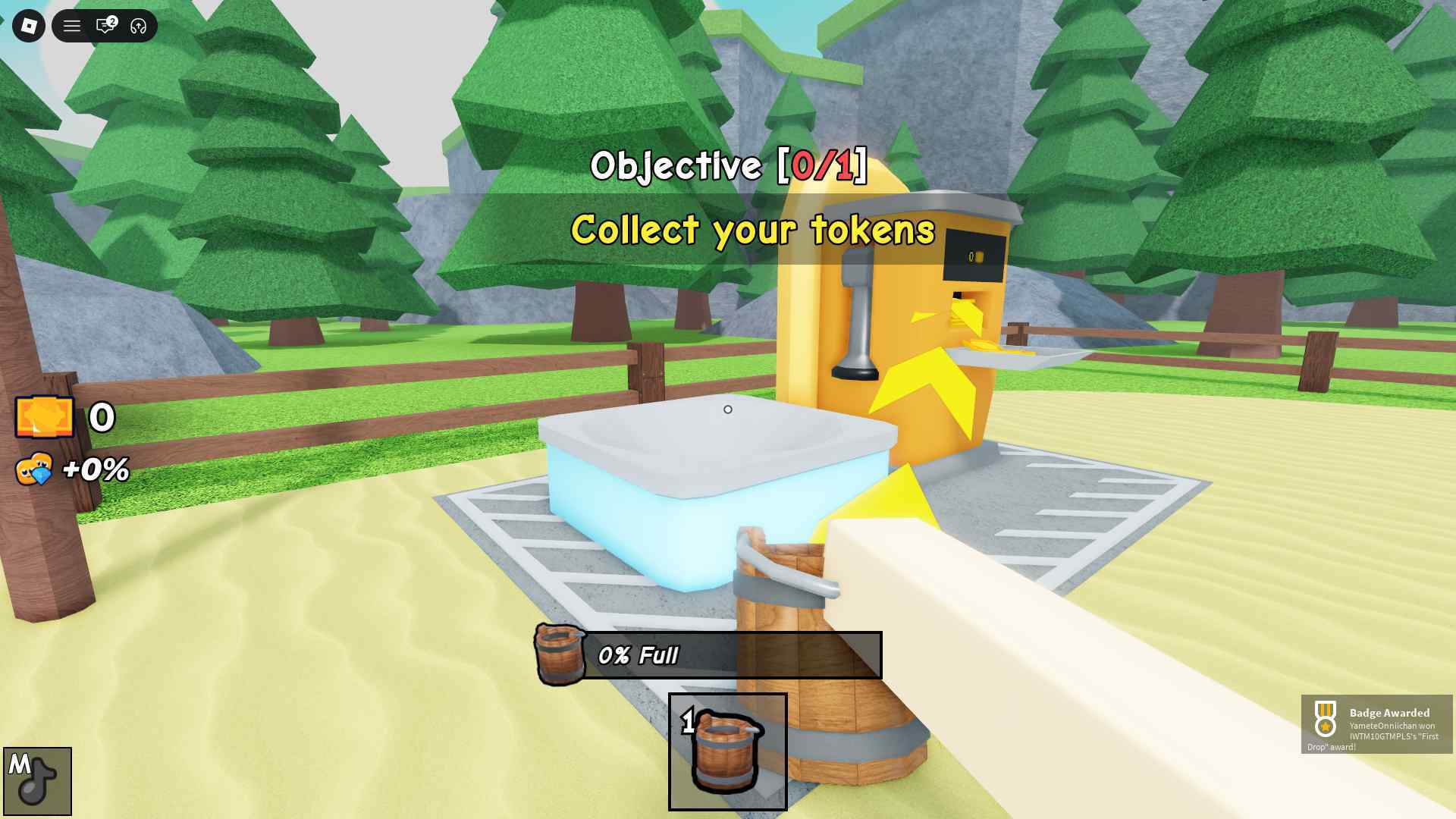
The game is played from a first-person perspective and features upgrades you can unlock with Tokens you earn by submitting water, which further speeds up the process.
The more you increase the difficulty, the more you realize the grind. It gets bad for some players, and, thankfully, the Roblox community has made a few scripts for them.
So keep reading our guide as we share some community-made scripts for Drain the Lake and go over the steps to use them.
All Working Scripts for Drain the Lake
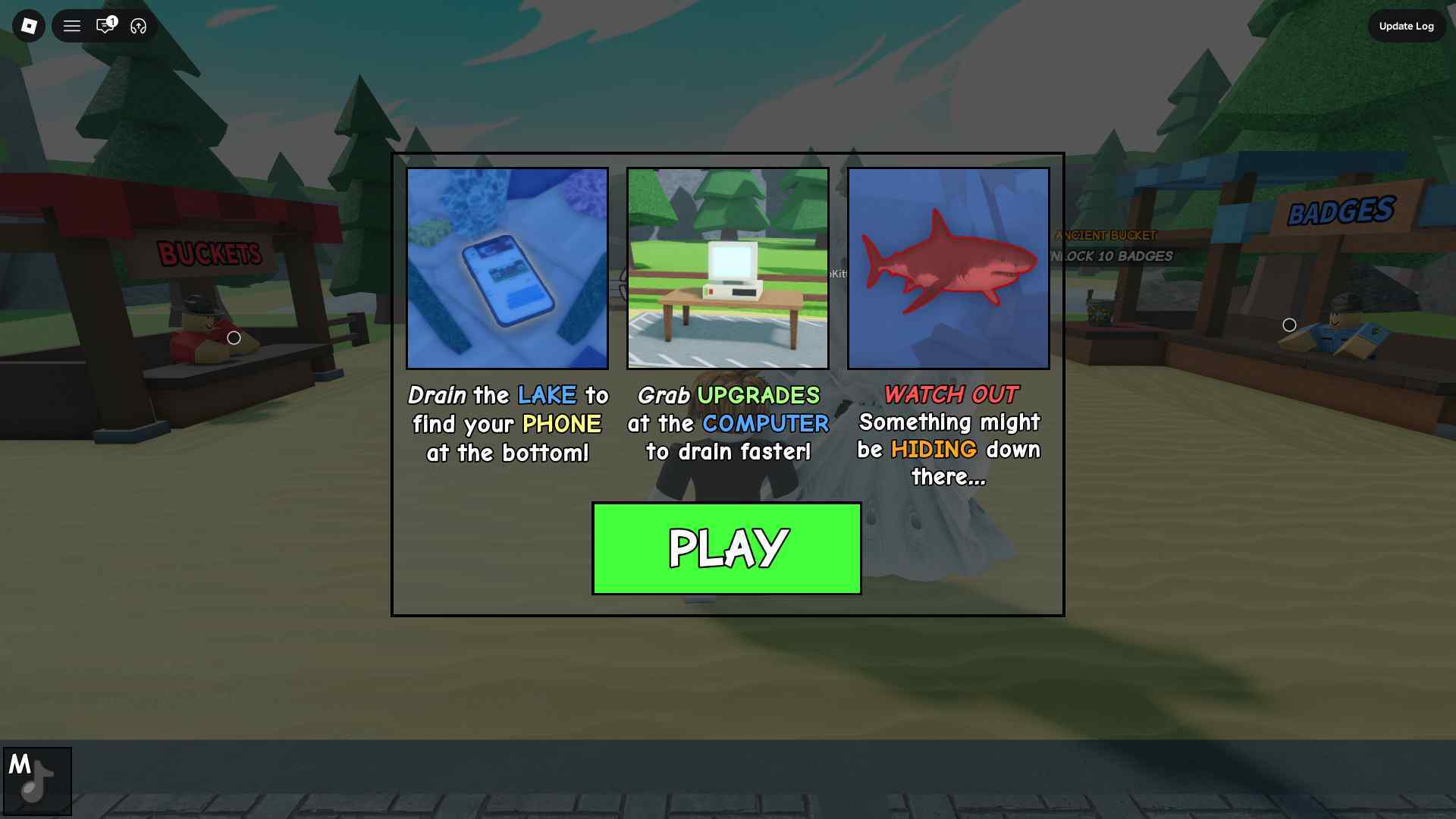
Here are the latest working scripts for the game:
Update: We checked for new scripts on August 4, 2026.
Disclaimer: Roblox scripts can get you banned in the game and also on the platform. So please use them at your own risk. Also, it is best to use scripts on new accounts rather than your regular ones.
Script 1
loadstring(game:HttpGet("https://api.jnkie.com/api/v1/luascripts/public/f0b3ce85f588800ae7e46415fc4dd79ff2b0d09c9b6a8e19cea8a67b47f1bcbd/download"))()
Script 2
loadstring(game:HttpGet("https://raw.githubusercontent.com/Kaitofyp/-Drain-the-Lake-Op-script/refs/heads/main/obf_5sc8Ei923Fv2TvU1F7uKl54i8Iw81o6GFg3u4CFNLAzycLcP9XqLJf3shJJAFahV.lua.txt"))()
Script 3
loadstring(game:HttpGet("https://raw.githubusercontent.com/rblxshop/Rblxscripts/refs/heads/main/Drainthelake.lua"))()
Script 4
loadstring(game:HttpGet("https://raw.githubusercontent.com/gumanba/Scripts/refs/heads/main/DraintheLake", true))()
How to Use Drain the Lake Scripts
Using the Drain the Lake scripts is simple; all you need is a Roblox Script Executor such as Arceus X, krnl, Fluxus, Script-Ware, Script-Ware M, and Synapse.
Once the download is complete, install the Roblox Executor, then open it and log in with your Roblox account. Search and play Drain the Lake.
Click on the executor icon. If required, copy the key. At the same time, open the Script Hub while playing Drain the Lake. Copy and paste the working scripts above as per your requirements.
Execute the script.