






In this guide, we explain how you can play The Division Resurgence on PC.
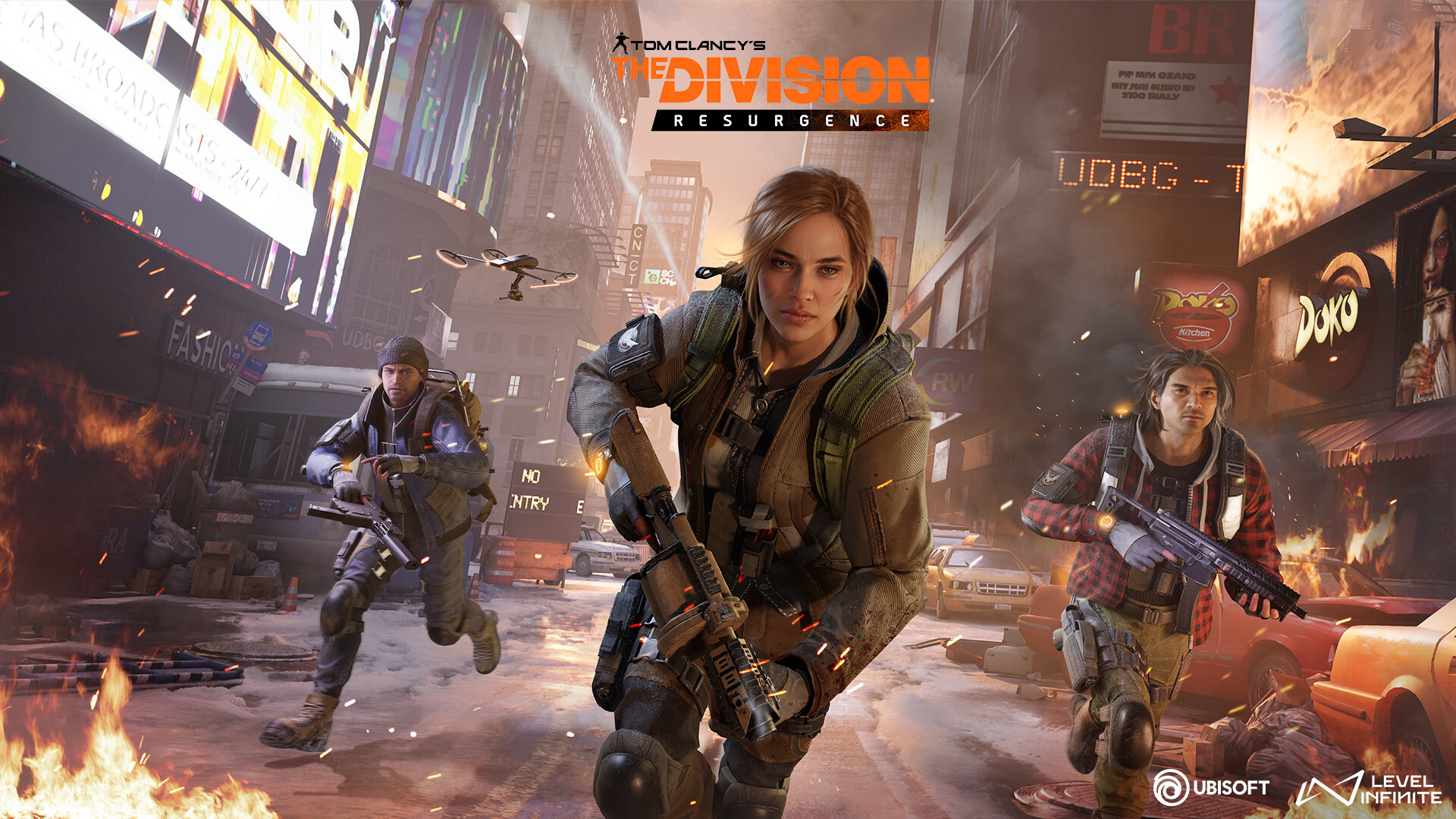
The Division Resurgence is a free-to-play third-person looter shooter RPG that Ubisoft has co-developed with Level Infinite for mobile devices, including the Android and iOS platforms.
And while it is a mobile-first game, many fans of the The Division franchise and some players in general want to play it on a bigger screen on their PC.
But sadly, the game is not available on Ubisoft’s own launcher, nor does it have a dedicated one, as we see with many other mobile games, catered towards PC players.
In the wake of that, many players were wondering how to play The Division Resurgence on PC. In this guide, we have shared some alternatives you can use.
Playing The Division Resurgence on PC
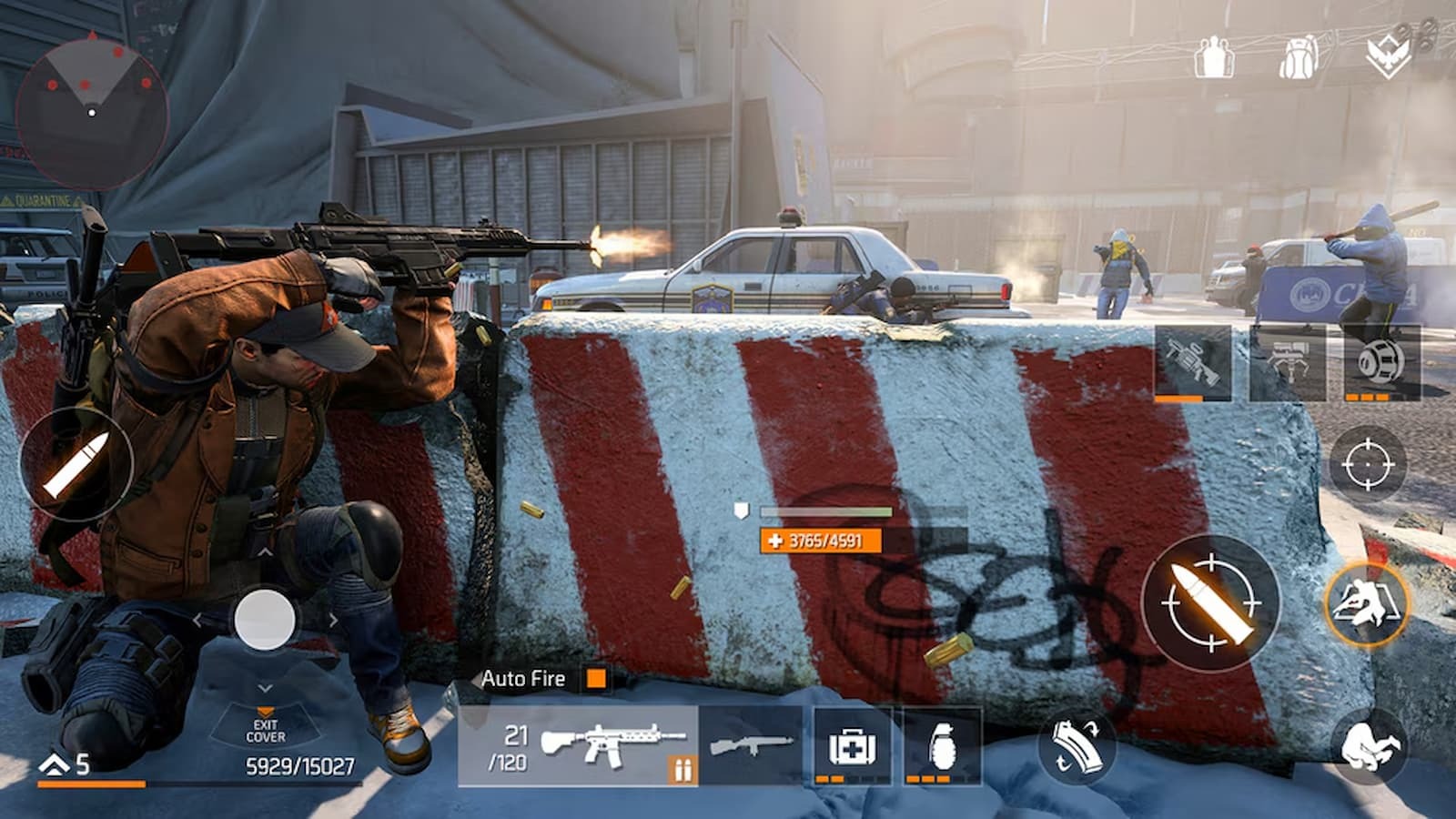
Currently, the only options for playing The Division Resurgence on PC are third-party emulators or Google’s official Google Play Games launcher, which essentially emulates Android games on PC.
We recommend the latter, as it is an official launcher; however, if you already use or have used a preferred emulator, you can play The Division Resurgence through it on PC.
A point to note is that during the game’s testing phase, players using emulators reported performance issues that were not present when playing the game natively on supported mobile devices.
That being out of the way, The Division Resurgence does offer full support for Keyboard and Mouse, Backbone, PS5, and other controllers.