






In this guide, we share some of the community-made scripts for Roblox +1 Speed Keyboard Escape that you can use for auto walk, win, and such features.
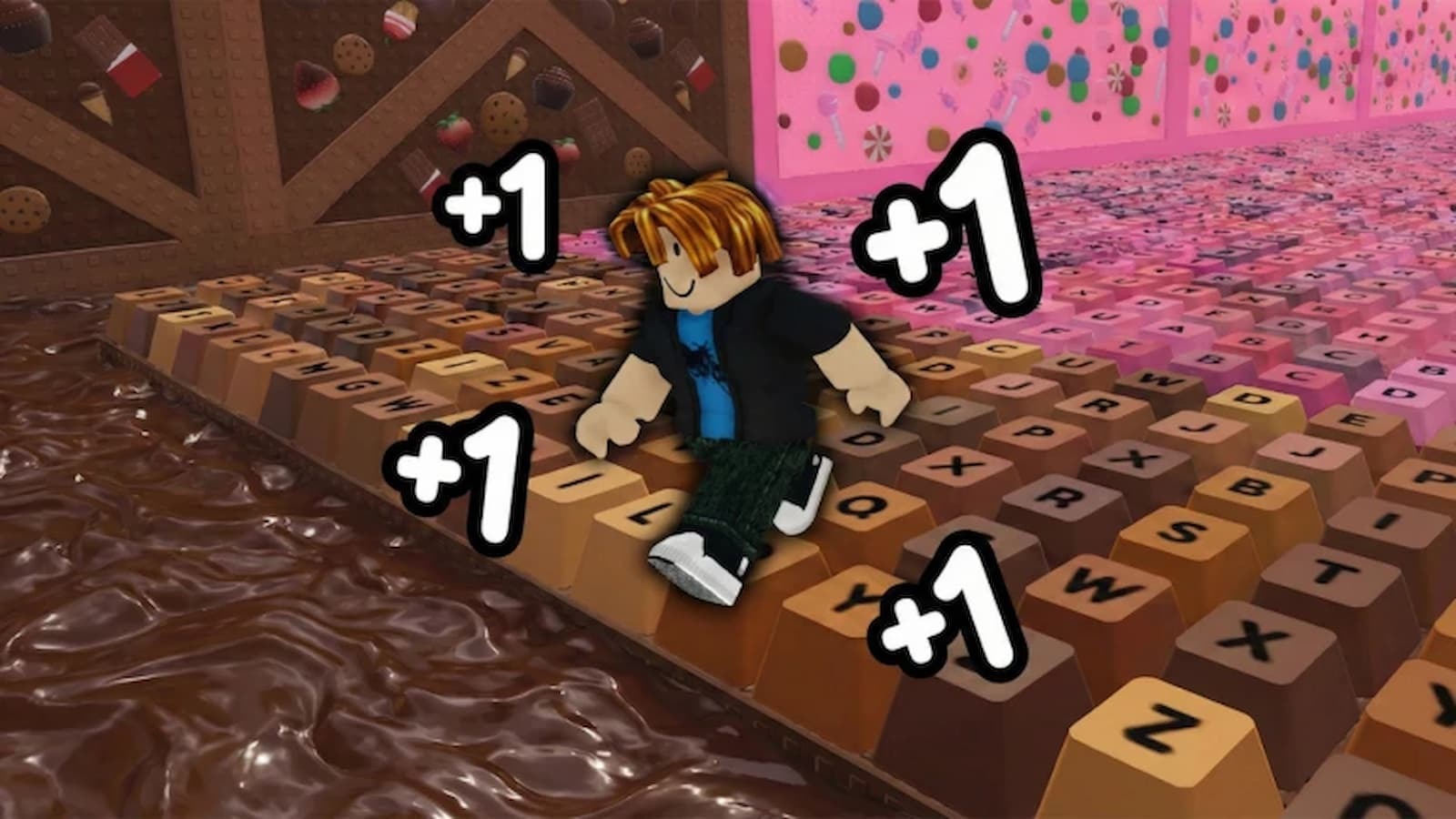
+1 Speed Keyboard Escape is an experience on the Roblox platform where every step you take increases your speed, which eventually unlocks powerful multipliers, helping you climb up the score and win against randoms or your friends by getting a high score.
The goal is to become the fastest, and to do that, you need speed, which you can build through walking and similar activities.
And while you can work your way through to become the top player, you can also rely on scripts to do the boring work for you.
For players who didn’t know, just like any other Roblox game, +1 Speed Keyboard Escape has community-made scripts that enable auto-walk, run, and other features that help you reach a high score in less time with no manual effort.
So if that interests you, keep reading our guide as we share +1 Speed Keyboard Escape scripts and steps for using them.
All Working Scripts for +1 Speed Keyboard Escape
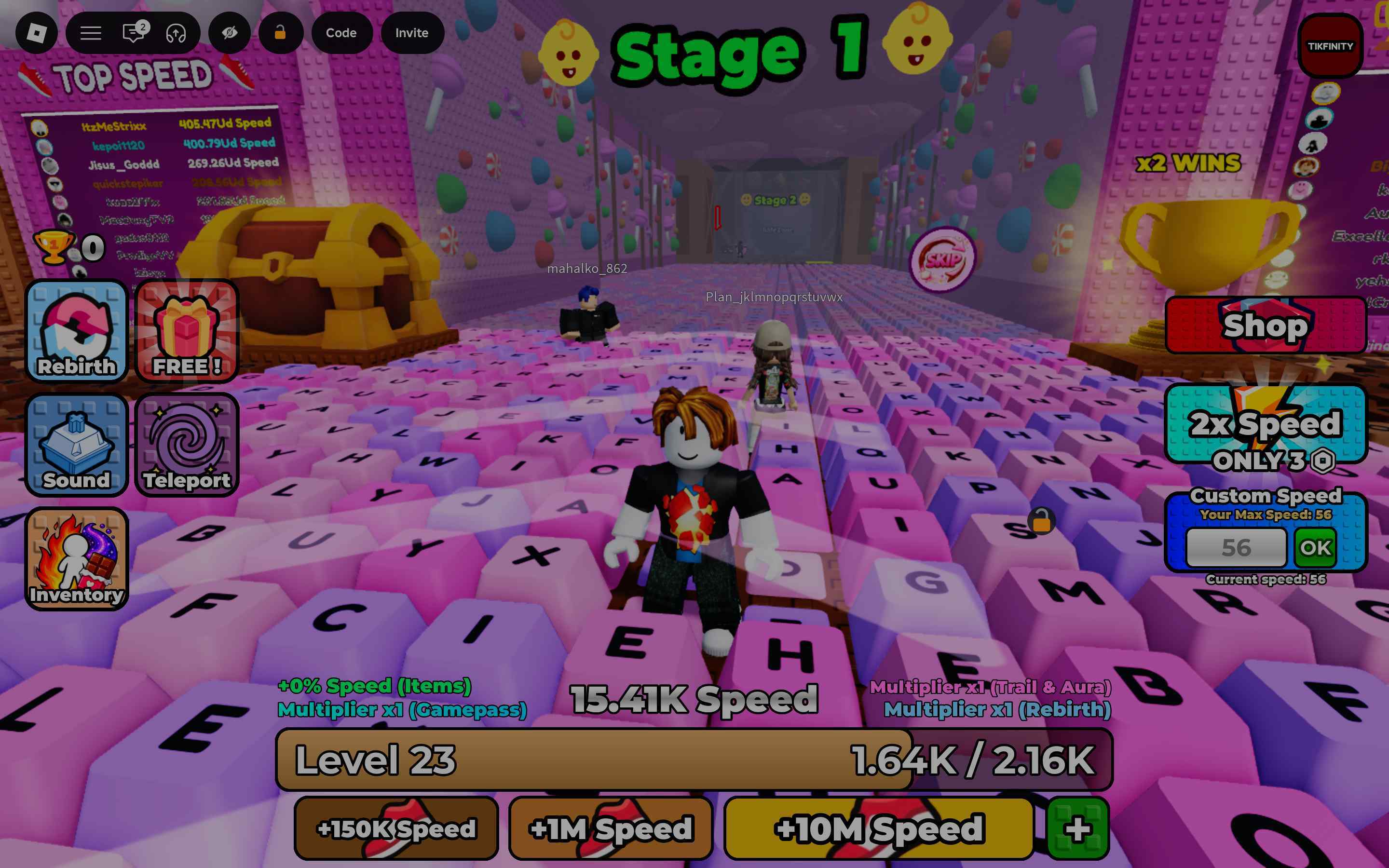
Here are the latest scripts for the game that you can use via any Roblox scripts executor:
Disclaimer: Roblox scripts can get you banned in the game and also on the platform. So please use them at your own risk. Also, it is best to use scripts on new accounts rather than your regular ones.
Script 1
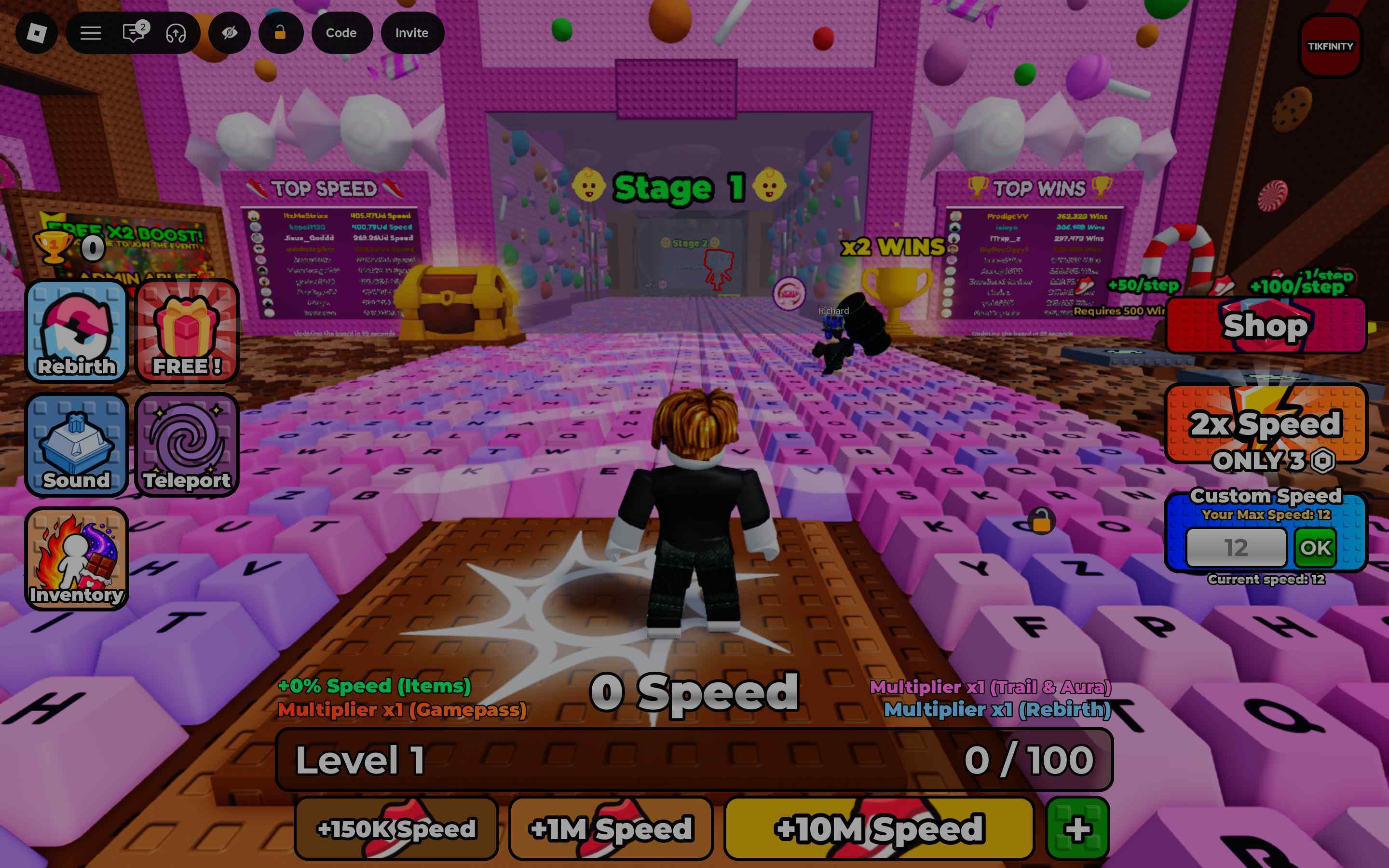
loadstring(game:HttpGet("https://raw.githubusercontent.com/ccdushii/zzzzzzzzz/refs/heads/main/ssssssssss"))()
Want to earn some side income by testing out new games and completing tasks? Check out Lootday today!
Script 2
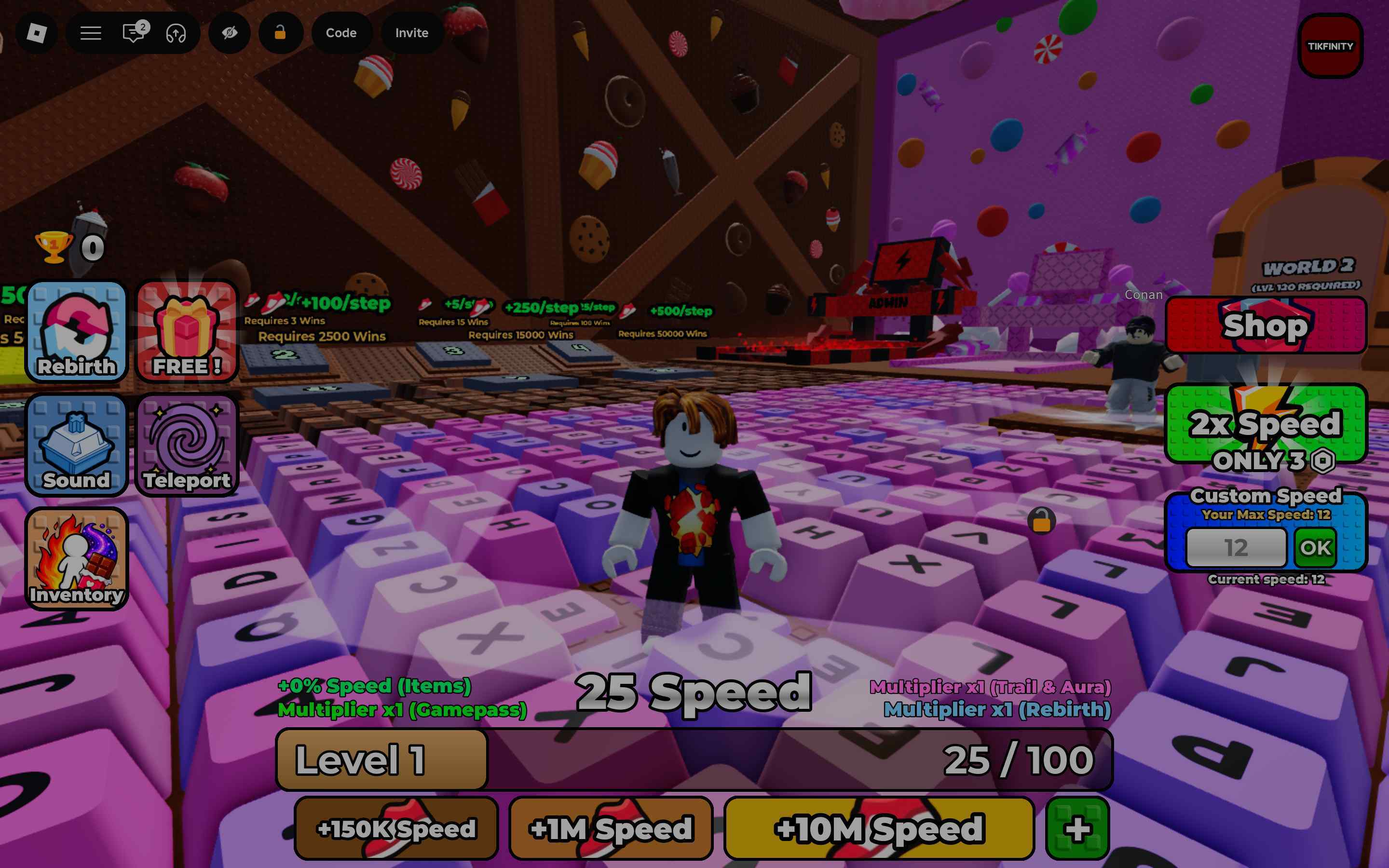
loadstring(game:HttpGet("https://gist.githubusercontent.com/nex-no1/ce10c68544ec307586f36cf1e6d15e98/raw/"))()
Script 3
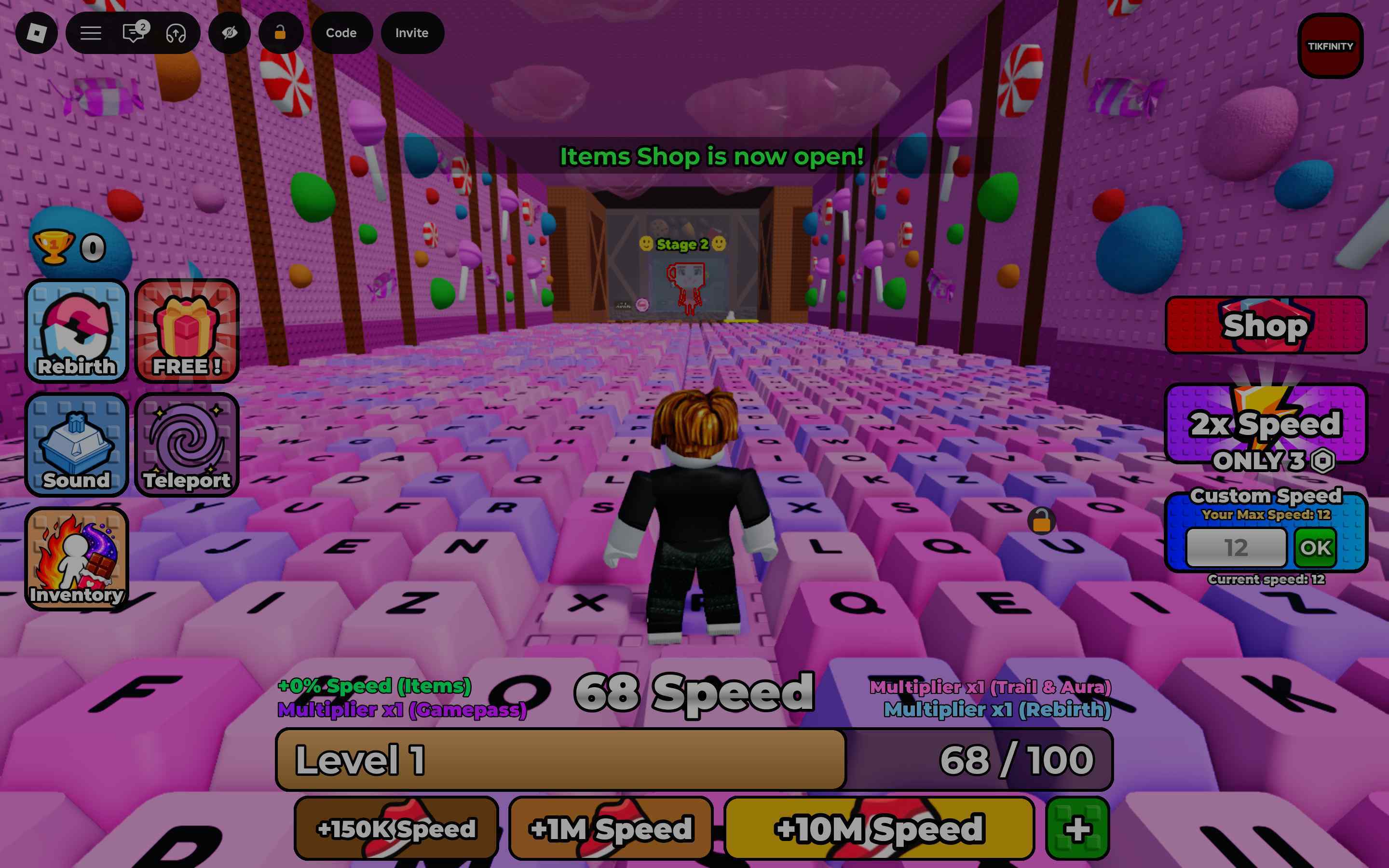
loadstring(game:HttpGet("https://raw.githubusercontent.com/lastxvc/-1-speed-keyboard/refs/heads/main/script"))()
Script 4
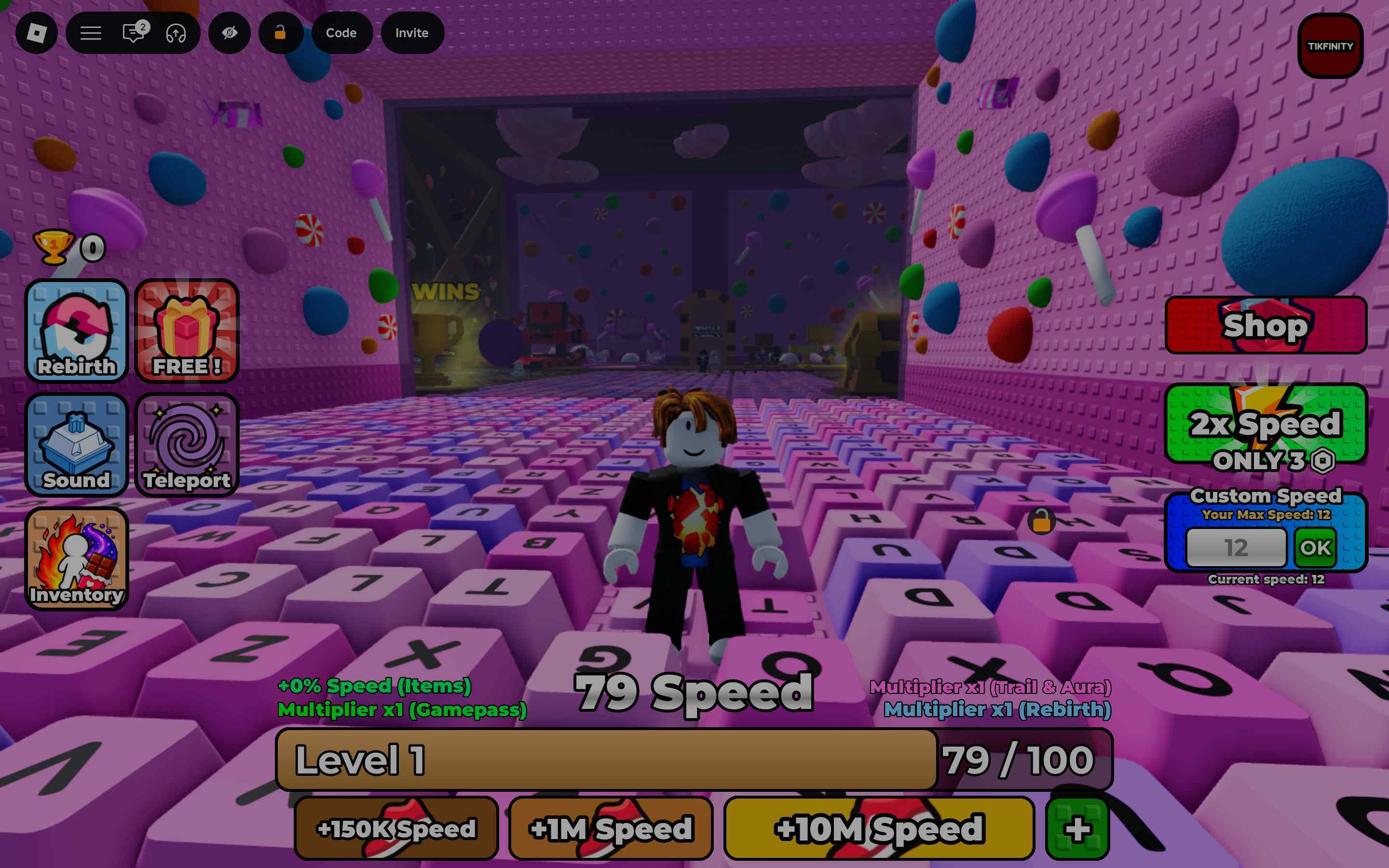
loadstring(game:HttpGet("https://pastefy.app/QxQtJUTL/raw"))()
Script 5
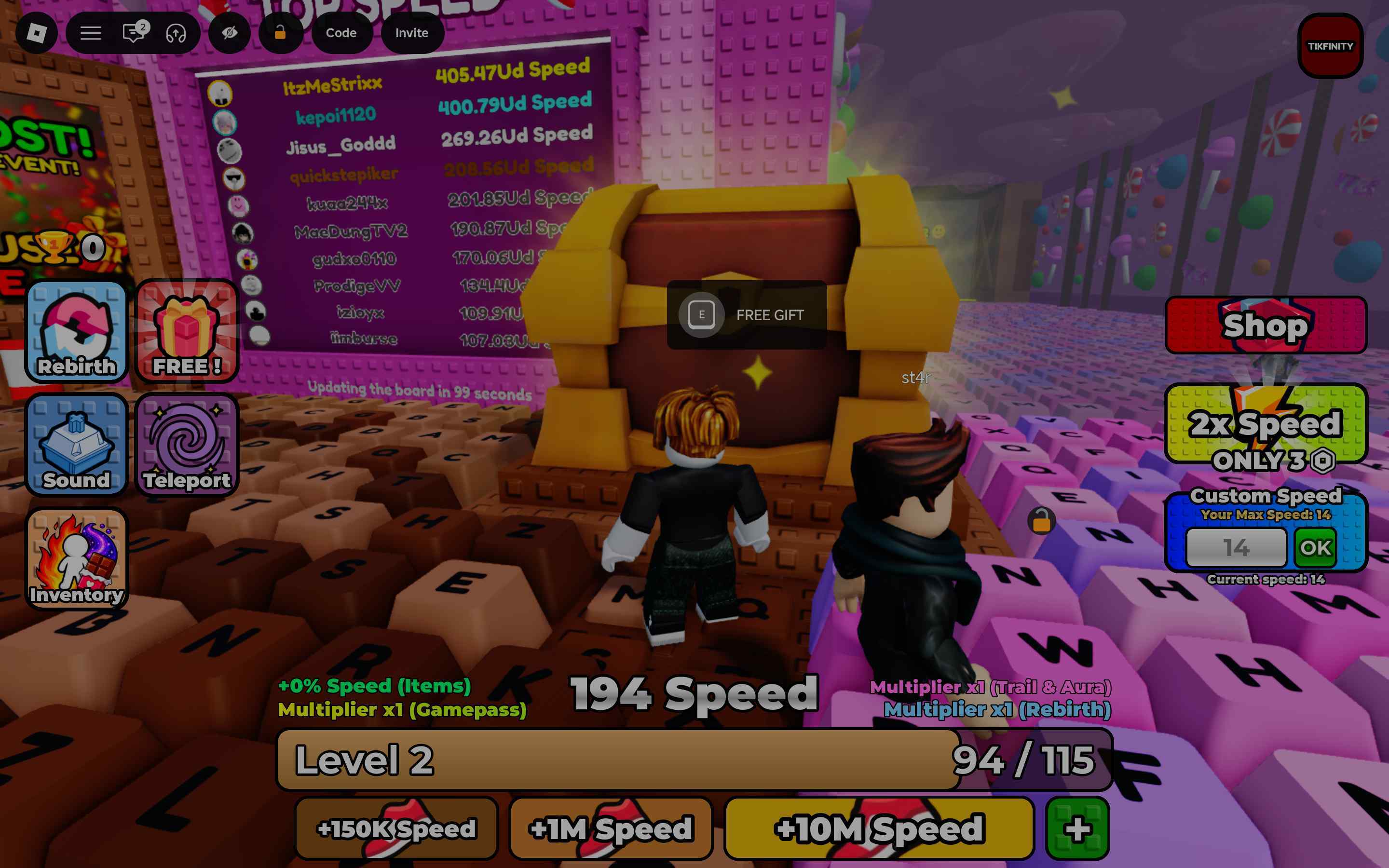
loadstring(game:HttpGet("https://pastebin.com/raw/PXGf6qSS"))()
--key: gas
How to Use +1 Speed Keyboard Escape Scripts
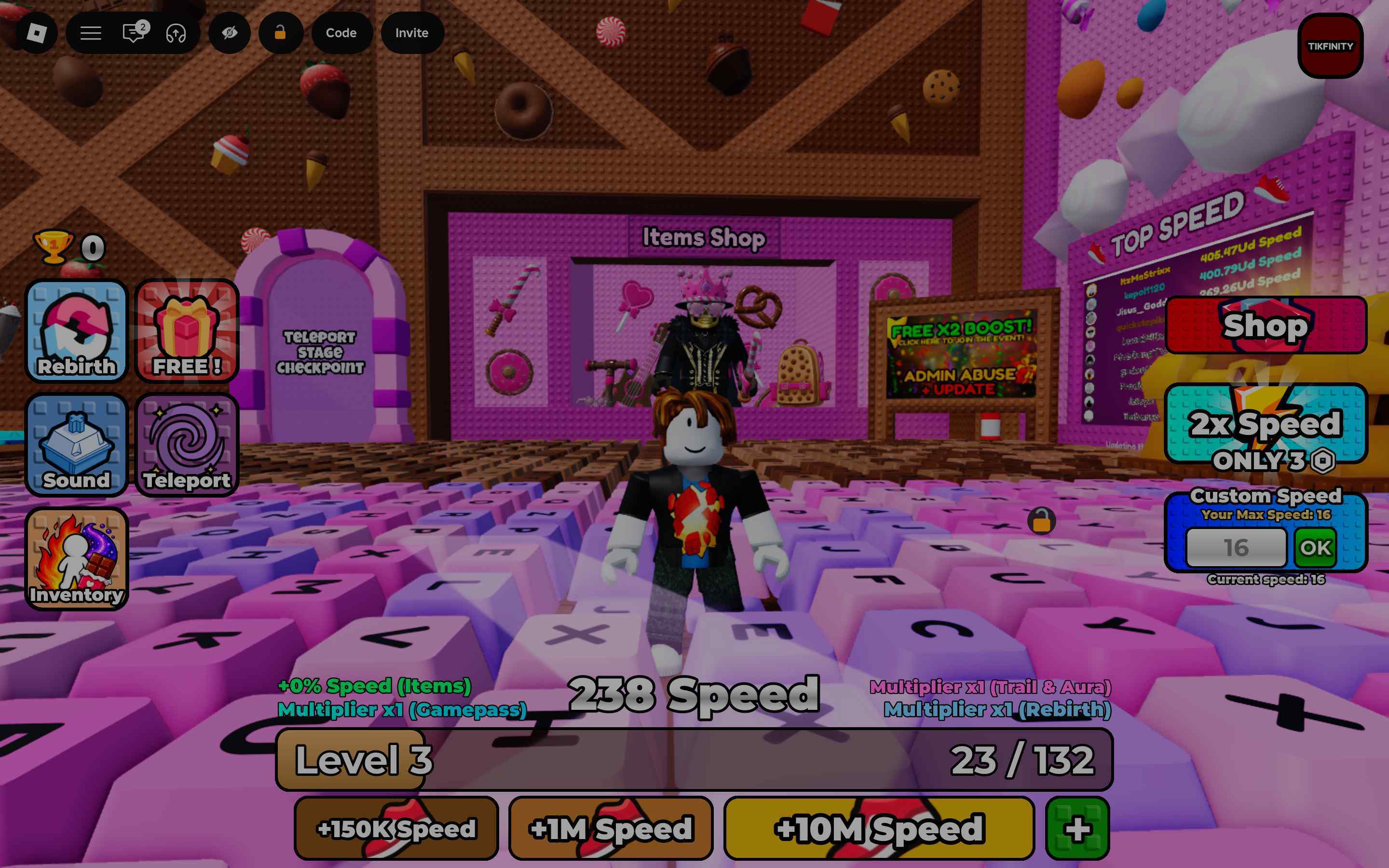
Here is how you can use the above scripts to get the different auto and other features:
- Download Roblox Executor. (Arceus X or others)
- Some other executors include: krnl, Fluxus, Script-Ware, Script-Ware M, and Synapse
- Once the download is complete, install the Roblox Executor, then open it and log in with your Roblox account.
- Search and play +1 Speed Keyboard Escape.
- Click on the executor icon. If required, copy the key.
- While playing +1 Speed Keyboard Escape, open Script Hub.
- Copy and paste the above working scripts as per your requirement.
- Execute the script.